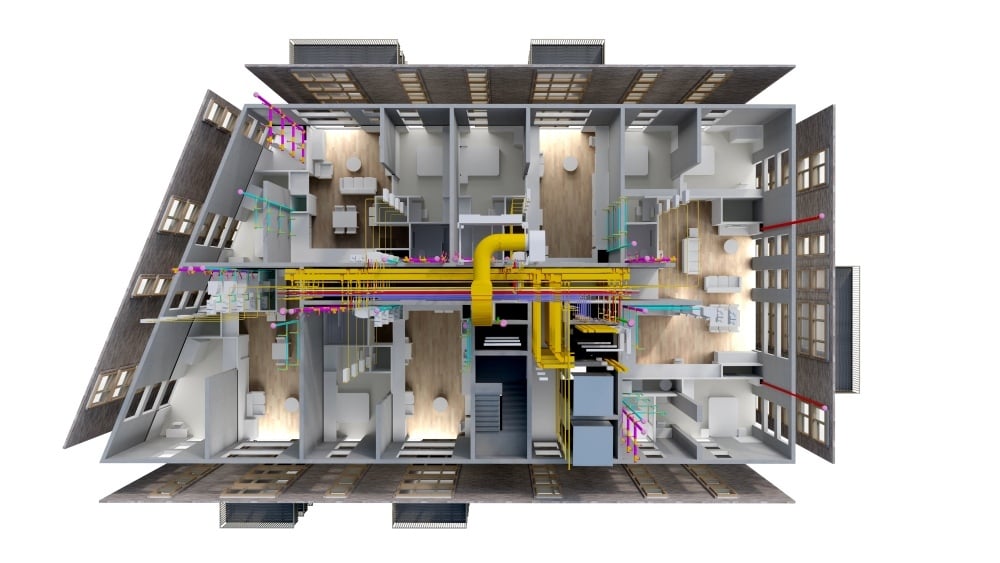

The Multi-Tool Reality of Modern BIM Workflows
BIM workflows have evolved from isolated software use to interconnected ecosystems where multiple tools contribute to different project stages. This shift reflects the increasing complexity of construction projects and the need for specialized capabilities across teams.
Modern BIM workflows typically involve:
-
Authoring tools for modeling and design
-
Coordination tools for clash detection and integration
-
Analysis tools for performance and simulation
-
Collaboration platforms for data sharing and communication
Relying on one software limits an architect’s ability to participate fully in these workflows. Each tool serves a specific purpose, and no single platform can cover all project needs effectively in practice.
Limitations of depending on one tool include:
-
Restricted workflow flexibility across project phases
-
Difficulty collaborating with teams using different platforms
-
Limited exposure to advanced capabilities such as simulation or automation
These limitations become more evident in large, multi-disciplinary projects where coordination across teams is essential and time-sensitive.
Professionals who restrict themselves to one platform also face risks that affect both project performance and career progression.
Key risks include:
-
Reduced adaptability in diverse project environments
-
Lower competitiveness in the job market
-
Challenges in handling complex coordination tasks
For example, an architect skilled only in a single authoring tool may struggle when a project requires integration with coordination or analysis platforms.
Understanding this multi-tool reality is essential for adapting to modern BIM workflows.
Interoperability, Data Exchange, and Cross-Platform Coordination
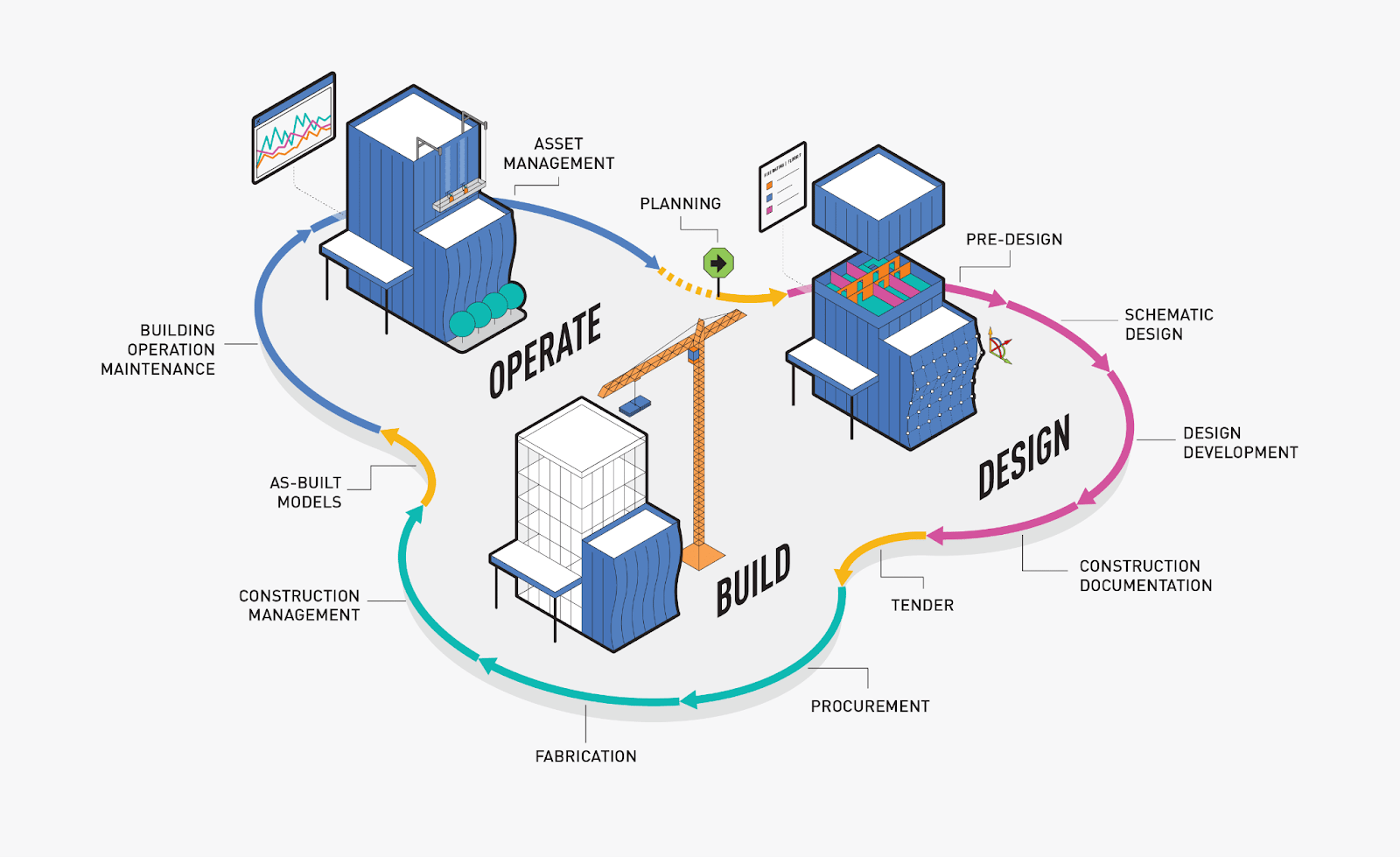
Interoperability is a core requirement in BIM workflows. It refers to the ability of different software tools to exchange and use data effectively without loss.
Understanding interoperability is important because:
-
Projects involve multiple stakeholders using different tools
-
Data must remain consistent across platforms
-
Efficient workflows depend on seamless information exchange
Without strong interoperability knowledge, professionals may struggle to manage project data effectively.
Challenges that arise when teams work across multiple platforms include:
-
Data loss or misinterpretation during file exchange
-
Compatibility issues between software formats
-
Coordination delays caused by inconsistent information
These challenges can affect project timelines and increase the risk of errors.
Architects can strengthen their ability to manage cross-platform workflows by focusing on practical skills.
Key approaches include:
-
Understanding common data formats such as IFC (Industry Foundation Classes)
-
Learning how different tools handle model data and structure
-
Practicing coordination workflows across multiple platforms
For instance, an architect who understands how to export and validate models across tools can reduce errors and improve collaboration significantly.
In addition, familiarity with common data environments enhances efficiency and transparency across teams.
Cross-platform coordination is no longer optional. It is a fundamental skill required for modern BIM professionals.
Career Growth and Competitive Advantage Through Software Diversity
Proficiency in multiple BIM tools has a direct impact on career opportunities and professional growth. Employers increasingly look for candidates who can adapt to different workflows and technologies effectively.
Multi-software expertise benefits careers in several ways:
-
Expands job opportunities across different firms and sectors
-
Supports higher salary potential due to broader skillsets
-
Enables participation in complex and high-value projects
Professionals who diversify their software skills often demonstrate stronger problem-solving abilities and adaptability in real project environments.
Common patterns observed among such professionals include:
-
Faster career progression into coordination or management roles
-
Greater involvement in cross-disciplinary decision-making
-
Increased ability to lead integrated project teams
These patterns reflect the value of versatility in a collaborative environment.
Multi-software knowledge also supports leadership development. Professionals who understand different tools can bridge gaps between teams and improve communication.
Ways this knowledge contributes to leadership roles include:
-
Coordinating workflows across disciplines
-
Making informed decisions based on integrated data
-
Guiding teams in adopting efficient digital processes
For example, a BIM professional who can work across authoring, coordination, and analysis tools is better positioned to manage complex projects successfully.
This combination of skills creates a strong competitive advantage in the industry.
Balancing Depth vs Breadth in BIM Skill Development
While learning multiple tools is important, professionals must balance depth and breadth in their skill development. Mastery of one tool remains essential for building a strong foundation.
An effective balance can be achieved through the following approach:
-
Develop deep expertise in one primary BIM tool
-
Gain working knowledge of complementary tools
-
Apply skills across different project scenarios
This approach ensures both specialization and adaptability.
The stage of a professional’s career influences when to expand beyond a primary tool. Early-career professionals benefit from focusing on one tool, while mid-career professionals can expand their skillsets.
Guidelines for expansion include:
-
After achieving confidence in core workflows
-
When project requirements demand additional tools
-
When aiming for advanced or leadership roles
Learning additional tools should be strategic rather than overwhelming.
Practical ways to manage this include:
-
Learning one new tool at a time
-
Focusing on specific use cases such as coordination or analysis
-
Using real projects to apply new skills
For example, an architect may start with a primary modeling tool and later learn a coordination tool to enhance project involvement gradually.
Balancing depth and breadth ensures long-term career growth without compromising expertise.
SME Recommendations: Building a Versatile BIM Skillset
Building a versatile BIM skillset requires a structured and functional approach. Expanding beyond one tool should be done gradually and with clear objectives.
A recommended roadmap for developing multi-software expertise includes:
-
Master one primary BIM tool thoroughly
-
Identify complementary tools based on project needs
-
Learn interoperability and data exchange workflows
-
Apply knowledge through real or simulated projects
This step-by-step approach ensures steady progress without confusion.
Complementary tools that provide strong practical advantages include:
-
Coordination tools such as Navisworks
-
Visualization tools for presentations and client engagement
-
Automation tools such as Dynamo for workflow efficiency
These tools enhance overall capability and improve project outcomes.
Adopting the right mindset is equally important. Professionals should focus on adaptability and continuous learning.
Key mindset principles include:
-
Viewing tools as enablers rather than limitations
-
Staying open to new technologies and workflows
-
Focusing on problem-solving rather than software dependency
For example, a professional who approaches BIM as a flexible ecosystem rather than a single tool will be better prepared for industry changes and expectations.
Developing a versatile skillset requires both technical learning and strategic thinking.