


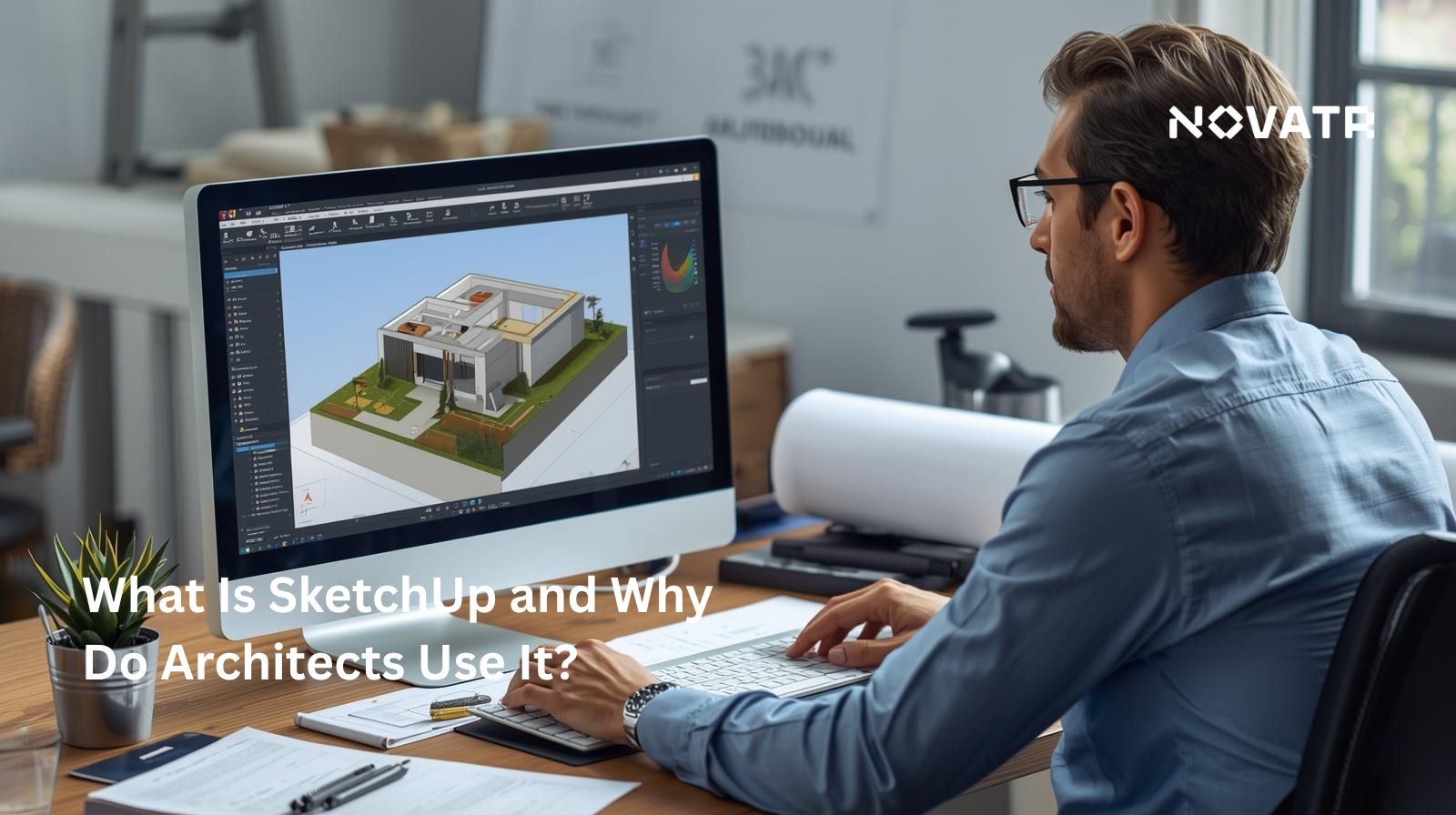

What is SketchUp, and how does it work?
SketchUp software is a 3D modeling tool designed to make the process of creating, visualising, and communicating architectural and design ideas as straightforward as possible. Unlike other technical platforms that require setup or coding expertise, SketchUp works on an intuitive push-pull modeling system. This means users can draw a 2D shape and push/pull it into a 3D form easily.
How It Works in Practice?
SketchUp's workflow is built around simplicity. Users start with basic geometric shapes and progressively add detail such as walls, openings, roofs, and furnishings. This approach builds the model layer by layer.
Key aspects of the process include:
-
Drawing tools for creating precise lines, arcs, and shapes
-
Push-Pull functionality that converts flat surfaces into three-dimensional forms
-
Component libraries that allow users to import pre-built elements like doors, windows, and furniture
-
Layer and group management for organising complex models efficiently
With SketchUp, basic modeling skills can be developed relatively quickly, while more advanced techniques, such as rendering, scripting, and plugin integration, offer room to grow as users gain confidence in using the software.
Why do architects prefer SketchUp for conceptual design?
Conceptual design is where ideas first take shape, and the speed at which projects start is crucial. Architects need tools that keep pace with their thinking enabling them to sketch, iterate, and communicate ideas effectively. That's where SketchUp software earns its reputation, and why it remains a leading answer to the question of what SketchUp is used for in architecture.
1. Speed of Iteration
One of the most recognised SketchUp benefits for architects is how quickly concepts can be built and modified. The modeling software allows architects to model massing concepts, explore spatial relationships, and experiment with form in real time, without committing to a highly detailed, time-intensive model. Changes that take hours on other platforms can often be made in minutes.
2. Visual Communication With Clients
Conceptual design also involves communicating ideas to clients who may have a less technical background. Clean, well-presented SketchUp 3D models make it significantly easier to convey early-stage concepts in a way that clients can understand and respond to. Paired with SketchUp rendering software or tools like Easy Render for SketchUp, these models can be turned into highly convincing visuals.
3. Flexibility and Extensibility
Why do architects use SketchUp beyond the concept stage? Because it grows with the project. Through plugins, the platform extends beyond basic modeling. It supports advanced rendering, energy analysis, and detailed documentation. This makes it one of the most adaptable tools available across design disciplines.
For those exploring how to learn SketchUp software, the beginning is accessible, particularly for beginners in architecture.
How does SketchUp simplify 3D modeling and visualisation?
3D modeling is one of the more technically demanding aspects of architectural practice. What SketchUp software changes is the assumption that efficient modeling tools need to be complicated. This proves that SketchUp 3D modeling software can be both capable and accessible. Here’s how:
1. Visualisation Made Accessible
Creating compelling visuals no longer requires a separate pipeline. With integrated SketchUp render capabilities and software options, users can move from raw model to presentation-ready visual without switching platforms. Plugins like Easy Render for SketchUp make this process streamlined.
2. Extending Capability Through Plugins
From advanced rendering to structural analysis, important plugins for SketchUp allow users to tailor the software to their specific workflow needs, making it one of the most extensible tools in the SketchUp 3D software ecosystem.
3. From Beginner to Professional
For those exploring how to learn SketchUp software, the journey from basic designs to detailed SketchUp 3D models is well-supported by an extensive library of tutorials, templates, and community resources. Whether working on a small interior project or a large-scale architectural development, SketchUp software scales to the task.
What features make SketchUp suitable for presentations and client communication?
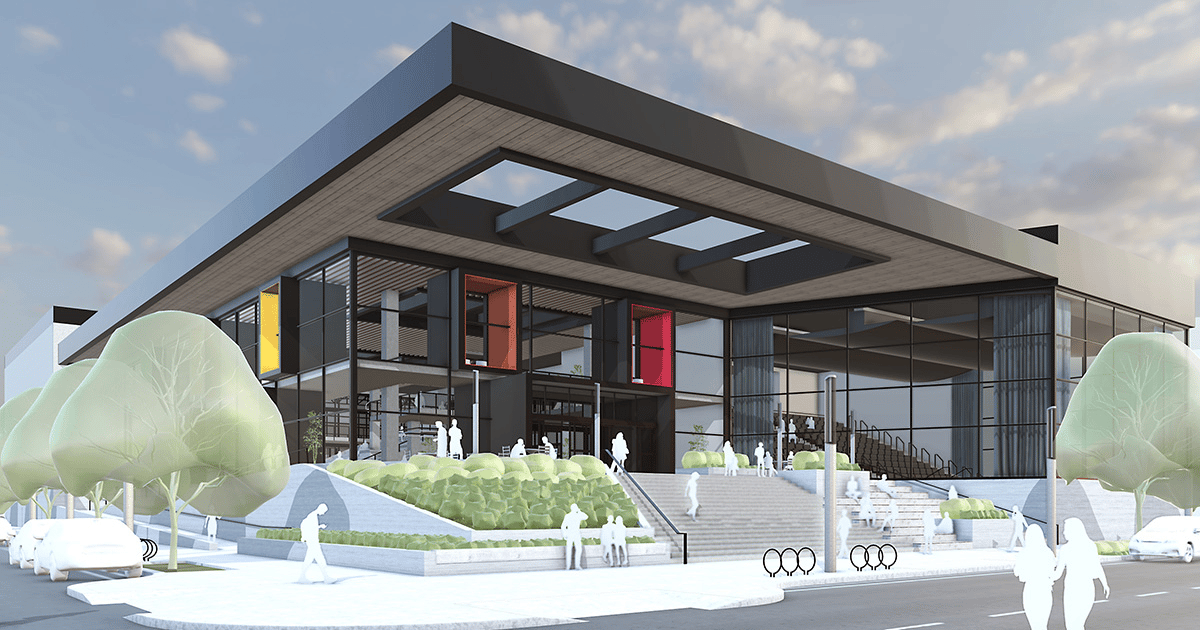
Client presentations are a critical moment in any architectural project, and the quality of how ideas are communicated can be just as influential as the ideas. SketchUp software is widely recognised for streamlining this process, giving architects the visual tools to present their work with clarity.
-
One of the benefits for architects is the freedom to create 3D models that professionals from non-technical backgrounds can understand.
-
Raw models are a starting point, but rendered visuals close the gap between concept and reality. With SketchUp rendering software and tools like Easy Render, architects can create designs that reflect the intent, helping clients visualise the finished result before the project begins. This is one of the major reasons why SketchUp is used in architecture.
-
SketchUp tools also support walkthroughs and animations
How does SketchUp integrate with BIM and rendering tools?
As architectural workflows grow more complex, the ability to connect tools across the design and delivery process becomes important. SketchUp software addresses this through a range of integration options that bridge conceptual design with more technical platforms.
1. SketchUp and BIM
While SketchUp 3D modelling software is not a native BIM platform, it connects effectively with BIM workflows through file export formats and SketchUp plugins. Models can be exported as IFC (Industry Foundation Classes) files, making them compatible with platforms like Revit.
2. Rendering Integrations
For visualisation, SketchUp software integrates easily with leading rendering software options, including V-Ray, Enscape, and Easy Render for SketchUp. These integrations allow architects to create high-quality render outputs directly from their working model, eliminating the need for complex file transfers or switching platforms.
3. Extending Through Plugins
The broader range of important plugins for SketchUp further strengthens these integrations, covering everything from structural analysis tools to advanced material libraries. This makes SketchUp 3D software a genuinely connective layer within a wider architectural technology stack, rather than an isolated modeling tool.
For teams managing SketchUp jobs across multiple platforms and disciplines, this ability to exchange information is one of the most valuable aspects of the software.
What are the limitations architects should consider?
No tool is without its drawbacks, and understanding where SketchUp software falls short is just as important as knowing its strengths. Let’s dive into the limitations:
1. Not a Full BIM Solution
SketchUp 3D modeling software is not a native BIM platform. While the SketchUp plugins can extend its capabilities, teams requiring detailed BIM deliverables will likely need to transition to dedicated platforms at some stage.
2. Performance at Scale
Large, highly detailed SketchUp 3D models with extensive textures and components can slow the platform significantly, which is a practical consideration for complex commercial projects.
3. Rendering Requires Additional Tools
Achieving photorealistic outputs requires third-party SketchUp rendering software, adding both cost and an additional learning curve for those still mastering the core platform.
4. Limited Documentation Support
Compared to dedicated architectural platforms, SketchUp tools offer relatively limited support for construction documentation. Most teams pair it with other software to cover this gap.

.png)
