


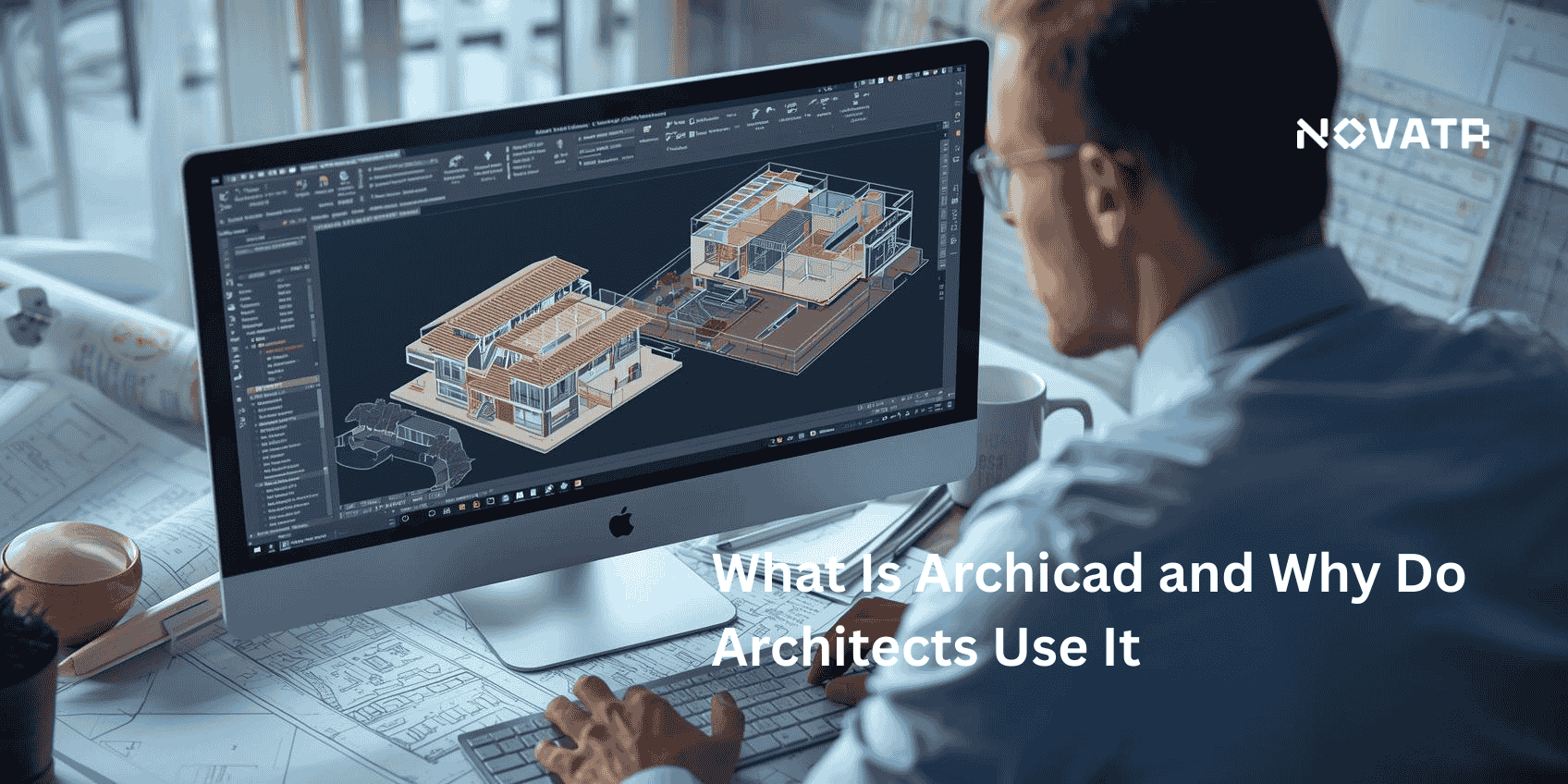

What Is Archicad?
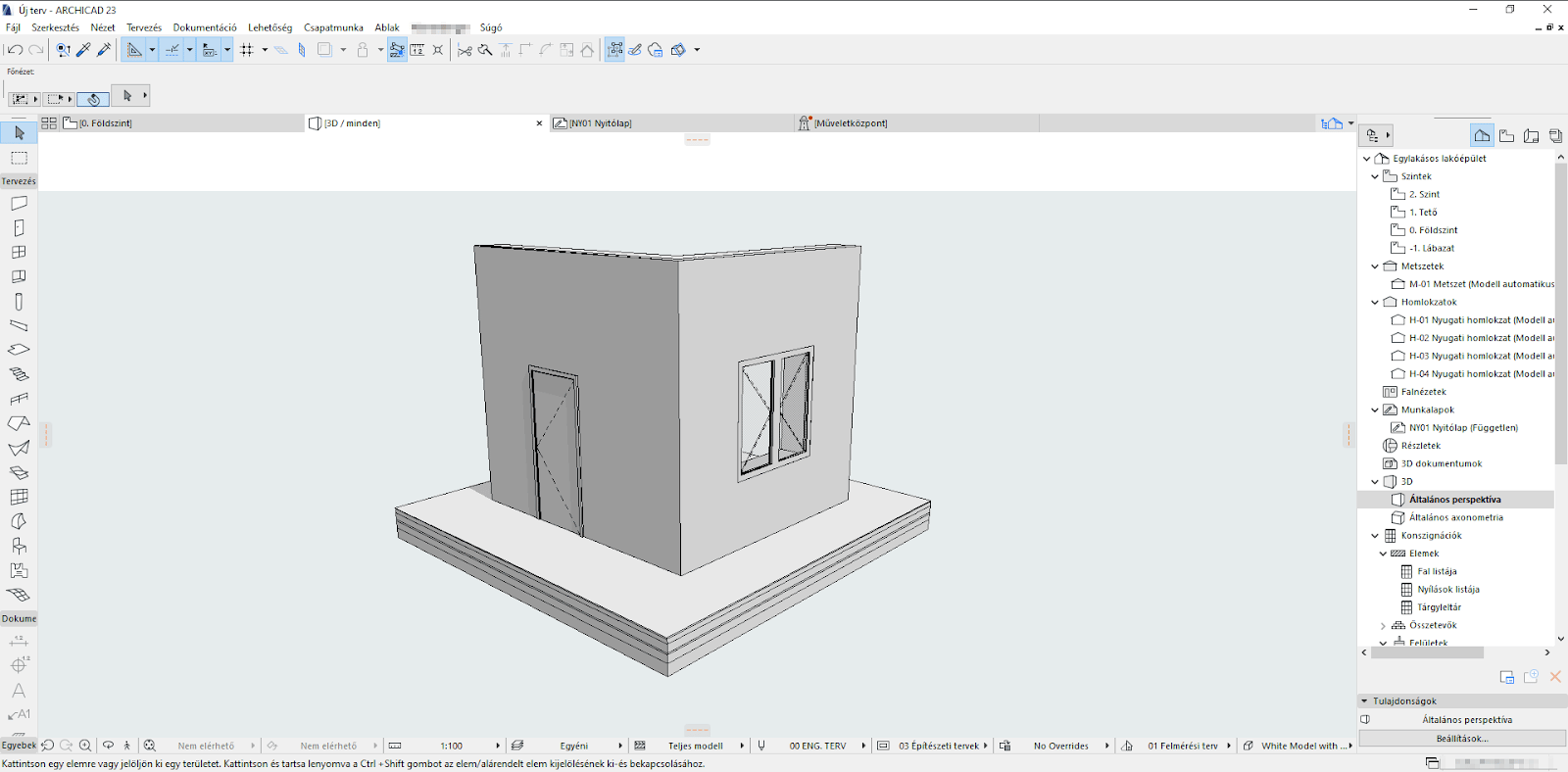
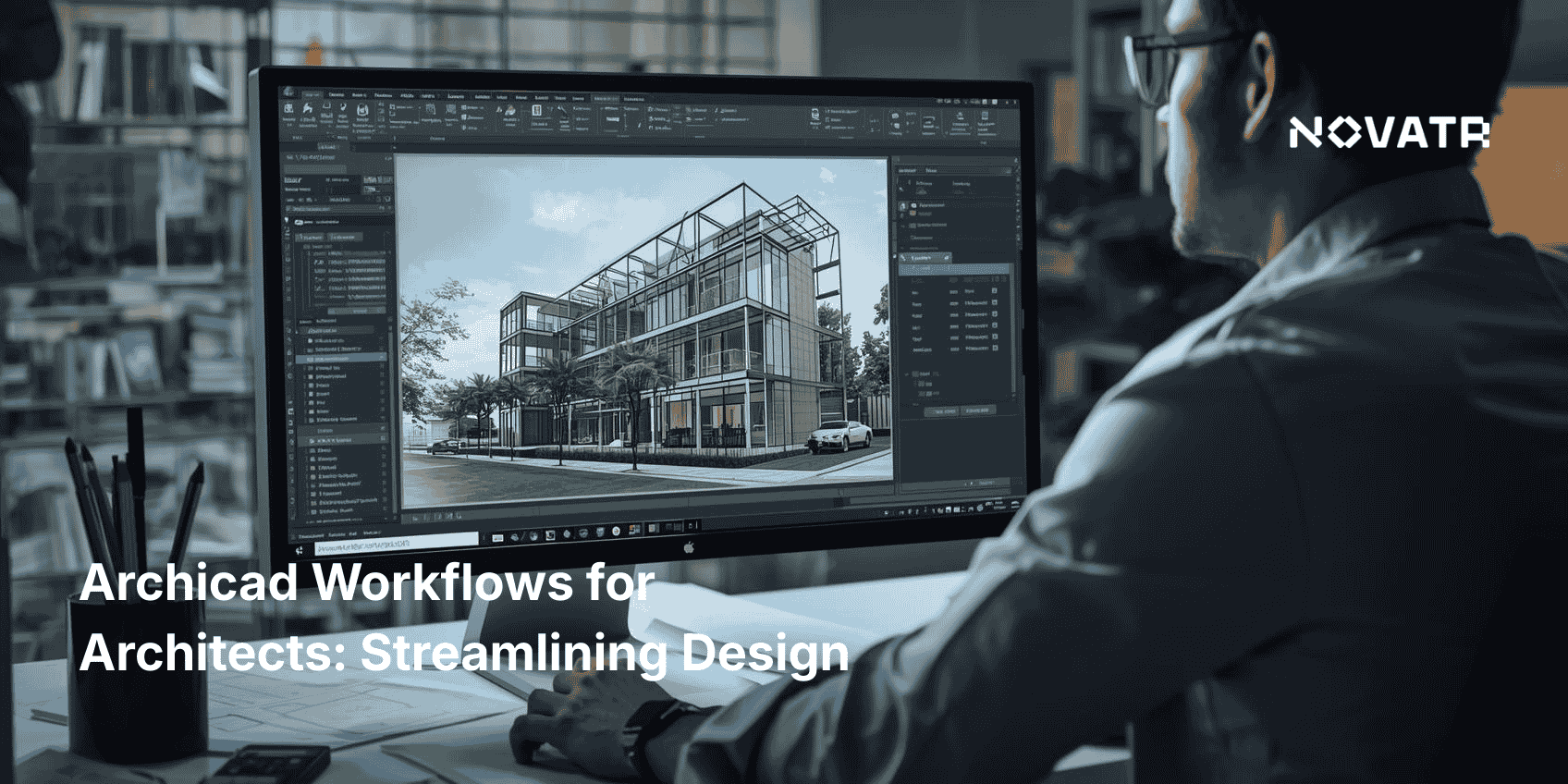
What is Archicad software? Created by Graphisoft in 1987, Archicad is a Building Information Modeling (BIM) platform tailored for architectural design and documentation. Unlike traditional CAD tools, Archicad merges 2D drafting, 3D modeling, and rich data in a single environment. It allows users to create intelligent building components walls, doors, and windows that carry information like materials, costs, and dimensions. This integrated approach makes it easier to control changes, manage complexity, and reduce errors.
Architects using ArchiCAD for architectural design benefit from a clean interface, customizable workspaces, and real-time visual feedback. Whether working solo or in teams, the platform supports seamless collaboration. Archicad for beginners also provides learning paths, tutorials, and community support to help users get started. Professionals appreciate that Archicad is compatible with both macOS and Windows, making it one of the few BIM platforms that offer such flexibility.
What Are the Key Features of Archicad For Architects?
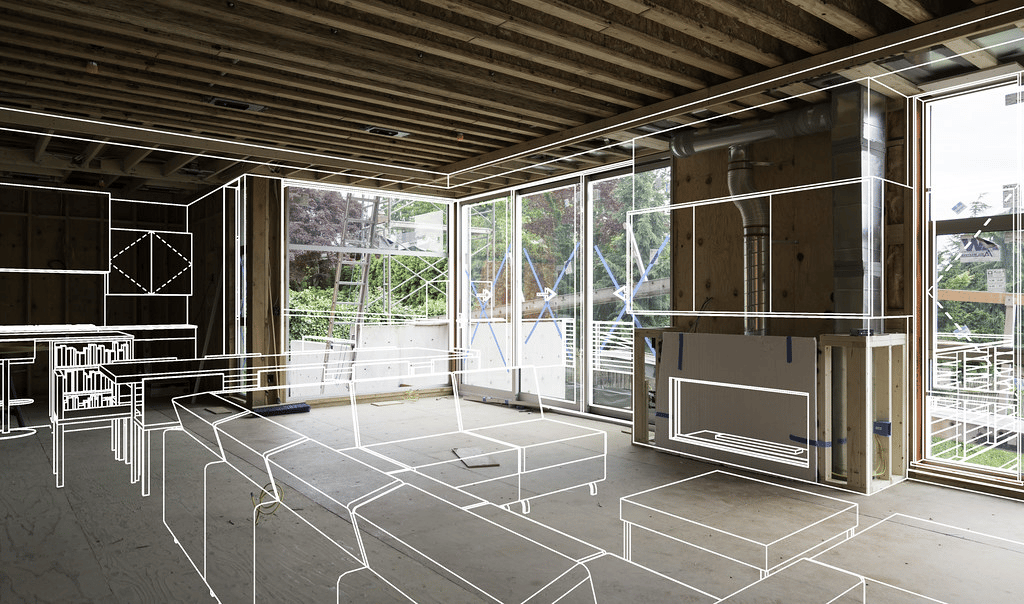
The power of Archicad lies in its diverse feature set that caters directly to the needs of design professionals. Some of the top features of Archicad include:
-
Parametric design tools: Create flexible building components that adjust automatically as the design evolves.
-
Integrated 2D and 3D views: Architects can move fluidly between floor plans, elevations, and Archicad 3d models without duplication.
-
Advanced visualization: With built-in Archicad 3d rendering, users can produce photorealistic visuals using natural lighting, surface textures, and environmental effects.
-
Teamwork and collaboration: Archicad allows multiple users to work simultaneously on the same model using the BIMcloud feature, which is highly valued in the archicad jobs market.
-
Automated documentation: Floor plans, sections, schedules, and material takeoffs update automatically whenever changes are made in the model.
-
Interoperability and open standards: With strong support for IFC and OpenBIM formats, BIM for Archicad ensures smooth data exchange between different disciplines.
-
Object libraries and templates: Thousands of architectural objects and pre-set templates accelerate design development.
-
Customizable interface: Architects can tailor their workspace, tool palettes, and shortcuts for a more efficient workflow.
These features demonstrate the benefits of using ArchiCAD from conceptual design to construction documentation, making it a reliable tool throughout the project lifecycle. Many of these tools reflect the wide range of architectural features in Archicad, such as detailed parametric components, customizable sections, and automatic elevation generation that support every phase of design.
How Does Archicad Differ from Other BIM Tools Like Revit?
While both Archicad and Revit are powerful BIM platforms, there are distinct differences in how they operate. Understanding how Archicad is different from other BIM tools like Revit can help professionals choose the right tool for their workflow:
|
Feature |
Archicad |
Revit |
|
Platform Support |
Works on both macOS and Windows |
Windows only |
|
User Interface |
Clean, minimalist, highly customizable |
Ribbon-based, Autodesk-standard |
|
Collaboration |
BIMcloud for peer-to-peer work |
Centralized Revit Server |
|
Learning Curve |
Easier for ArchiCAD for beginners |
Requires more formal training |
|
Licensing |
Perpetual and floating options |
Subscription-based only |
|
Performance |
Efficient even with large files |
Can lag with large model sizes |
|
Rendering Tools |
Built-in archicad 3d rendering |
Requires additional plug-ins or software |
|
OpenBIM Compliance |
Strong support for IFC formats |
Less open, better within the Autodesk ecosystem |
These differences explain why architects choose Archicad, particularly those who value design flexibility, cost-effective licensing, and real-time teamwork. With ArchiCAD software, users gain more control over both design quality and productivity.
Why Do Architects Prefer Archicad for Design and Documentation?
There are several answers to the question why do architects use Archicad, and many of them relate to performance, simplicity, and long-term value:
-
Unified environment: Archicad combines design, documentation, and visualization tools in one interface, which reduces the need for switching between programs.
-
Workflow efficiency: Automated schedules, tags, and drawing updates save hours of manual work.
-
Visualization tools: Built-in rendering allows architects to present concepts and revisions quickly using high-quality archicad 3d rendering.
-
Design precision: Parametric modeling ensures that building components behave intelligently, reducing coordination errors. The 3D modeling tools in Archicad allow for precise geometry editing, helping architects translate design intent into accurate virtual buildings.
-
Team collaboration: The Teamwork feature, used across many Archicad jobs, allows distributed teams to work concurrently on the same project.
-
Data-rich modeling: With support for OpenBIM standards, BIM for Archicad promotes smooth coordination with consultants, engineers, and contractors.
-
Market relevance: Archicad skills are in demand; learning it opens doors to archicad jobs in firms focused on innovation and sustainable design.
-
Ease of learning: Resources for Archicad for beginners are abundant, with user forums, video tutorials, and certification programs making it accessible to newcomers.
-
Mac compatibility: One of the few professional BIM tools available for Apple users.
These strengths combine into tangible benefits of using Archicad: lower error rates, improved client presentations, and quicker project turnaround. Whether working independently or in large firms, architects use ArchiCAD for architectural design to gain precision and clarity at every project stage.
.png)
