
What Is 4D BIM?
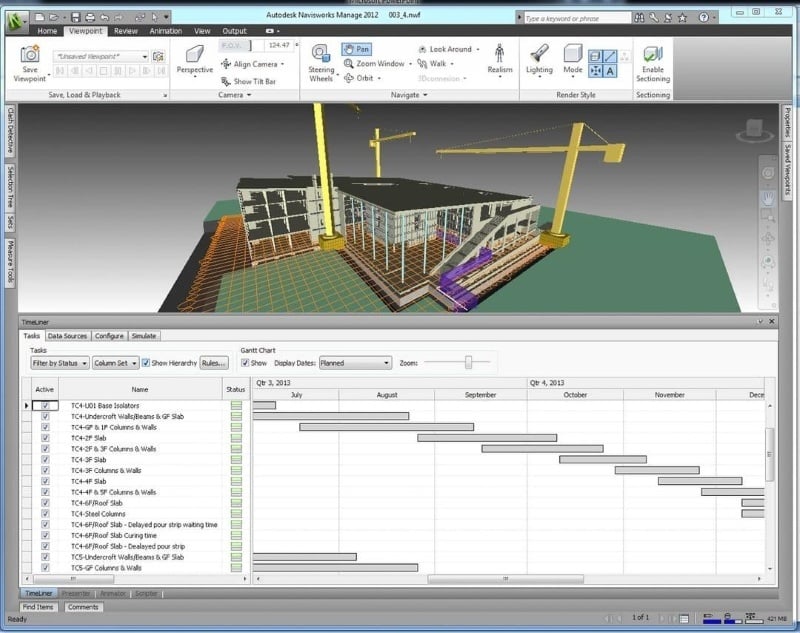
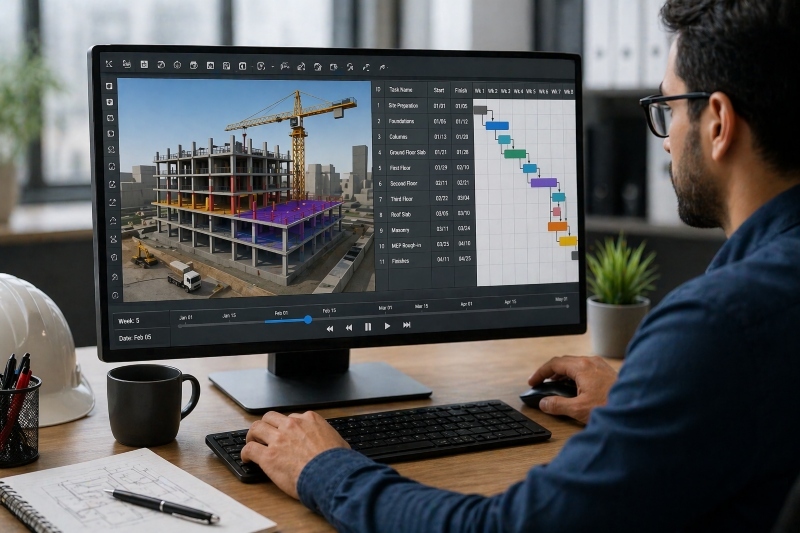
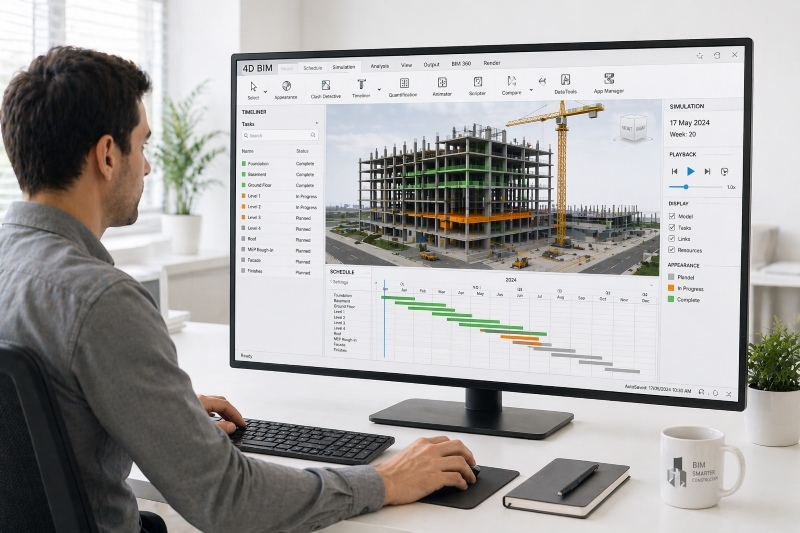
To answer What is 4D BIM, it is an extension of BIM where the fourth dimension, time, is added to a 3D model. This allows teams to visualize how a project will be built over time rather than only seeing the final structure.
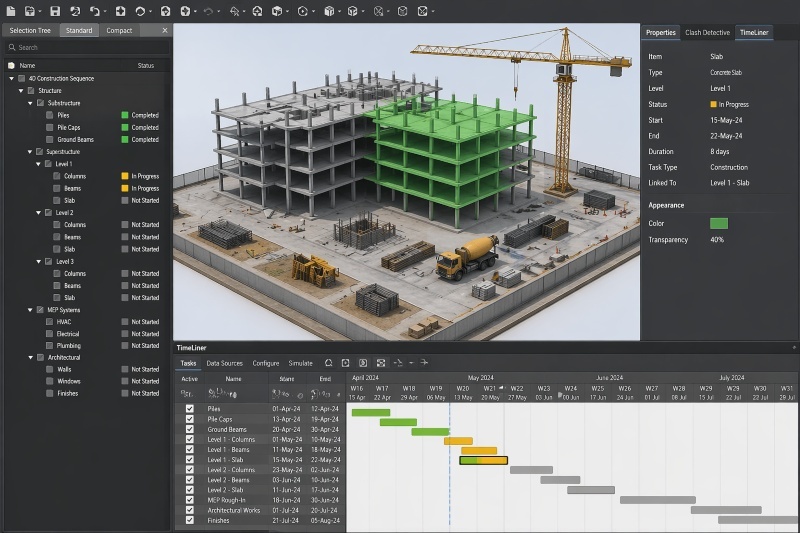
A 4D BIM model connects each element of the design to a specific schedule activity. This means that every component, such as walls, beams, or systems, is linked to when it will be constructed.
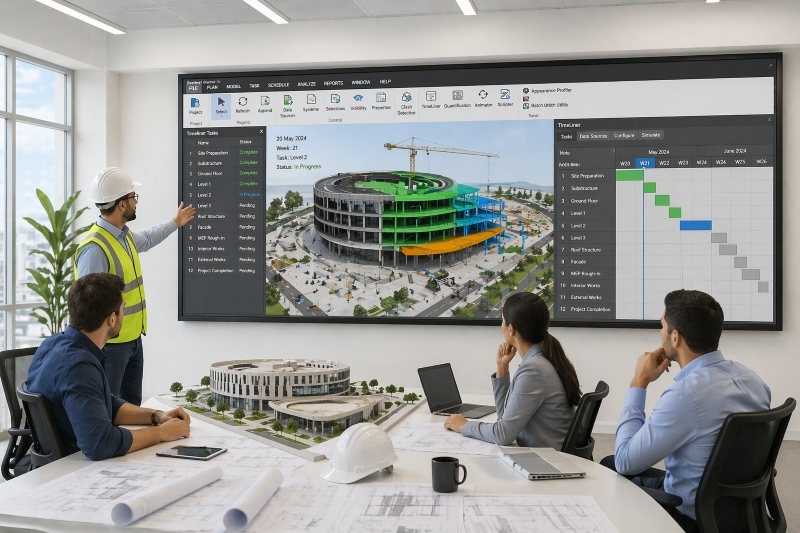
This method improves planning by enabling teams to simulate construction sequences. Instead of relying only on schedules or drawings, stakeholders can see how the project evolves step by step.
By combining modeling and scheduling, 4D BIM modeling supports better decision-making, improves communication, and reduces uncertainties during construction planning.
How 4D BIM Works in Construction Projects
4D BIM works by linking design models with project schedules to create a dynamic simulation of the construction process. This integration helps teams understand how activities progress over time.
The workflow typically includes the following steps:
- Create the 3D Model: Develop a detailed model using BIM tools that represent all project components.
- Prepare the Construction Schedule: Define tasks, durations, and sequences using scheduling tools.
- Link Model Elements to Schedule Activities: Assign each model component to a corresponding task in the timeline.
- Simulate Construction Sequence: Visualize how the project will be built over time using a 4D BIM model.
- Analyze and Optimize the Plan: Identify delays, overlaps, or inefficiencies and adjust the schedule accordingly.
This process is often supported by 4D BIM scheduling, which ensures that the construction sequence is aligned with project timelines.
Key Components of 4D BIM (3D Model + Time)

4D BIM is built on two essential components: the 3D model and the project schedule. These elements work together to create a time-based simulation of construction activities.
The key components include:
- 3D BIM Model: Represents the physical design of the project, including all structural and architectural elements.
- Project Schedule (Time Dimension): Defines when each activity will occur, including sequencing and duration.
- Linking Mechanism: Connects model elements to schedule activities, forming a complete 4D BIM model.
- Visualization and Simulation: Enables teams to view construction progress over time and identify potential issues.
- Data Integration: Combines design and scheduling data into a unified workflow.
These components ensure that 4D BIM modeling provides both visual clarity and scheduling accuracy, improving planning and execution.
Benefits of 4D BIM in Construction Planning
4D BIM provides several advantages that improve project planning, coordination, and execution.
The benefits include:
- Improved Project Visualization: Teams can see how the project will be built over time, making it easier to understand sequences.
- Better Scheduling Accuracy: 4D BIM scheduling ensures that timelines are aligned with design elements.
- Reduced Delays and Conflicts: Early identification of scheduling conflicts helps prevent disruptions during construction.
- Enhanced Collaboration: Stakeholders can review and discuss plans using a shared visual model.
- Efficient Resource Planning: Teams can allocate labor and materials more effectively based on the schedule.
Real-World Applications of 4D BIM
4D BIM is widely used across different types of construction projects, where planning and scheduling are critical.
Common applications include:
- Infrastructure Projects: Used in roads, railways, and bridges to manage complex construction sequences.
- Commercial Buildings: Helps coordinate multiple systems and ensure timely completion.
- Residential Projects: Supports efficient planning and reduces delays in housing developments.
- Industrial Facilities: Used to manage large-scale projects with complex workflows.
- Renovation and Retrofit Projects: Helps plan construction activities in existing structures with minimal disruption.
For example, in a large infrastructure project, a 4D BIM model can be used to simulate construction phases and optimize scheduling. This reduces delays and improves coordination across teams.
Tools Used in 4D BIM
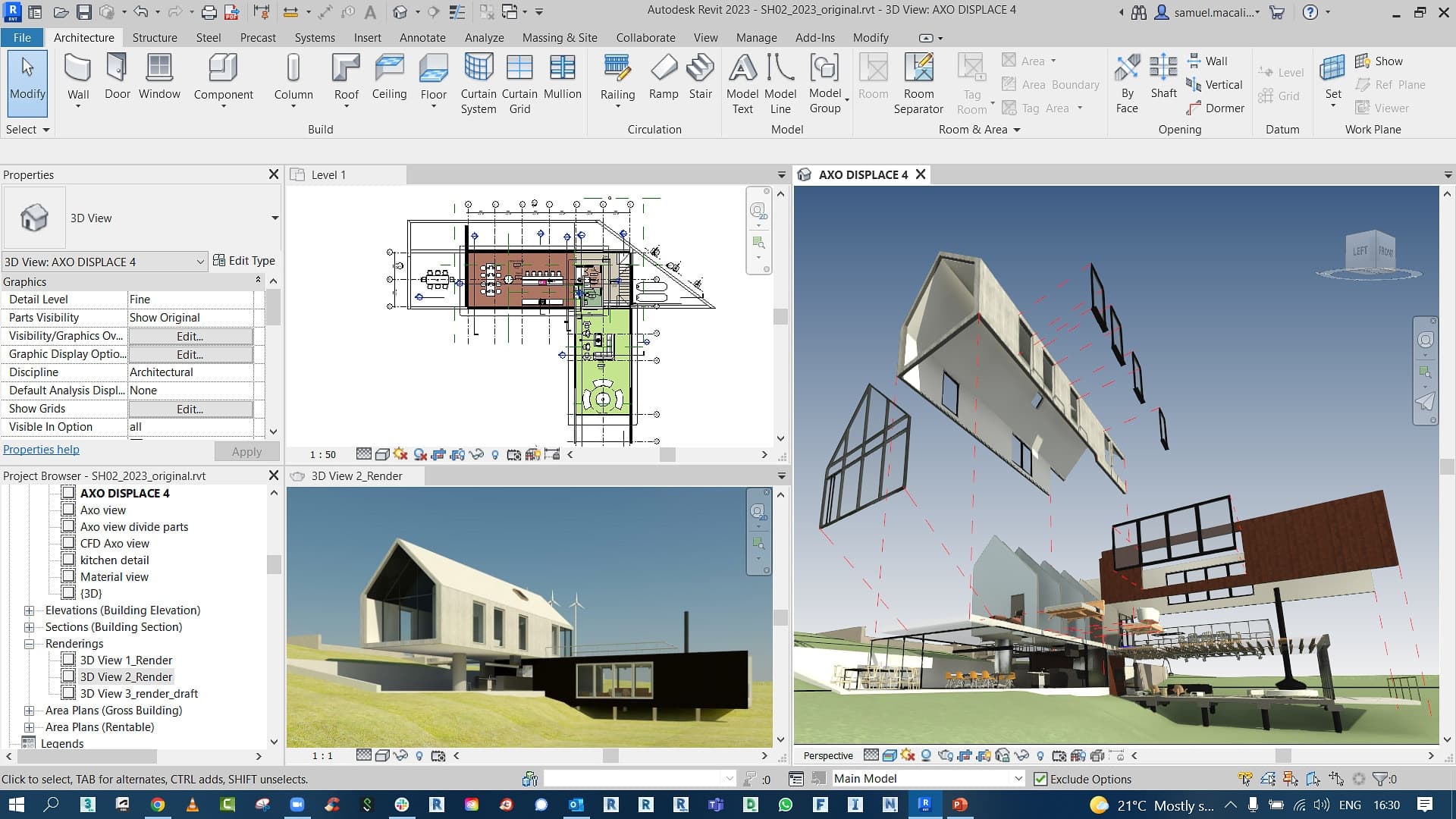
Several tools are used to support 4D BIM workflows, enabling teams to integrate models and schedules effectively. These tools form a list of 4D BIM softwares used in construction projects.
Commonly used tool include:
- Autodesk Navisworks: Used for linking models with schedules and running simulations.
- Synchro 4D: A specialized tool for 4D BIM modeling and construction simulation.
- Autodesk Revit: Used to create detailed 3D models that are later linked to schedules.
- Bentley OpenBuildings: Supports infrastructure projects with integrated modeling and scheduling.
- Primavera P6 (Integration): Used for scheduling and integrated with BIM tools for 4D workflows.
These tools act as BIM 4D project management software, enabling teams to manage schedules, visualize progress, and improve coordination.
Skills Required to Work in 4D BIM
Working in 4D BIM requires a combination of technical and planning skills. Professionals must understand both modeling and scheduling to manage workflows effectively.
To build expertise, focus on the following skills:
- BIM Software Knowledge: Learn tools included in a list of 4D BIM softwares, such as Navisworks and Synchro.
- Scheduling and Planning Skills: Understand how to create and manage construction schedules.
- Model Integration Skills: Learn how to link models with schedules to create a 4D BIM model.
- Data Analysis and Problem-Solving: Identify scheduling conflicts and optimize workflows.
- Communication Skills: Coordinate with multiple teams to ensure alignment.
How to Learn 4D BIM Workflows
Building expertise in 4D BIM requires a strong understanding of how design, scheduling, and coordination workflows are connected in real construction projects. Professionals need to go beyond basic modeling and learn how to integrate time-based simulations into planning processes to improve sequencing and decision-making.
Take your civil engineering career to the next level with Novatr’s BIM Professional Course for Civil Engineers, a project-based program that prepares you to plan, design, and manage construction projects using 12+ industry software and essential BIM plugins.
Learn how to work with Autodesk Revit, Navisworks, construction cloud and key plugins like DiRoots.One, pyRevit, EF-Tools, ProSheets, Issue and Model Checker for Revit to improve automation, accuracy, and project efficiency.
Here’s what you’ll gain:
- End-to-end understanding of BIM workflows, modeling, estimation, coordination, sequencing, and documentation.
- Hands-on training aligned with ISO 19650 standards and real residential + commercial projects.
- Globally recognized certifications:
- Novatr Course Certificate
- Autodesk User Certification
- NSDC Skill Certificate
- Novatr Specialization Certificate, if opted
After completing the core modules, learners can also choose 2 additional specializations, including:
- Visual Programming with Dynamo – for automation and parametric workflows
- 4D, 5D & 6D with BIM – for time, cost, and facility integration
- Tekla for RCC Modeling – for detailed steel and concrete modeling
- Civil 3D for Infrastructure – for roadways, railways, and utilities
- Project Strategy & Optimization with Plannerly - Plan, structure, and audit BIM execution plans.
This structured learning approach ensures that you not only understand BIM tools but also how to apply them within 4D BIM workflows for planning, scheduling, and coordination in real projects.