
What is Solibri?
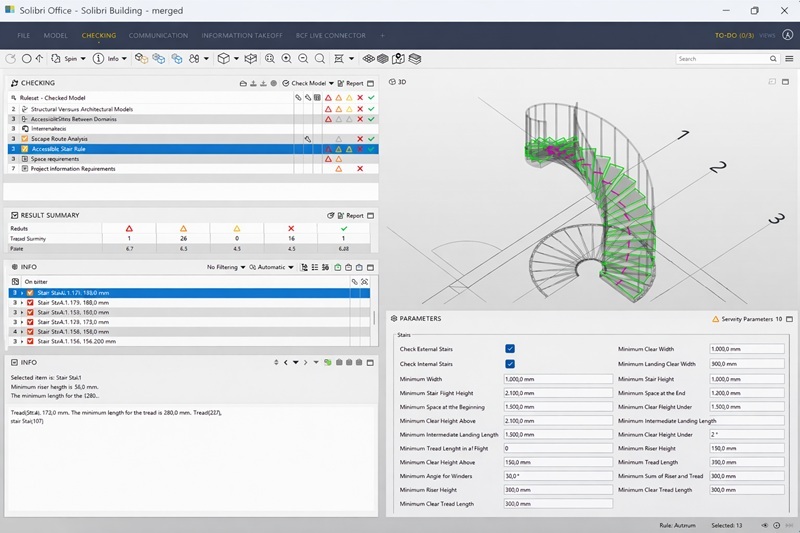
Solibri model checker is a rule-based BIM model validation tool that specializes in quality control and design verification. It allows engineers and BIM coordinators to identify errors and potential conflicts early in the design stage.
Key features include:
- Clash detection in Solibri between disciplines
- Verification of design compliance with building codes and internal standards
- IFC viewer Solibri for inspecting OpenBIM models
- Automated reporting for QA/QC purposes
Solibri is commonly used during the design review phase. BIM coordinators rely on it to ensure models are accurate, complete, and free from rule-based conflicts. For example, in a hospital or complex commercial project, Solibri identifies spatial conflicts between structural elements and MEP systems, helping teams correct errors before construction begins.
Additionally, BIM model checking tools like Solibri streamline communication between architects, engineers, and construction managers. Rule sets can be customized to verify fire safety, accessibility, structural alignment, and MEP integration. This structured review process enhances project quality and reduces coordination errors during the build stage.
By understanding what is Solibri, engineers can apply it effectively in early project stages to improve efficiency, reduce rework, and maintain consistent compliance with project standards.
What is Autodesk Navisworks?
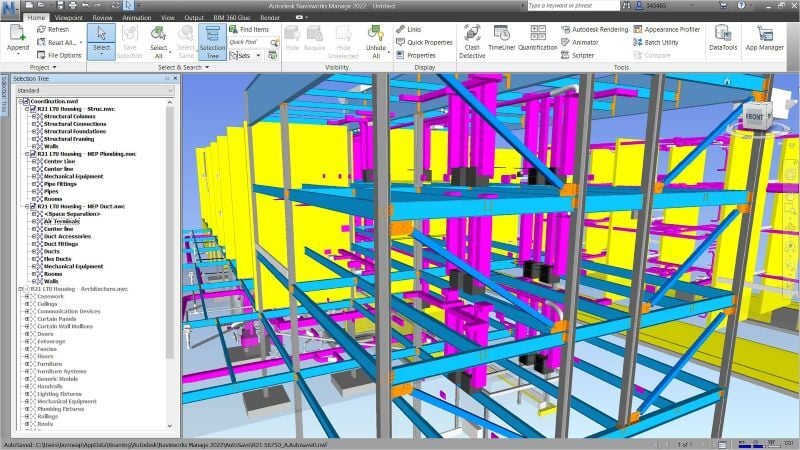
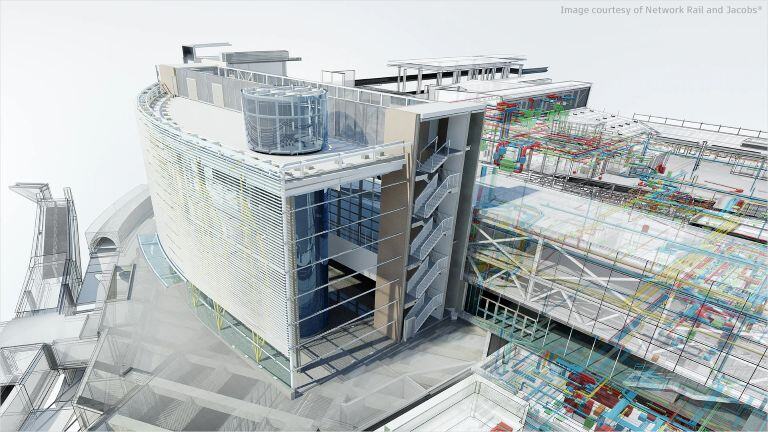
Navisworks is a multidisciplinary BIM coordination tool widely used for model aggregation, visualization, and clash detection during construction planning. Unlike Solibri, it focuses on integrating models from various disciplines and simulating project execution.
Key functionalities include:
- Navisworks clash detection across architectural, structural, and MEP models
- 4D construction simulation and schedule integration
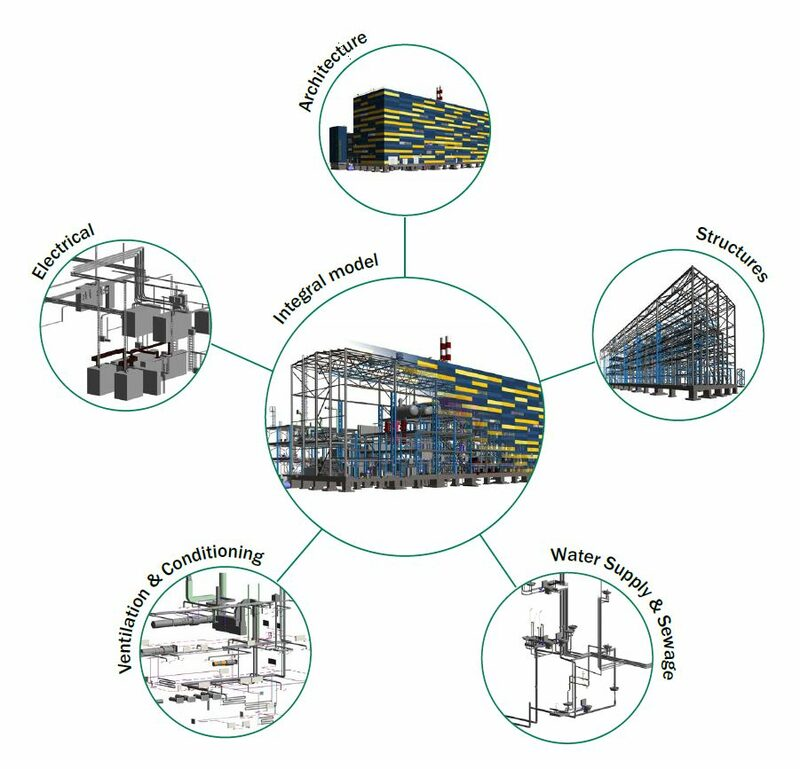
- Model aggregation for multi-discipline coordination
- Quantity takeoffs and visualization of project sequencing
When considering what is Navisworks, it is more than a clash detection tool. It provides a complete platform for integrating all project models, managing workflows, and visualizing construction sequences. Civil and structural engineers often use it to validate constructability and coordinate with contractors before site execution.
Navisworks supports multiple file formats including Revit, IFC, DWG, and DGN, making it highly flexible for large projects. By consolidating models, it allows BIM coordination workflow managers to detect and resolve clashes, optimize sequences, and plan construction logistics efficiently.
Who Mainly Uses Solibri and Navisworks and for What?

Understanding who uses each tool clarifies their respective strengths in real projects. Here’s a breakdown of typical users and their applications:
- BIM Coordinators – Use Solibri model checker for rule-based model validation and Navisworks clash detection to identify inter-discipline conflicts before construction.
- BIM Managers – Oversee BIM coordination workflow, manage model integration, and generate QA/QC reports using both platforms.
- Structural Engineers – Apply Solibri for design verification and Navisworks for integrated clash detection with architectural and MEP systems.
- Construction Managers – Utilize Navisworks to simulate construction sequences, manage 4D workflows, and anticipate schedule impacts.
- QA/QC Teams – Leverage BIM QA QC tools in Solibri to ensure compliance, maintain project standards, and reduce errors on-site.
By assigning the correct tool to each role, teams optimize workflow efficiency. For example, structural engineers may check load-bearing connections in Solibri early, while construction managers review schedule conflicts and model clashes in Navisworks during preconstruction planning.
Key Differences: Solibri vs Navisworks
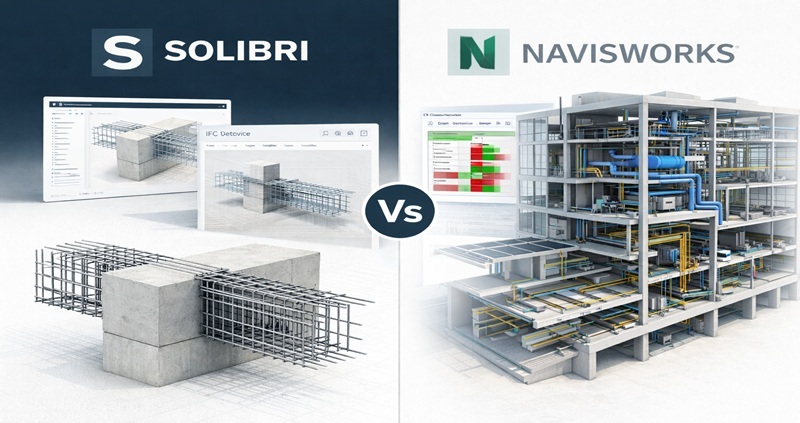
A concise comparison showing how Solibri focuses on rule based model checking, while Navisworks supports coordination and construction planning.
|
Feature |
Solibri |
Navisworks |
|
Primary Function |
Solibri model checker for rule-based QA/QC and early clash detection |
Navisworks clash detection and 4D/5D construction simulation |
|
File Support |
Primarily IFC and OpenBIM |
Supports Revit, IFC, DWG, DGN, and other proprietary formats |
|
Clash Detection |
Clash detection in Solibri during design review |
Navisworks clash detection across aggregated models |
|
Workflow Stage |
Early design and coordination |
Construction planning, model aggregation, and sequencing |
|
Reporting |
Detailed compliance and QA/QC reports |
Clash reports, timeline simulations, and scheduling outputs |
|
Collaboration |
Focus on IFC-based coordination |
Multi-discipline model management and project team collaboration |
Also Explore: Key Differences in ALLPlan Vs Revit!
Solibri Vs Navisworks: Which Tool is Better for AEC Professionals?
While both platforms are essential for BIM coordination, Navisworks provides broader applicability across project stages. Its ability to integrate multiple models, detect clashes, and simulate construction sequencing makes it more versatile during construction.
Solibri remains indispensable for early-stage rule-based model checking, especially for QA/QC teams and BIM coordinators. It excels at detecting compliance issues and design conflicts before models are finalized for construction.
However, for practical project execution and multidisciplinary collaboration, Navisworks is generally preferred. Its Navisworks clash detection is faster on large federated models, and the 4D/5D planning capabilities help civil and structural engineers optimize construction sequences.
Professionals seeking mastery in BIM model checking tools and BIM coordination workflow should gain hands-on experience with Navisworks. The Novatr BIM Course for Civil Engineers provides structured training on Navisworks, offering practical exposure to clash detection, project sequencing, and multidisciplinary integration.