
What Is Autodesk Construction Cloud and How Does It Work?
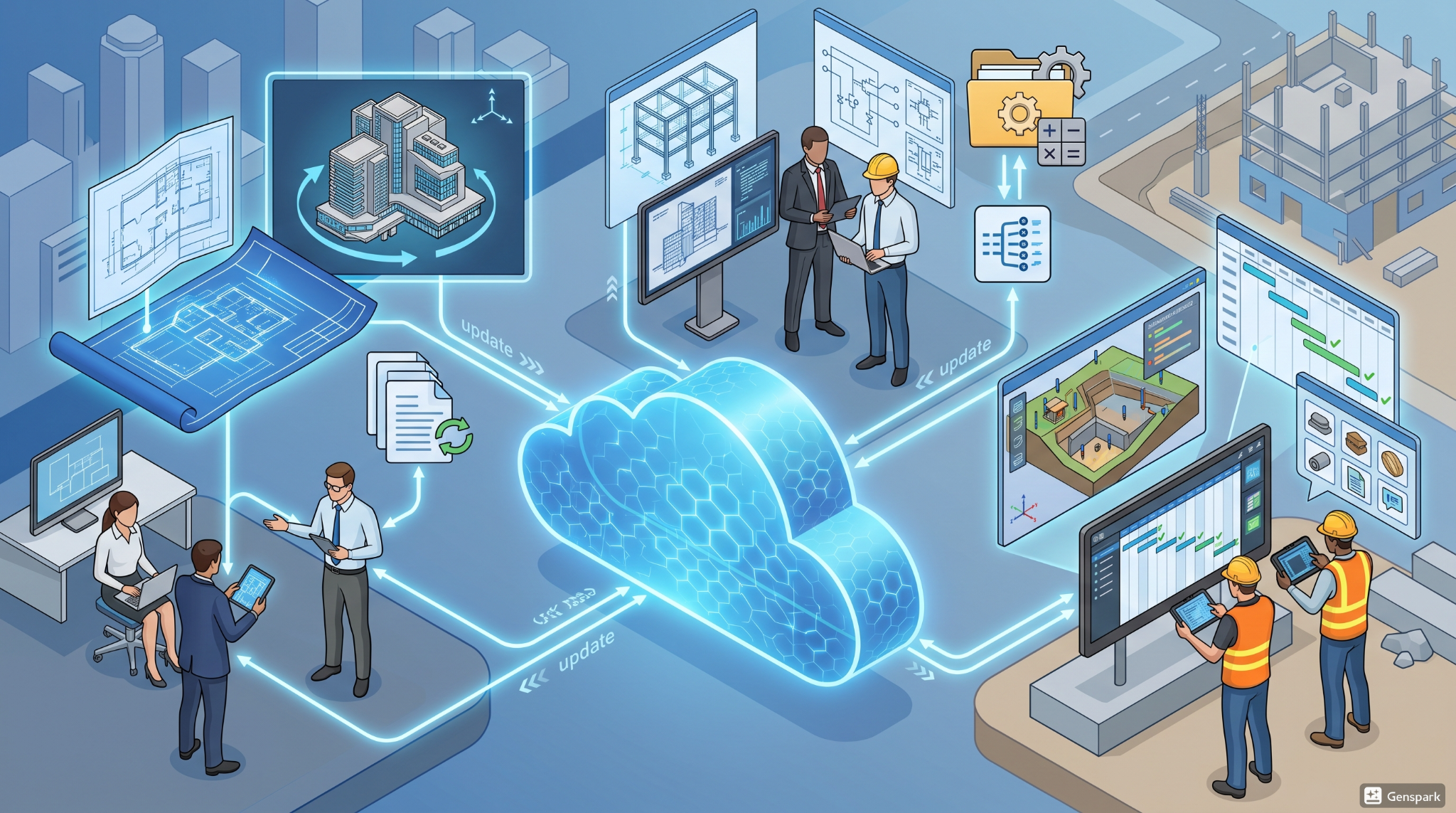
The Autodesk Construction Cloud is a platform that must be considered a single integrated tool that combines construction software, design software, and project management software into one.
The construction cloud is essentially an internet-based and common platform to share project data. This enables teams to be able to view, edit, and handle information as it happens.
In simple terms, what is Autodesk Construction Cloud?
-
Centralized Data Storage: All project files, models and documents are stored centrally in the cloud-based system, thus avoiding any interference between different parts of the project.
-
Real-Time Collaboration: Teams can coordinate their work through the use of collaboration tools, working together on files.
-
One system of Collaborative Workflows: It enables the collaboration of designers, planners and construction teams.
-
Anywhere access: The cloud software enables people to access project information anytime and anywhere.
-
Automated Updates: The system will provide updates as they come so everyone will be able to have the latest information.
This is how Autodesk Construction Cloud can be utilized to simplify projects and reduce manual processes and it's also an explanation of how does Autodesk Construction Cloud work in practice.
Why Do Architects Use Autodesk Construction Cloud in Projects?
The main reason that architects study Autodesk Construction Cloud is that it enhances their work efficiency, work accuracy, and collaborative nature.
Key reasons include:
-
Better Collaboration: Architects share software with engineers and contractors with the help of collaboration tools, which helps to keep projects on schedule.
-
Better Project Management: Project tracking tools here help track project tasks, project timeline and project status.
-
Fewer Errors: Being able to work together on the most recent version of the work, via the real-time updates, reduces errors.
-
Efficient Communication: Teams can update, comment on, and give input on the platform.
-
Quick Decision Making: Real-time data helps the architects make quick decisions.
Such examples are clear signs of what are benefits of construction cloud software and explain why do architects use Autodesk Construction Cloud in the modern construction industry.
What Key Features Does Autodesk Construction Cloud Offer for Architects?
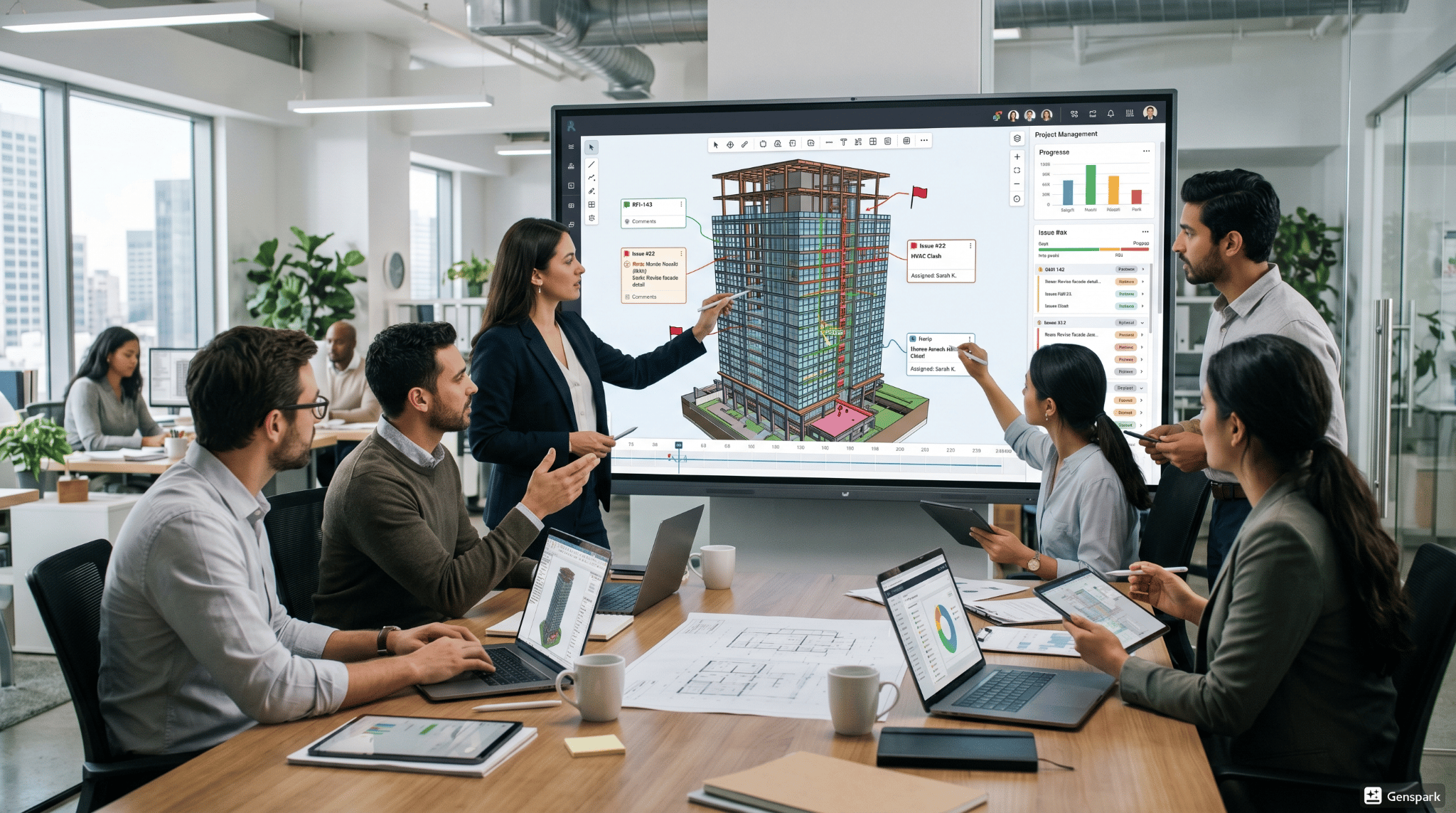
It includes several facilities to help design, coordinate, and manage projects. To be able to use it effectively, architects need to understand what are Autodesk Construction Cloud features.
The main characteristics are:
-
Document Management: The system manages all file operations via document management function, ensuring document access security and accuracy along the version history.
-
Design Collaboration: The system also features advanced design software tools for design modelling and sharing within teams.
-
Project Management Tools: The system offers built-in project management software, such as scheduling, tracking progress, and generating reports.
-
Issue Tracking: The system allows the user to find and solve problems in the project at the development phase and also in the project monitoring phase using project tracking tools.
-
Data Insights and Analytics: The system delivers performance data, which helps organizations to improve their planning processes while decreasing their operational risks.
-
Field Management: The system provides effective communication techniques to allow office personnel and field personnel to work well together.
The Autodesk cloud system shows its ability to enhance operational efficiency by using the different capacities that made it possible to enhance organizational outcomes.
What Role Does Autodesk Construction Cloud Play in BIM Workflows?
It functions by sharing the information of the entire company in a single database, and can execute its functions.
-
It is centralized BIM Data: All the models and data elements are kept in a single central place, making them more accessible for users.
-
Better Coordination: Identifies and solves design conflicts at an early stage in the design process.
-
All stakeholders have access to the most up-to-date versions of the model at any time of the day.
-
Architects and engineers work with a number of AEC software systems with the contractors.
This allows teams to see project models which helps them to gain a clearer understanding of the project in more detail.
Which Tools Does Autodesk Construction Cloud Integrate With Like Revit and AutoCAD?
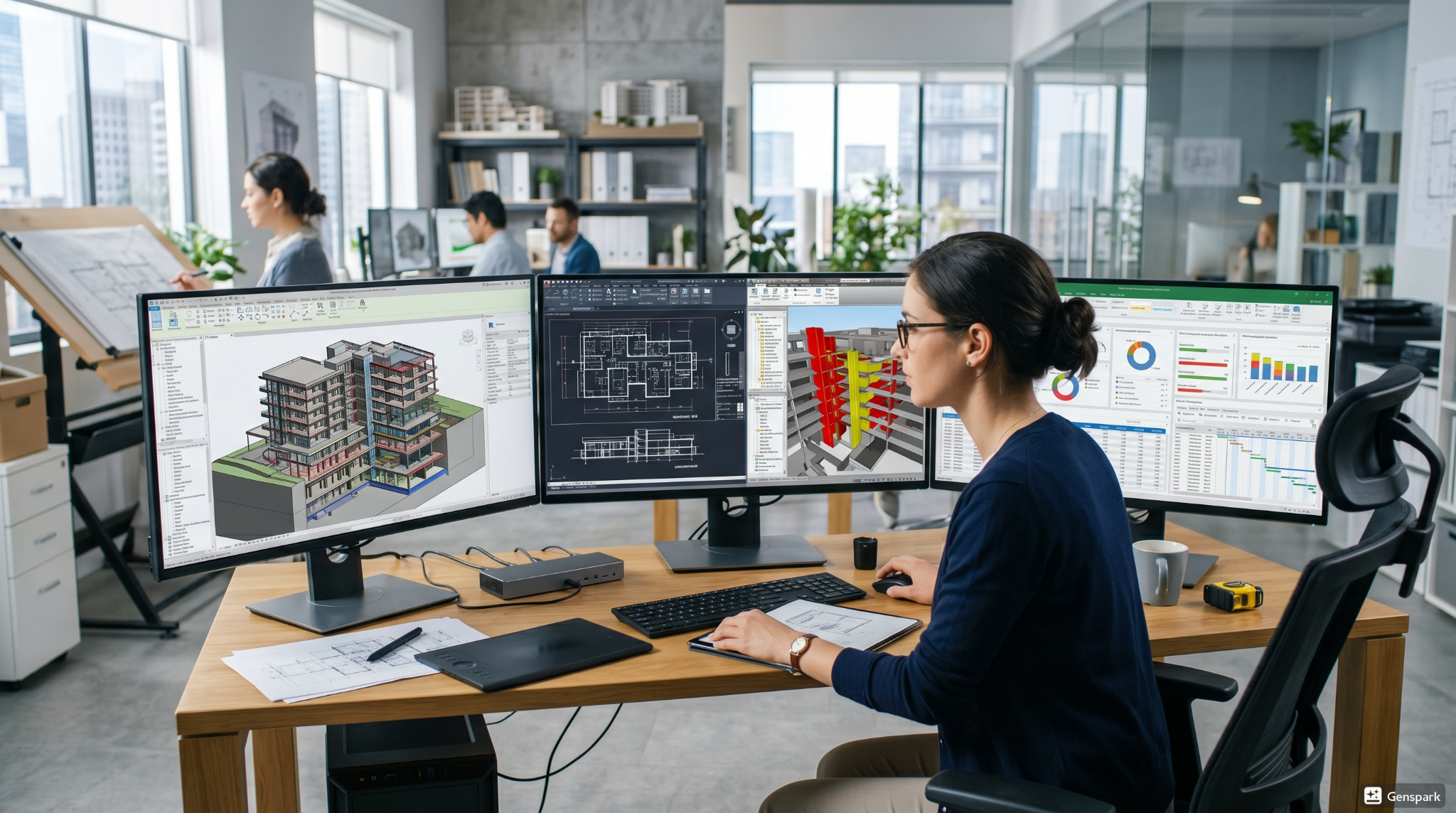
The construction cloud is most notable for its ability to bring together such different types of tools in the architecture industry as architectural design software and popular architecture tools.
It's only when architects know which tools are in Autodesk Construction Cloud that they will appreciate its value.
The primary system connections of the system are:
-
Autodesk AutoCAD: Helps to develop and elaborate design concepts.
-
Navisworks: Helps with clash detection and coordination.
-
Civil 3D: Helps to design and plan infrastructure.
-
Other AEC software: It works with several other third-party applications, bringing additional capabilities.
.png)