
What Is BIM Coordination?
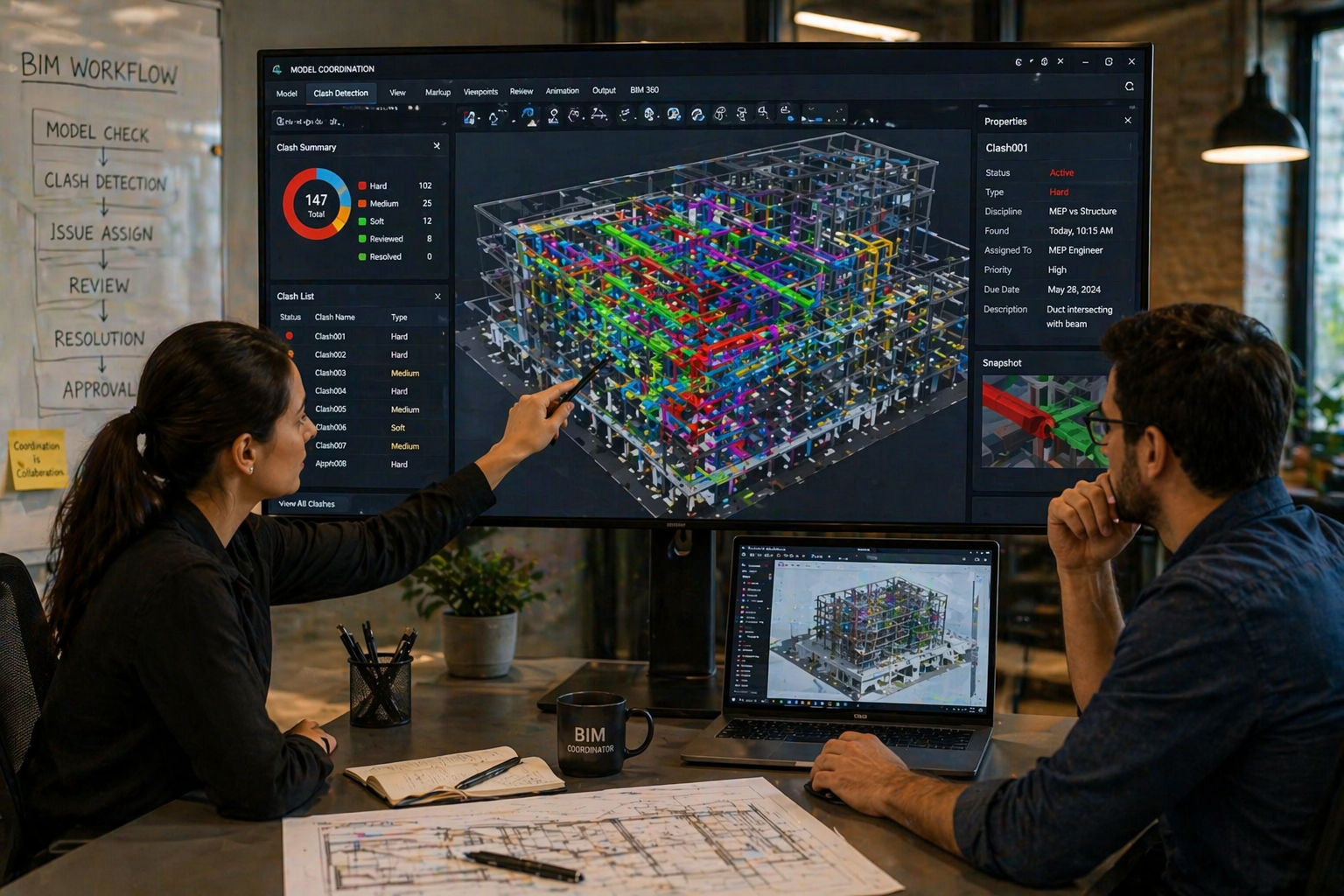
What is BIM coordination? It is the process of combining models from different disciplines into one coordinated model to identify and resolve conflicts before construction begins.
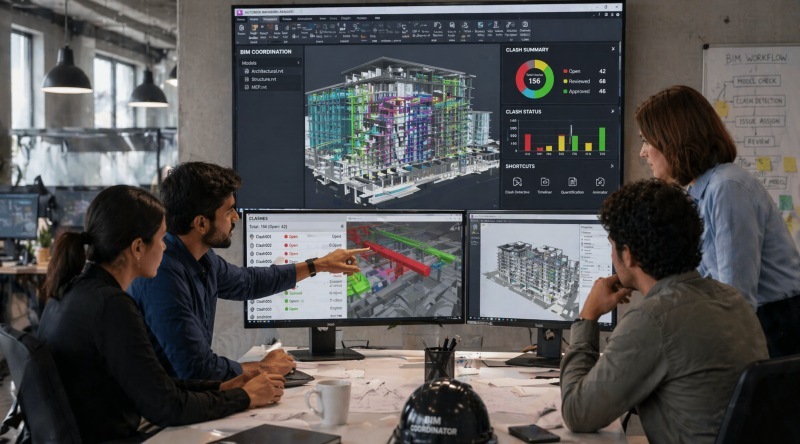
In practice, BIM coordination connects design coordination and collaboration into a structured system. Teams use shared platforms to review models, detect clashes, and resolve issues early. This process is commonly known as 3D BIM coordination, where models are analyzed visually in three dimensions to identify conflicts.
For example, a duct system may intersect with a structural beam. Without BIM coordination, this issue may only appear on-site. With BIM, the conflict is identified during the design stage and resolved before construction.
This approach also improves communication. Instead of interpreting 2D drawings, stakeholders interact with a shared 3D model. This clarity reduces misunderstandings and improves decision-making.
BIM coordination is continuous. As designs evolve, models are updated and rechecked to ensure consistency. This ongoing process ensures that the final design is accurate and ready for execution.
Also Read: What Civil Engineers Should Know about Clash Detection in BIM?
Step-by-Step Process of BIM Coordination
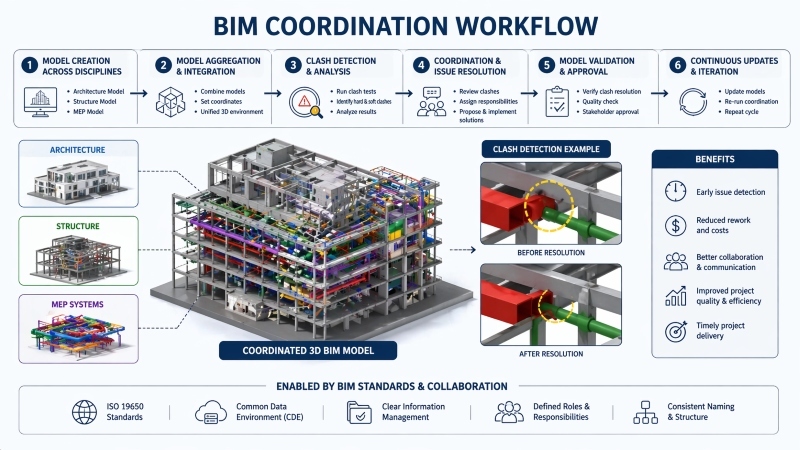
The BIM coordination process follows a structured sequence that ensures all models align before construction begins. It is a repeatable system designed to minimize errors and improve efficiency.
The workflow typically includes the following steps:
- Model Creation by Each Discipline: Architects, structural engineers, and MEP teams develop their individual models using BIM tools.
- Model Aggregation: All models are combined into a shared environment for coordination.
- Clash Detection: Software identifies conflicts such as overlapping systems or space constraints.
- Issue Tracking and Resolution: Teams review clashes, assign responsibilities, and resolve issues collaboratively.
- Model Updates: Each discipline updates their model based on resolved issues.
- Final Coordination Review: The coordinated model is validated before construction begins.
This structured BIM coordination workflow ensures that issues are resolved early. For instance, correcting a clash during design is significantly more cost-effective than fixing it on-site.
The process is iterative. As designs change, coordination cycles repeat to maintain accuracy. This continuous refinement helps teams achieve better control over timelines, costs, and quality.
Who Are Key Stakeholders in BIM Coordination?
BIM coordination involves multiple stakeholders, each contributing to the project’s success. Their collaboration ensures that the final model is accurate and conflict-free.
The main stakeholders include:
- Architects: Define the design intent and spatial layout.
- Structural Engineers: Ensure structural safety and stability.
- MEP Engineers: Design mechanical, electrical, and plumbing systems.
- BIM Coordinators: Manage coordination activities, run clash detection, and track issues.
- Contractors: Use coordinated models for planning and execution.
- Project Managers: Oversee budgets, schedules, and overall delivery.
To understand their interaction, consider how design coordination works in practice. Architects may adjust layouts based on structural constraints, while MEP engineers reroute systems to avoid clashes. The BIM coordinator ensures all updates are reflected across models.
When stakeholders work in silos, conflicts increase. When they collaborate through BIM, coordination improves significantly.
Tools Used in BIM Coordination
Effective BIM coordination depends on the right tools. Modern BIM coordination software allows teams to integrate models, detect clashes, and manage workflows efficiently.
Common tools include:
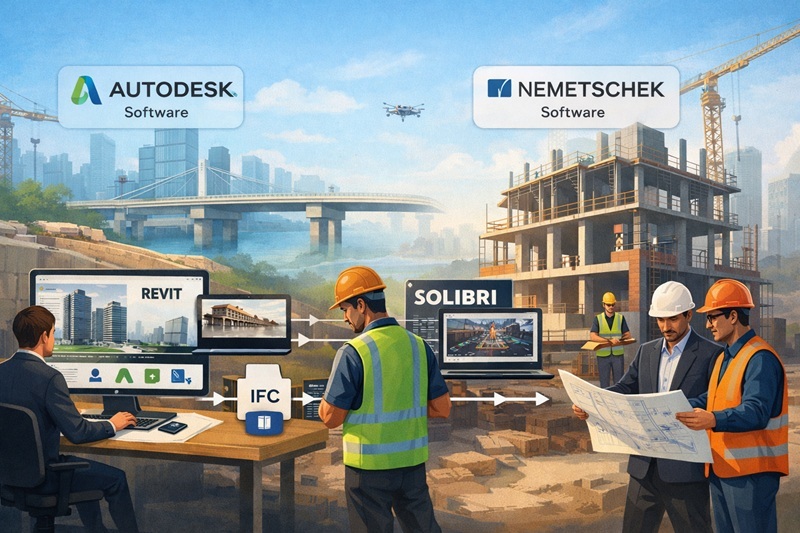
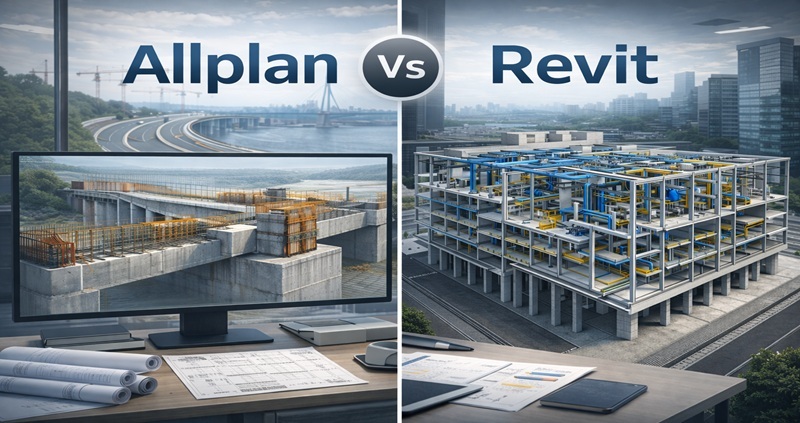
- Autodesk Revit: Used for creating discipline-specific BIM models.
- Autodesk Navisworks: Enables clash detection and model aggregation.
- Autodesk Construction Cloud: Supports collaboration and data sharing across teams.
- Solibri: Focuses on model checking and validation.
- Tekla Structures: Provides detailed structural modeling capabilities.
These tools support 3d BIM coordination by enabling teams to visualize models in detail. For example, Navisworks helps detect clashes, while Revit allows teams to modify designs quickly.
Beyond visualization, these tools support issue tracking and reporting. Teams can assign tasks, monitor progress, and maintain accountability.
Cloud-based platforms also improve accessibility. Teams can access models in real time, ensuring everyone works with the latest data. This reduces delays caused by outdated information.
Selecting the right BIM coordination software depends on project complexity and team requirements. However, the goal remains consistent: to create a coordinated model that supports efficient construction.
Benefits of BIM Coordination in Projects
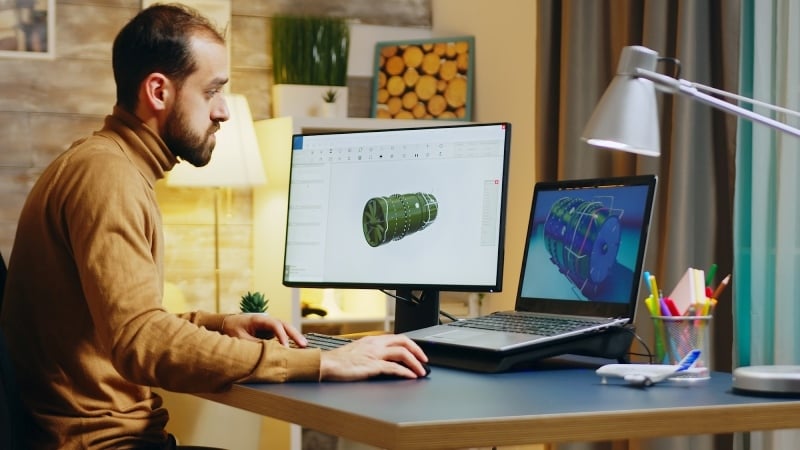
BIM coordination provides measurable benefits that improve project outcomes across all stages.
Key advantages include:
- Reduced Errors and Rework: Early clash detection prevents costly construction issues.
- Improved Collaboration: Teams work within a shared environment, improving communication.
- Better Cost Control: Accurate models help estimate materials and reduce waste.
- Enhanced Visualization: Stakeholders can clearly understand designs through 3D models.
- Faster Project Delivery: Coordinated workflows reduce delays.
- Higher Quality Construction: Accurate data improves execution on-site.
For example, resolving issues during design reduces both cost and time compared to fixing them during construction. This makes BIM coordination a critical part of modern project delivery.
It also improves scheduling. Coordinated models enable better planning and sequencing, reducing downtime and improving resource allocation.
Overall, BIM coordination strengthens efficiency, accuracy, and collaboration, leading to better project performance.
How to Build a High Paying BIM Career?

Building a career in BIM coordination requires a combination of technical skills, hands-on knowledge, and industry exposure. Take your civil engineering career to the next level with Novatr’s BIM Professional Course for Civil Engineers, a project-based program that prepares you to plan, design, and manage construction projects using 12+ industry software and essential BIM plugins.
Learn how to work with Autodesk Revit, Navisworks, construction cloud and key plugins like DiRoots.One, pyRevit, EF-Tools, ProSheets, Issue and Model Checker for Revit to improve automation, accuracy, and project efficiency.
Here’s what you’ll gain:
- End-to-end understanding of BIM workflows, modeling, estimation, coordination, sequencing, and documentation.
- Hands-on training aligned with ISO 19650 standards and real residential + commercial projects.
- Globally recognized certifications:
o Novatr Course Certificate
o Autodesk User Certification
o NSDC Skill Certificate
o Novatr Specialization Certificate, if opted
After completing the core modules, learners can also choose 2 additional specializations, including:
- Visual Programming with Dynamo – for automation and parametric workflows
- 4D, 5D & 6D with BIM – for time, cost, and facility integration
- Tekla for RCC Modeling – for detailed steel and concrete modeling
- Civil 3D for Infrastructure – for roadways, railways, and utilities
- Project Strategy & Optimization with Plannerly - Plan, structure, and audit BIM execution plans.
Structured learning helps engineers understand coordination workflows and apply BIM clash detection benefits effectively in real-world projects.