.webp)

|
|
|
|
|
Workflow |
Computer-Aided Design (CAD) is limited to rendering and drafting. |
Building Information Modelling- tools, technologies and contracts involving the generation and management of digital design representations. |
|
Drafting |
2D and (limited) 3D |
2D and 3D |
|
Rendering |
Limited |
Yes |
|
Parametric or Generative Modelling |
No |
Yes |
|
Information Management |
No |
Yes, including 4D, 5D, 6D, 7D |
|
Learning Curve |
Easy, but gets much harder with 3D modelling. |
Moderate |
CAD vs BIM - Overview
Before comparing the two methods, it helps to understand the main distinction. CAD focuses mainly on 2D and 3D drafting, while BIM supports data-rich modeling, coordination, and full lifecycle management across a project. This difference forms the foundation of how each workflow is used in modern AEC practices.
1. CAD
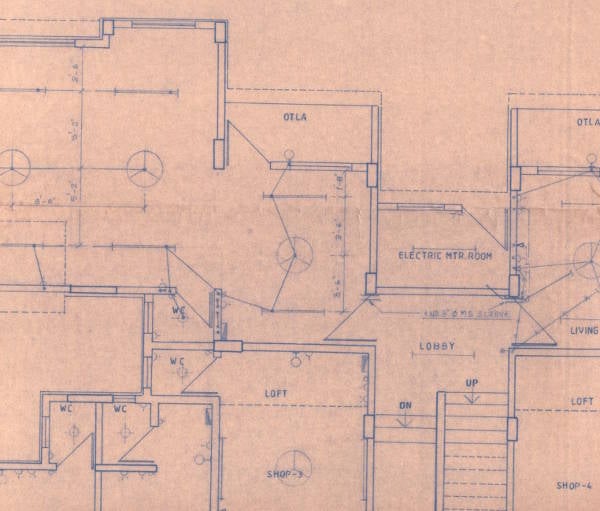
CAD, or Computer-Aided Design, was first introduced in the late 1950s by Dr. Patrick Hanratty. He is often known as the “Father of CAD” and was responsible for creating PRONTO, a software that marked the beginning of CAD. CAD allowed architects to create computerised versions of their designs, a major shift from the manually drawn pen-and-paper designs they were used to.
As further developments were made in the field of CAD over the next few decades, AutoCAD was released in 1982. It was the first commercially available software for drafting purposes and it produced 2D-based drawings of structures.
2. BIM
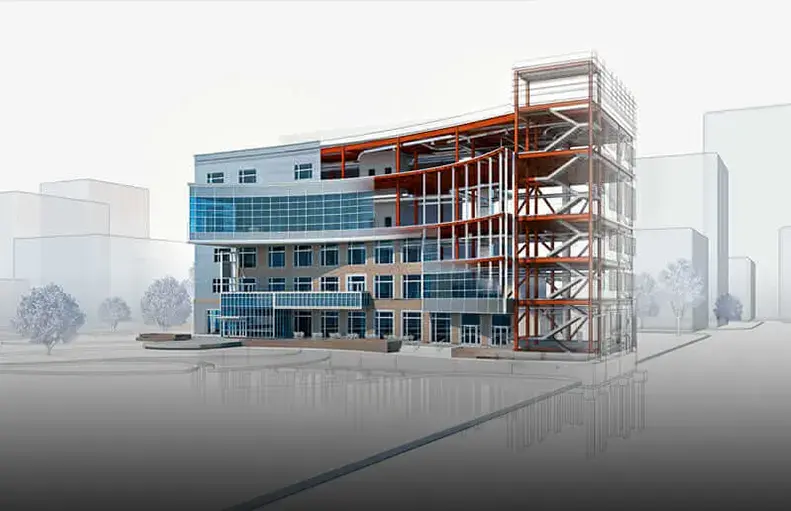
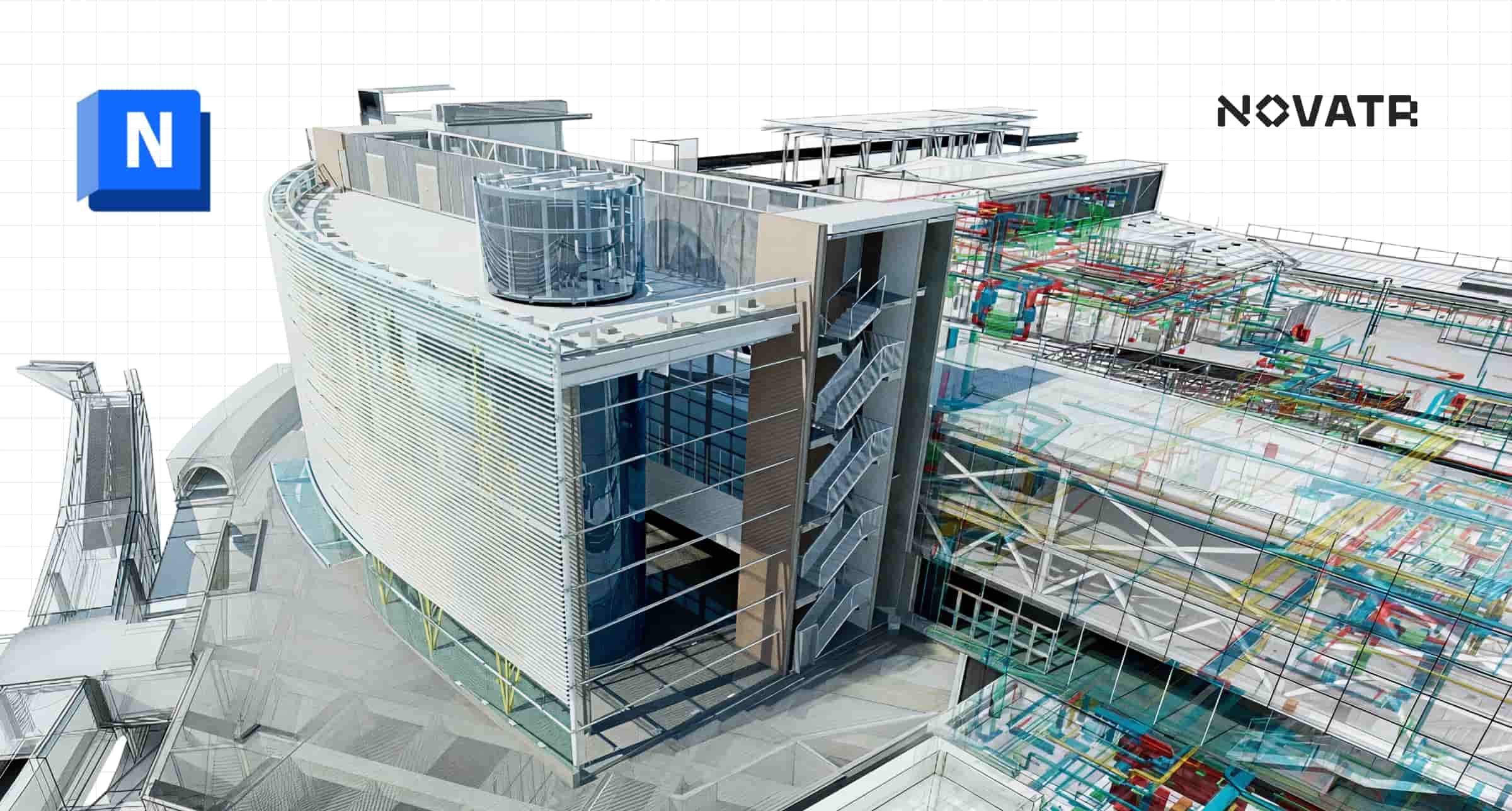
The concept of BIM has been in place since the 1970s. The development of ArchiCAD, one of the most popular BIM software began in 1982 and it was made by Gábor Bojár. A major difference to consider in a CAD vs BIM discussion: while CAD refers to software that uses digital aid to render designs, BIM is far from just software. It is a process.
Using cloud technology, BIM allows for all stakeholders in the building to stay on track with the development of the project. Designers, consultants, trade contractors, clients and all others related to construction, maintenance and operations can access the floorplans of the building and gain direction on the next steps. BIM makes the process of communication much more seamless, cutting down on needless back and forth between stakeholders that would ordinarily take months. Many firms all over the world have switched completely to BIM, as it supports all aspects of cost management, construction management and project management.
Also Read - An Ultimate Guide To Transition From CAD Drafter To BIM Technician
CAD vs BIM - Uses and Efficiency
1. CAD
- As mentioned before, CAD-based software allows for better analysis and execution of a building structure.
- Prior to the emergence of CAD, drafting was a procedure done by hand. Calculations for design were done manually by engineers, architects and technicians. This was a time-consuming process, and CAD greatly shortened it. All calculations of space were done by the software itself, saving a lot of time and energy.
- It increased the geometric accuracy of designs because of the number of verification and validation tools the software came with, including basic simulation, clash analysis, visualisation and documentation.
- CAD also allowed architects to visualise their structures more efficiently making their structures less prone to oversights due to human error.
- Traditionally, CAD was used for 2D design, but many designers and architects use CAD for 3D design as well now.
- However, the 3D variation of CAD is a cumbersome process for the designer, and therefore many architects now prefer to switch to BIM-based software such as Revit.
2. BIM
- BIM modelling is capable of all of the functions of CAD-based software, but it goes several steps further.
- As a cloud-based process that allows for virtual collaboration among teams, BIM is far from just a valuable set of software. The architects, engineers, client, the construction manager and all related parties can access the entire lifecycle of the building’s construction process.
- BIM allows for the creation of 3D, 4D, 5D, 6D, 7D and 8D versions. These dimensions allow for variables such as sustainability (6D), time (7D) and risk detection (8D).
- Furthermore, BIM also adjusts the parametric change of an aspect in relation to other aspects. For instance, if a designer decides to insert a window in the design of the house, they are not required to update each individual aspect of the building to accommodate the window. In CAD, on the other hand, it is necessary to update every individual aspect of the design to have a holistic view of the changes in the building.
- With CAD, designers focus on drawing, as the design will have to be revisited at a later stage anyway for further generation. In BIM, the process of further generation is automated, and this saves time.
Also Explore - Why it is important to learn BIM With CAD?
CAD vs BIM - Software Analysis
CAD has been around for a long time and it can be difficult to classify, as nearly any system that utilises digital aid to model plans can technically be CAD (Computer-Aided-Design). Therefore, a comparison such as CAD vs BIM is only truly valuable if you compare the software they use in order to understand the difference. Over the years, BIM has added a lot to its belt. Here is a list of well-known BIM and CAD software to give you a well rounded idea of the differences between them.
1. AutoCAD vs ArchiCAD
|
AutoCAD |
ArchiCAD |
|
|
Drafting |
2D and limited 3D |
3D |
|
Learning Curve |
Comparatively difficult |
Smaller learning curve for beginners. |
|
Features & Advantages |
Used for drafts, documents, easy collaboration with Microsoft Excel. Very realistic rendering, not many building tools. No multiple workflows. Difficulty in transferring between software. |
Used for Virtual Building Modelling, it has specific building tools such as walls, doors, windows and slabs. BIM based, multiple workflows. Ease of transfer between software. |
|
Price |
USD 2030/annually |
USD 2810/annually. Free subscription for students |
|
Software |
CAD |
BIM |
AutoCAD has a steep learning curve which would require more time to master. Virtual collaboration is not possible in AutoCAD as there are no cloud features and the process is individual-oriented.
ArchiCAD, meanwhile, is a BIM-based software, and it has a smaller learning curve for beginners. This makes it far more efficient to use and access. ArchiCAD also comes with collaborative features that allow multiple designers to work on a design simultaneously.
Both software allow for 2D and 3D drafting and modelling, but ArchiCAD has a free subscription for students, while AutoCAD requires a subscription-based license.
2. SketchUp vs Revit
|
SketchUp |
Revit |
|
|
Drafting |
2D and 3D + many plugins. |
2D and 3D-thousands of plugins, with many in-built tools. |
|
Rendering |
Equally effective |
Equally effective |
|
Features & Advantages |
Lighting effects, huge variety of lighting effects, layer manager. |
Parametric components, MEP/ structural engineering and fabrication. |
|
Price |
Various options available from GO to STUDIO, price varying from USD 119 to USD 749 annually |
USD 2910 annually |
|
UI |
Not as efficient |
Superior |
|
Software |
CAD |
BIM |
Revit is a BIM-based software. While both Revit and SketchUp develop 3D-based models, Revit goes a step further. Rather than just a 3D representation, Revit can also draw up a building with all its HVAC, plumbing and electrical information, which automatically informs the Construction Manager on the materials to purchase and use. Revit can also simulate the stresses of a building, to ensure that it can hold up to real-world conditions.
SketchUp, meanwhile, is far more easy and intuitive to pick up in comparison to Revit, but it does not provide as much. Over the years, SketchUp has introduced several plugin extensions to combat this, but the process of installation is certainly a lot more laboursome than Revit.
Revit is not free, while SketchUp does have a free version. However, Revit can be accessed by students for free for a year via Autodesk. In recent years, Revit has emerged as the favoured choice for AEC professionals.
How CAD and BIM Work Together in Modern AEC Workflows
CAD and BIM work together by combining fast drafting with data-rich modeling for complete AEC workflows. Modern teams often use CAD for detailing and BIM for coordination, modeling, and project management.
In real projects, CAD remains useful for shop drawings, quick 2D edits, and manufacturing layouts. BIM tools then bring these drawings into a shared model where teams track changes, detect clashes, coordinate building systems, and link schedules and costs. Using both helps improve accuracy, reduce rework, and maintain seamless communication across all project stages.