---
title: Top YouTube Channels, Courses & Communities to Learn Revit in 2026
description: Discover the best YouTube channels, online courses, and Revit communities to help you learn Revit, ideal for both beginners and advanced learners.
image: https://blog.novatr.com/hubfs/Best%20YouTube%20Channels%2c%20Courses%20%26%20Communities%20to%20Learn%20Revit.png
---
[Blogs](https://www.novatr.com/learning-hub)
- [Architecture & Construction](https://www.novatr.com/learning-hub?category=Architecture+%26+Construction)
- [BIM](https://www.novatr.com/learning-hub?category=BIM)
- [Computational Design](https://www.novatr.com/learning-hub?category=Computational+Design)
- [Company News](https://www.novatr.com/learning-hub?category=Company+News)
- [Expert Talks](https://www.novatr.com/learning-hub?category=Expert+Talks)
Explore Courses
[Just Launched  BIM Professional Program v.2026 Take your career to the next level by mastering the real-world application of BIM. Know More](https://www.novatr.com/courses/bim-professional-program)
[ Master Computational Design Course Break into an advanced career by learning to apply the power of computation to the art of design. Know More](https://www.novatr.com/courses/computational-design)
[Blogs](https://www.novatr.com/learning-hub)
Explore Blogs
- [Architecture & Construction](https://www.novatr.com/learning-hub?category=Architecture+%26+Construction)
- [BIM](https://www.novatr.com/learning-hub?category=BIM)
- [Computational Design](https://www.novatr.com/learning-hub?category=Computational+Design)
- [Company News](https://www.novatr.com/learning-hub?category=Company+News)
- [Expert Talks](https://www.novatr.com/learning-hub?category=Expert+Talks)
Courses
- [BIM Professional Program v.2026](https://www.novatr.com/courses/bim-professional-program)
- [Master Computational Design](https://www.novatr.com/courses/computational-design)
- [Archi/](https://www.novatr.com/learning-hub?category=BIM)
Featured Article
# Best YouTube Channels, Courses & Communities to Learn Revit in 2026

Neha Singh
February 18, 2026
5 min read
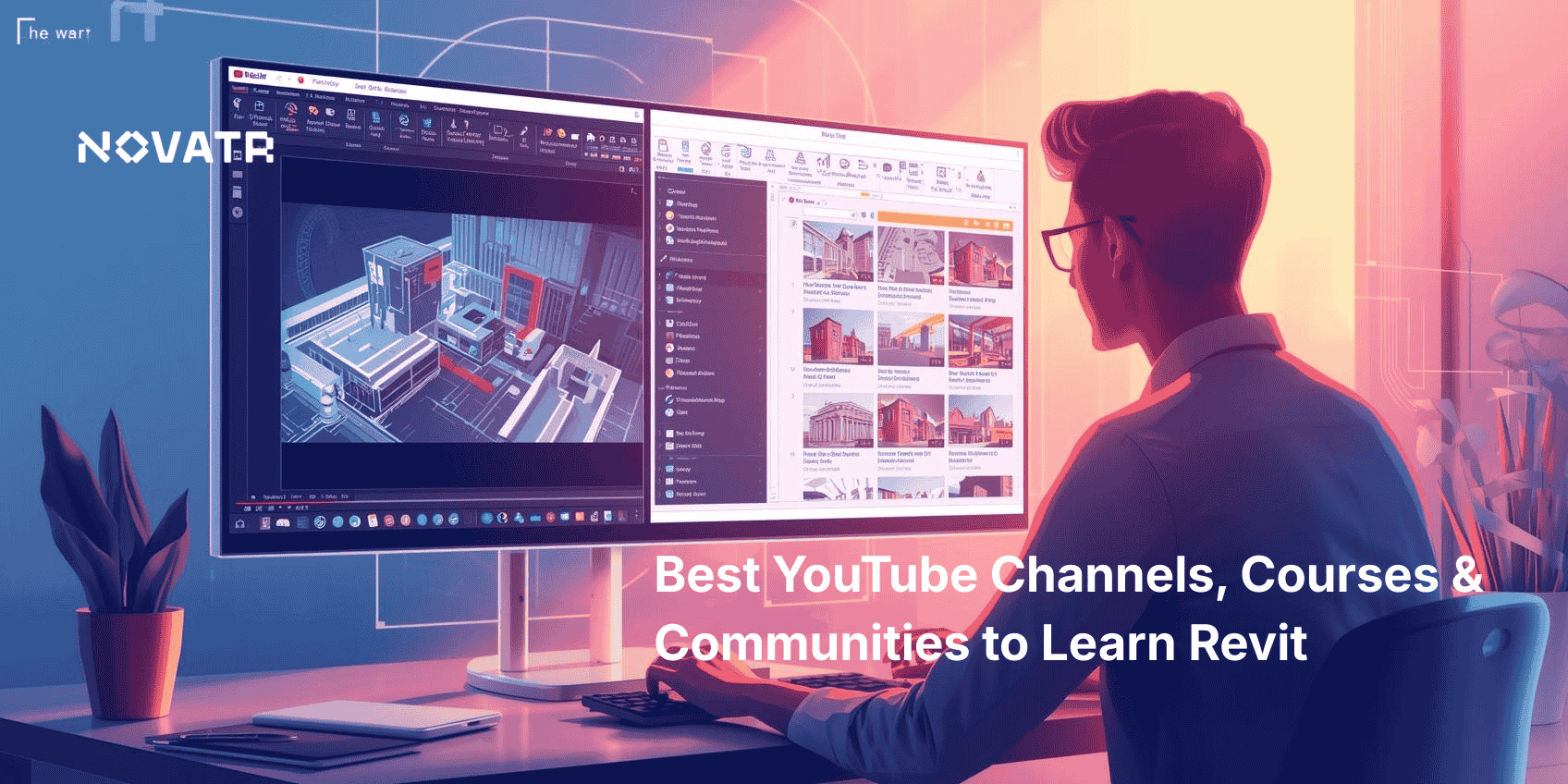

Learning Revit software is becoming a crucial step for professionals in architecture, engineering, and construction. According to the U.S. Census Bureau, the value of construction in the U.S. topped [$2 trillion in 2024](https://www.census.gov/construction/c30/pdf/pr202412.pdf), underlining the demand for digital tools like Revit. Whether you’re a beginner or aiming to improve your BIM workflows, now is the perfect time to learn Revit. With accessible platforms like YouTube, structured Revit training courses, and active forums, mastering Revit architecture has never been easier.
This guide explores the best ways to learn Revit online in 2026, covering top video creators, learning platforms, and peer communities. Along the way, we’ll explore key elements like Revit modeling, Revit families, Revit library creation, and how to apply the features of Revit to real-world architectural projects.
Unlock High-Paying Careers With BIM
Master BIM workflows, software and skills on real projects.
Apply Now
\*Limited seats available
## **Which YouTube Channels Are Best for Learning Revit in 2026?**

YouTube offers a rich hub of Revit learning videos for both beginners and advanced users. These channels break down essential Revit modeling skills, guide you through professional Revit drawings, and help grow your Revit library, all while showing what is Revit software used for in real-world design. These channels are practical, engaging, and built to match your pace.
- **Balkan Architect** – With over 600K subscribers, this channel dives deep into Revit architecture, from basics to complex [Revit families](https://www.novatr.com/blog/revit-families-guide) creation and plugin usage. The tutorials are clear and highly detailed.
- **That BIM Girl** – Ideal for beginners. She covers workflows and the benefits of learning Revit through concise, practical tutorials. Her content is especially great for those wanting to learn Revit quickly.
- **CAD in Black** – Offers in-depth tutorials on Revit models, Revit plugins, and even real-life applications of Autodesk Revit architecture.
- **MTH Revit Tutorials** – Focuses on foundational training, a great choice if you're looking to learn Revit quickly. His video guides are excellent for developing strong core skills.
- **The Revit Kid** – Explores advanced workflows and shares productivity hacks for better **Revit design** and file management. If you’re looking to use Revit software efficiently, this is your go-to channel.
Each of these creators contributes uniquely to your Revit learning journey, offering videos that match your learning pace and experience level.
## **What Are the Top Online Courses for Revit (Free & Paid)?**
Structured Revit course platforms offer more in-depth training than YouTube. These options are best for learners who want certification or want to learn Revit for architecture professionally. Here are the top options available in 2026:
### **1.** [**BIM Course for Architects**](https://www.novatr.com/us/courses/building-information-modelling) **by** [**Novatr**](https://www.novatr.com/us)
Novatr provides a Post‑Graduate Program in Building Information Modelling for Architects (28 weeks, with flexible US payment plans)
**Key features:**
- 60+ live sessions
- 12+ BIM tools taught (Revit, Navisworks, Dynamo)
- ISO‑19650 structured projects
- One-on-one mentor guidance
- Performance trackers
- Career support and placement
- Mentorship from top‑tier firms and architects
### **2. LinkedIn Learning**
Offers beginner to intermediate Revit training courses with downloadable resources, quizzes, and certificates. Great for brushing up on Revit plugins, features of Revit, and Revit library tasks.
### **3. Udemy**
Includes both free and paid Revit tutorials. Courses cover everything from Revit modeling to creating parametric Revit families and Revit drawings, catering to both self-paced learners and those seeking low-cost certification.
### **4. Coursera & edX**
Partnered with top universities to provide certification in Revit design and BIM concepts. These courses are great to deepen the academic understanding of the application of Revit in architecture.
These platforms empower learners to build a robust Revit library, understand Revit software workflows, and develop essential BIM skills tailored to today's industry demands.
## **Which Online Communities and Forums Help You Grow with Revit?**
******
Online communities give learners a space to ask questions, showcase work, and solve problems together. Here are some reliable forums where you can grow with others learning Revit software:
- **Novatr’s Online Community:** Their tribe Platform is a standout. Unlike typical forums, this space is structured, mentor-led, and integrated with Novatr’s learning platform. Here, learners can connect with 6,000+ members worldwide, access exclusive events, share feedback, and get one-on-one guidance on projects related to Autodesk Revit architecture, BIM Revit architecture, and beyond.
- **Revit Forum** – One of the most active communities focused on troubleshooting, Revit requirements, and family creation. Great for getting fast answers and plugin suggestions.
- **Autodesk Community** – Backed by the software’s developer, this forum is great for resolving technical issues and exploring Revit plugins. You’ll find many professionals sharing their experiences with Revit software here.
- **Reddit’s r/Revit** – Offers user-submitted tips, project critiques, and discussions on the benefits of Revit. You can learn a lot by following community conversations.
- **Facebook Groups** – Look for groups like “Revit Users” or “BIM for Architects” to network and share learning resources. Many groups share free Revit learning videos and project files.
Engaging with these communities keeps you updated on trends, teaches you the best way to learn Revit, and helps clarify doubts when using advanced Revit models and workflows.
## **How to Choose the Right Learning Path Based on Your Experience Level?**

Your ideal path to learn Revit depends heavily on where you're starting from and your career goals:
- **Beginners:** Start with Revit learning videos on YouTube. Channels like That BIM Girl and MTH Tutorials offer simplified guides to learn Revit quickly and cover basic Revit modeling and Revit drawings.
- **Intermediate Users:** Enroll in structured Revit architecture course options with Novatr or LinkedIn Learning. These courses cover Revit families, plugin management, and how to use Revit design tools efficiently.
- **Advanced Users:** Focus on forums and specialized content. Advanced learners benefit from exploring new features of Revit, developing plugins, contributing to Revit library content, and mentoring others through online communities.
Regardless of your level, understanding the application of Revit in architecture is key to advancing. Pair your learning with hands-on practice to fully understand how Revit software can support real-world design challenges.
Master BIM and Get Hired Faster
Join a community of 8500+ Architects and Engineers.
Explore Now
\*Limited seats available
## **Conclusion**
To succeed in Revit architecture, combine guided learning with community support. Platforms like Novatr offer deep insight into Revit software, while YouTube and online forums build everyday skills in Revit modeling and Revit drawings. With the right mix of courses and collaboration, the benefits of learning Revit become clear, boosting both your design output and career prospects.
If you're ready to level up your career, explore the [BIM Course for Architects](https://www.novatr.com/us/courses/building-information-modelling) by [Novatr](https://www.novatr.com/us) to build a strong foundation in your profession and join the next wave of architects reshaping our world.
Visit [our resource page](https://www.novatr.com/learning-hub) to get started and explore expert guidance on advancing your career.
## **FAQs**
### **1. How long does it take to learn Revit for architecture?**
For most learners, it takes around 3–6 months to become proficient in Revit software for architectural use, depending on your commitment and prior experience with CAD tools. Advanced Revit training courses can help speed up your learning curve.
### **2. Is Revit easy to learn for beginners?**
Yes, if you start with structured tutorials and foundational courses. With resources like YouTube and Novatr’s BIM Professional course for Architects, beginners can learn Revit online comfortably at their own pace. Many beginners also benefit from understanding Revit requirements early on.
### **3. Which Revit skills should you focus on first?**
Start with creating basic Revit models, using Revit families, and understanding Revit drawings. Then progress to Revit design, plugin usage, and organizing your Revit library.
Was this content helpful to you
Like Yes
Dislike No

TABLE OF CONTENTS
BIM Is The New Standard. Are You Certified?
Get Certified in BIM
SHARE ON YOUR SOCIALS
Link Copied Successfully
Related articles
[ Building Information Modelling Top 8 Revit Certifications for Architects in the USA 28 March 2025 7 min read](https://blog.novatr.com/blog/top-revit-certifications-for-architects-in-the-usa) [ Best Revit MEP Course in Pune 2026 24 December 2024 8 min read](https://blog.novatr.com/blog/revit-mep-course-in-pune) [.png) Enhance Your Skills with Revit Online Training (2026) 24 March 2026 5 min read](https://blog.novatr.com/blog/revit-online-training) [ BIM Revit v/s Revit LT: Which software should you learn in 2026? 17 November 2022 15 min read](https://blog.novatr.com/blog/revit-vs-revit-lt)
Download Syllabus
## BIM Professional Program
Next Cohort
June 2026
Program Duration
7 Months
Premium Program benefits
8 Credentials from Autodesk, NSDC, Novatr
1 program. 10 career paths. Infinite Growth.
40+ ISO 19650 & RIBA real-world projects to practice
1-on-1 guidance. Access 400+ industry experts.
Access the biggest AEC-Tech community on the planet. 8500+ and counting
Curated for you by 100+ global BIM leaders.
Lifelong access to course content
Enter your details to download the program syllabus.
##### BIM Professional Program
June 2026, 7 Months
Your Name Invalid name.
Phone Number Enter a valid phone number
Email Please enter a valid email address.
Select years of experience\* Currently studying 0-1 years 1-2 years 2-4 years 4-8 years 8-10 years 10-12 years 12+ years Invalid selection.
Specialisation Select your background\* Architecture Civil Engineering Mechanical Engineering Electrical Engineering Invalid selection.
Are you professionally trained in interior design?
Yes
No
I agree to the [Terms of Use](https://www.novatr.com/terms-and-conditions) and [Privacy Policy](https://www.novatr.com/privacy-policy), and consent to be contacted by Email, Call, WhatsApp, or SMS.
Submit
Ready to skyrocket your career?
Begin your next chapter in AEC
with Novatr!
We are here to help you take the industry by storm with advanced, tech-first skills.
[Explore Courses](https://www.novatr.com/#courses)
Join our newsletter
Submit
Thank you for signing up.
We’ll send you a nice letter once per week. No spam.

Dare to Disrupt.
Join thousands of people who organise
work and life with Novatr.
Company
- [About Us](https://www.novatr.com/about)
- [BIM Professional Program v.2026](https://www.novatr.com/courses/bim-professional-program)
- [Masters Computational Design](https://www.novatr.com/courses/computational-design)
- [Become a Mentor](https://www.novatr.com/apply-as-mentor)
- [Hiring from Us](https://www.novatr.com/hire-from-us)
- [Careers at Novatr](https://www.novatr.com/career)
Resources
- [Blog](https://www.novatr.com/learning-hub)
- [Media Room](https://www.novatr.com/media-room-home-page)
- [Career Builder](https://www.novatr.com/career-navigator)
- [Events & Webinars](https://www.novatr.com/webinars)
- [FAQs & Support Center](https://www.novatr.com/contact-us)
- [Contact Us](https://www.novatr.com/contact-us)
- [Privacy Policy](https://www.novatr.com/privacy-policy)
- [Terms of Use](https://www.novatr.com/terms-and-conditions)
©2023 Oneistox Network Pvt. Ltd.
All Rights Reserved
```json
{
"@context" : "https://schema.org",
"@type" : "BlogPosting",
"author" : {
"@type" : "Person",
"name" : "Neha Singh",
"url" : "https://blog.novatr.com/blog/author/neha-singh"
},
"dateModified" : "2026-02-18T07:01:40.566Z",
"datePublished" : "2026-02-18T06:49:51.000Z",
"headline" : "Top YouTube Channels, Courses & Communities to Learn Revit in {{year}}",
"image" : [ "https://blog.novatr.com/hubfs/Best%20YouTube%20Channels%2c%20Courses%20&%20Communities%20to%20Learn%20Revit.png" ],
"mainEntityOfPage" : {
"@id" : "https://blog.novatr.com/blog/best-resources-to-learn-revit",
"@type" : "WebPage"
},
"publisher" : {
"@type" : "Organization",
"logo" : {
"@type" : "ImageObject",
"url" : "https://blog.novatr.com/hubfs/Novatr%20Prev%20OX-2.svg"
}
}
}
```