
Why Do BIM Professionals Need Skills Beyond Revit in 2026?
For many years, learning Revit was the primary objective for everyone stepping into the world of digital design. However, in the context of how modern projects are delivered, it has become apparent why Revit alone is not enough for BIM careers.
The modern digital construction landscape requires skills beyond basic modeling because:
-
Limited Data Management: Revit does not have built-in data management for large, multi-disciplinary sets of data, and does not have the ability to manage a project efficiently over a long period of time.
-
Pros of Manual Updates: Manual updates in Revit result in data silos, version control problems, and missed or overlooked errors.
-
Need for Efficiency: Modern AEC workflows demand high efficiency, speed and absolute accuracy to meet the tight schedules.
-
Real Time Savings: Industry studies show that with the use of advanced BIM collaboration platforms, projects can achieve approximately 15% reduction in overall project duration.
-
Focus on Entire Lifecycle: Companies are looking for candidates who know the whole construction workflow, because it matters to keep the schedule and budget constraints under control.
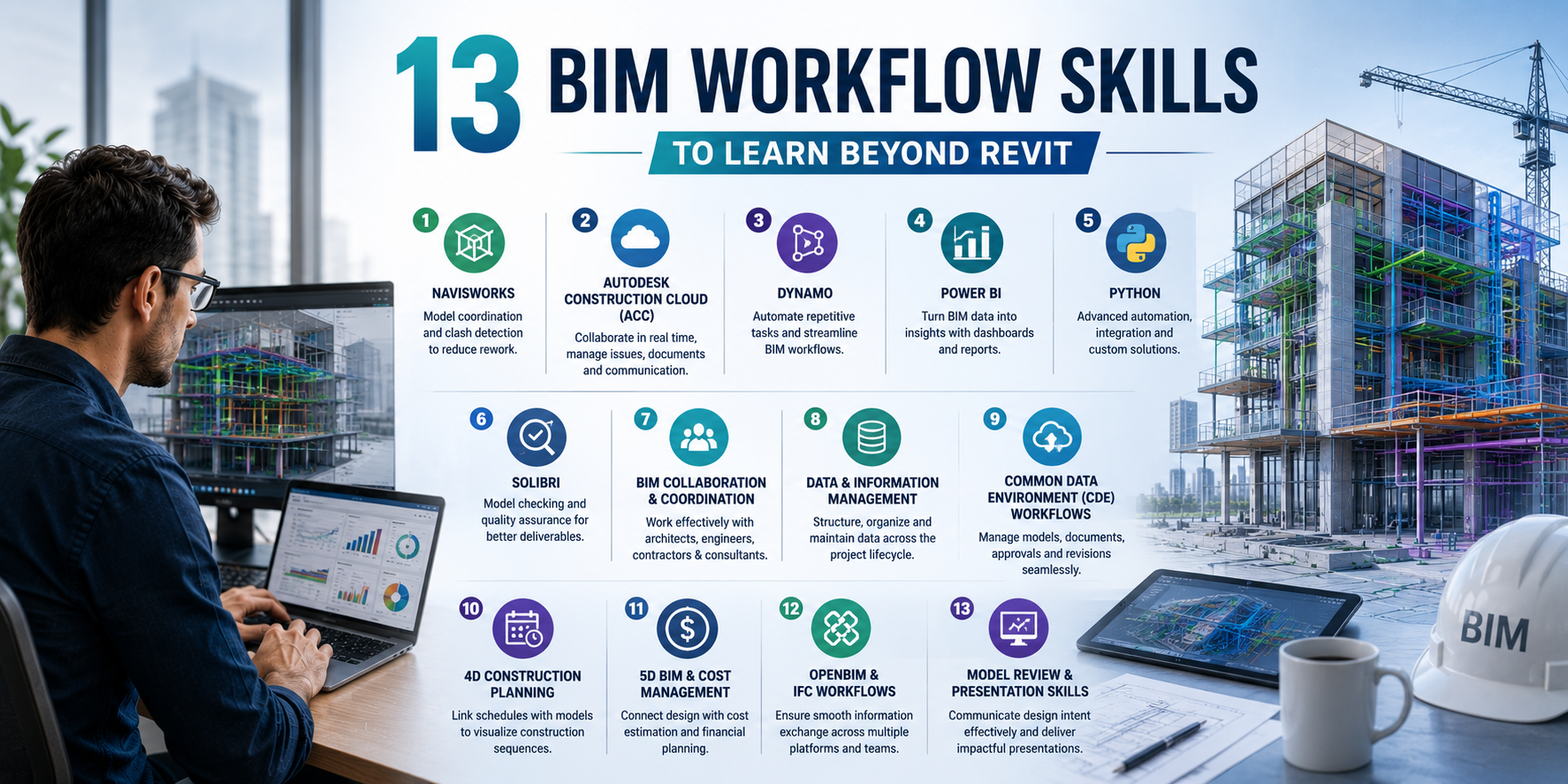
13 BIM Workflow Skills to Learn Beyond Revit
Learning Revit is often the first step in a BIM career, but modern AEC projects require professionals to work across a broader ecosystem of tools and workflows. As projects become more collaborative and data-driven, understanding how information moves between teams can be just as important as creating models.
If you're looking to move beyond model creation and take on roles such as BIM Coordinator, BIM Specialist, or BIM Manager, these are some of the workflow skills worth developing:
1. Navisworks
Navisworks is widely used for model coordination and clash detection. It helps teams identify conflicts between architectural, structural, and MEP models before construction begins, reducing costly rework on site.
2. Autodesk Construction Cloud (ACC)
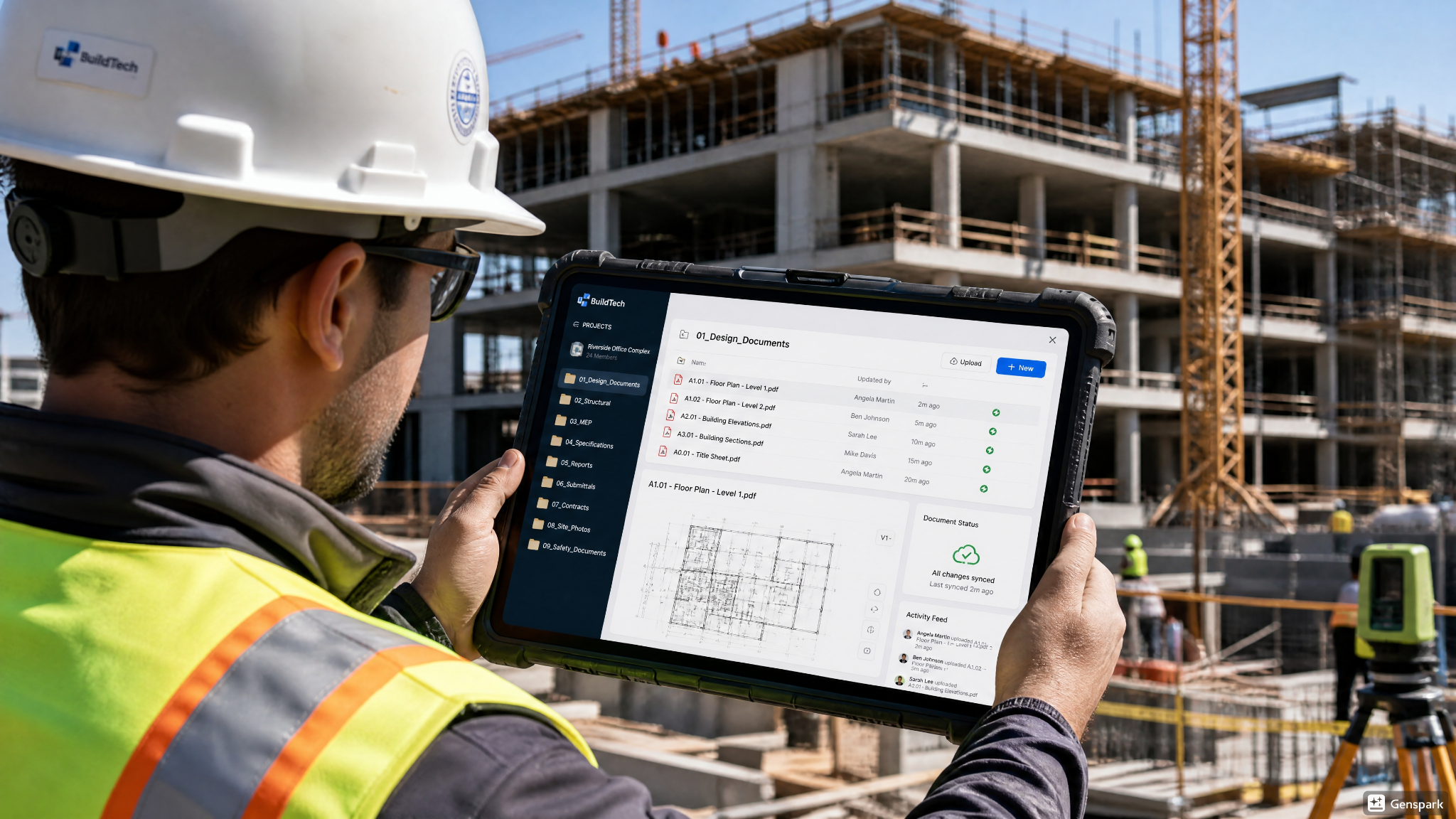
ACC enables project teams to collaborate in a shared cloud environment. It helps manage model reviews, document control, issue tracking, and project communication in real time.
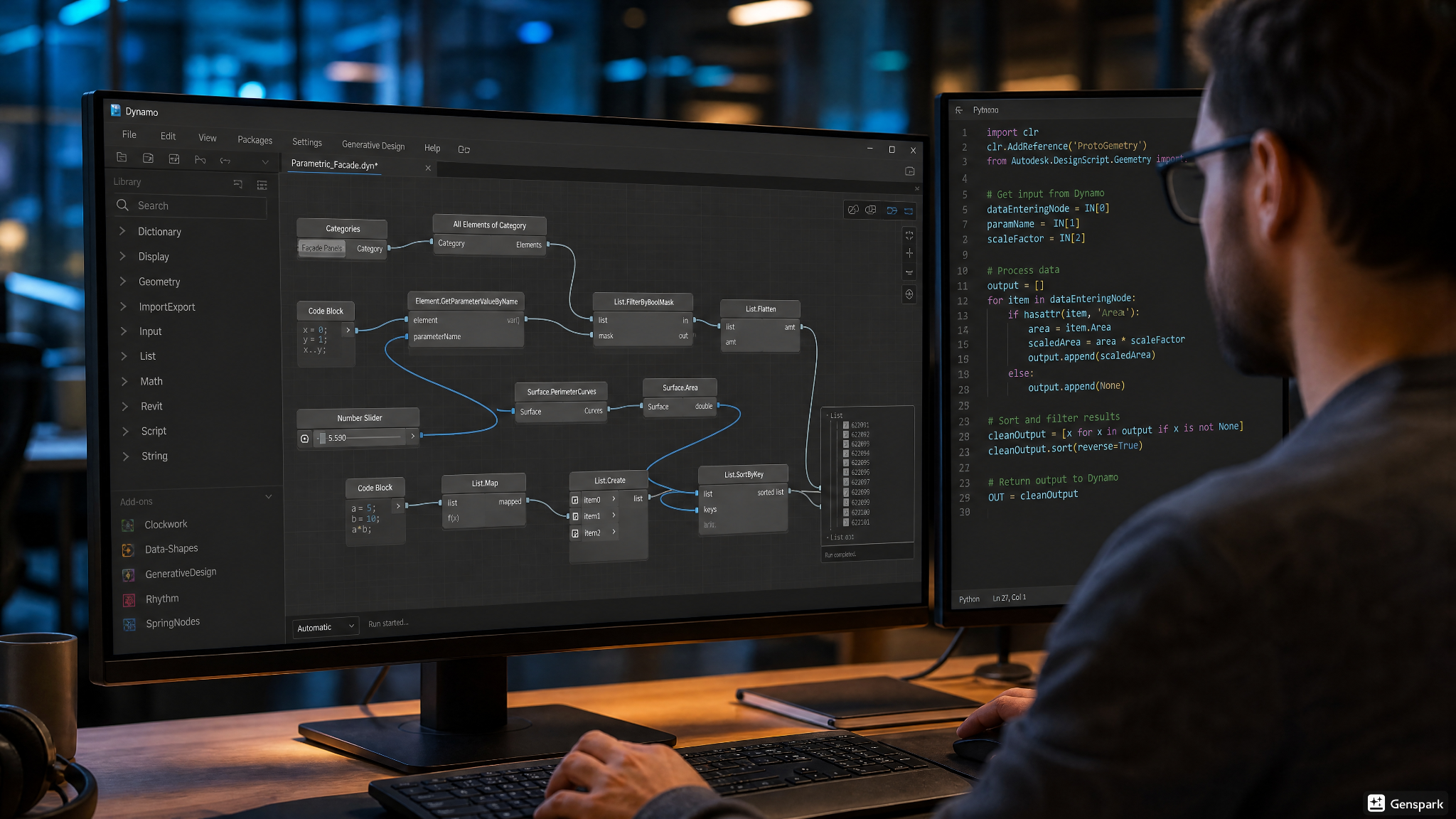
3. Dynamo
Dynamo allows users to automate repetitive tasks within BIM workflows through visual programming. It can save significant time on activities such as generating sheets, renaming views, or managing project data.
4. Power BI
BIM models contain large amounts of project data. Power BI helps convert that information into dashboards and reports that support project monitoring and decision-making.
5. Python
For professionals looking to go beyond visual scripting, Python provides greater flexibility for automating workflows, integrating software tools, and developing custom BIM solutions.
6. Solibri
Solibri is commonly used for model checking and quality assurance. It helps teams verify compliance with BIM standards, identify modeling issues, and improve the overall quality of project deliverables.
7. BIM Collaboration and Coordination
Technical skills alone are not enough. Understanding how architects, engineers, contractors, and consultants coordinate within a BIM environment is essential for successful project delivery.
8. Data and Information Management
BIM is fundamentally about managing information. Learning how to structure, organize, and maintain project data ensures models remain useful throughout the design, construction, and operations phases.
9. Common Data Environment (CDE) Workflows
Modern projects rely on shared data environments to manage documents, models, approvals, and revisions. Familiarity with CDE workflows helps teams maintain consistency and avoid communication gaps.
10. 4D Construction Planning
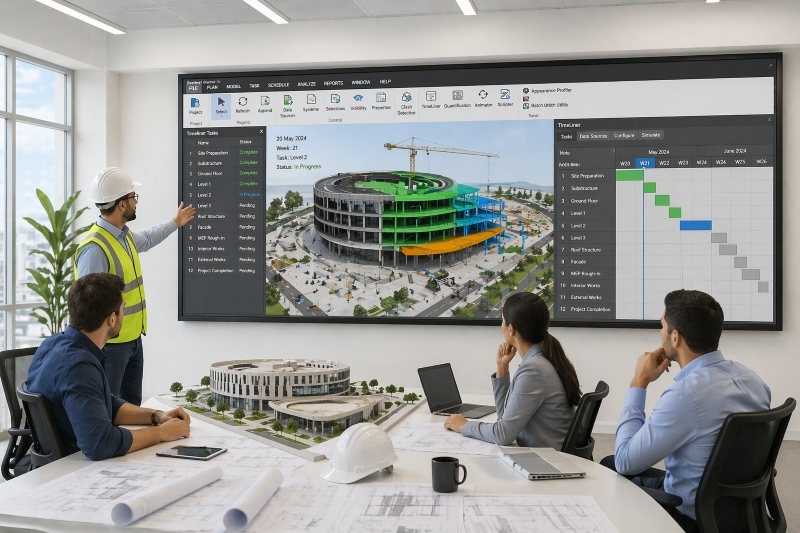
4D BIM links project schedules with digital models, allowing teams to visualize construction sequences and identify potential scheduling conflicts before work begins.
11. 5D BIM and Cost Management
Understanding how BIM integrates with quantity takeoffs and cost estimation helps professionals connect design decisions with project budgets and financial planning.
12. OpenBIM and IFC Workflows
Projects often involve multiple software platforms. Knowledge of OpenBIM principles and IFC-based collaboration helps ensure smooth information exchange between different teams and tools.
13. Model Review and Presentation Skills
Being able to communicate model insights to project stakeholders is an increasingly valuable skill. Effective model reviews help teams make informed decisions and improve collaboration across disciplines.
How Do Navisworks and ACC Improve BIM Coordination?

True, BIM coordination is not achieved within a single isolated design file. That is where software tools such as Navisworks come in handy. Navisworks allows you to combine these large models into one low-weight model for automated clash testing. It shows the exact location of a pipe in a structural steel beam, enabling teams to troubleshoot without costly on-site repairs.
While Navisworks can handle spatial clashes, Autodesk Construction Cloud (ACC) works more like a bridge for BIM collaboration and communication between different company offices. ACC is basically a common data environment, where the project files are stored online. Engineers and field workers log in to ACC to get the latest drawings, rather than sending big files back and forth via e-mail. Assigning user access levels, tracking design issues within ACC and creating project folders ensures that everyone on the team is working from the same source of truth.
What Can Dynamo and Power BI Add to BIM Workflows?
In order to understand how to improve BIM workflow skills for architecture careers, one must simply observe visual programming and data analytics. Manual work consumes hours of precious design time when working with large commercial buildings. For instance, if thousands of doors had to have their parameter data changed by hand, this would be slow and prone to human error. With Dynamo, you can build a basic script that will read data from an Excel spreadsheet and automatically update all doors in the 3D model in seconds.
Power BI extends this process by extracting the information directly from the 3D model and converting it into clean and interactive business reports. You can send a web-link to a Power BI dashboard to let the project stakeholder know how the project is going without having to open a complex 3D modeling tool.
Which BIM Courses Help Professionals Learn Advanced Workflow Skills?
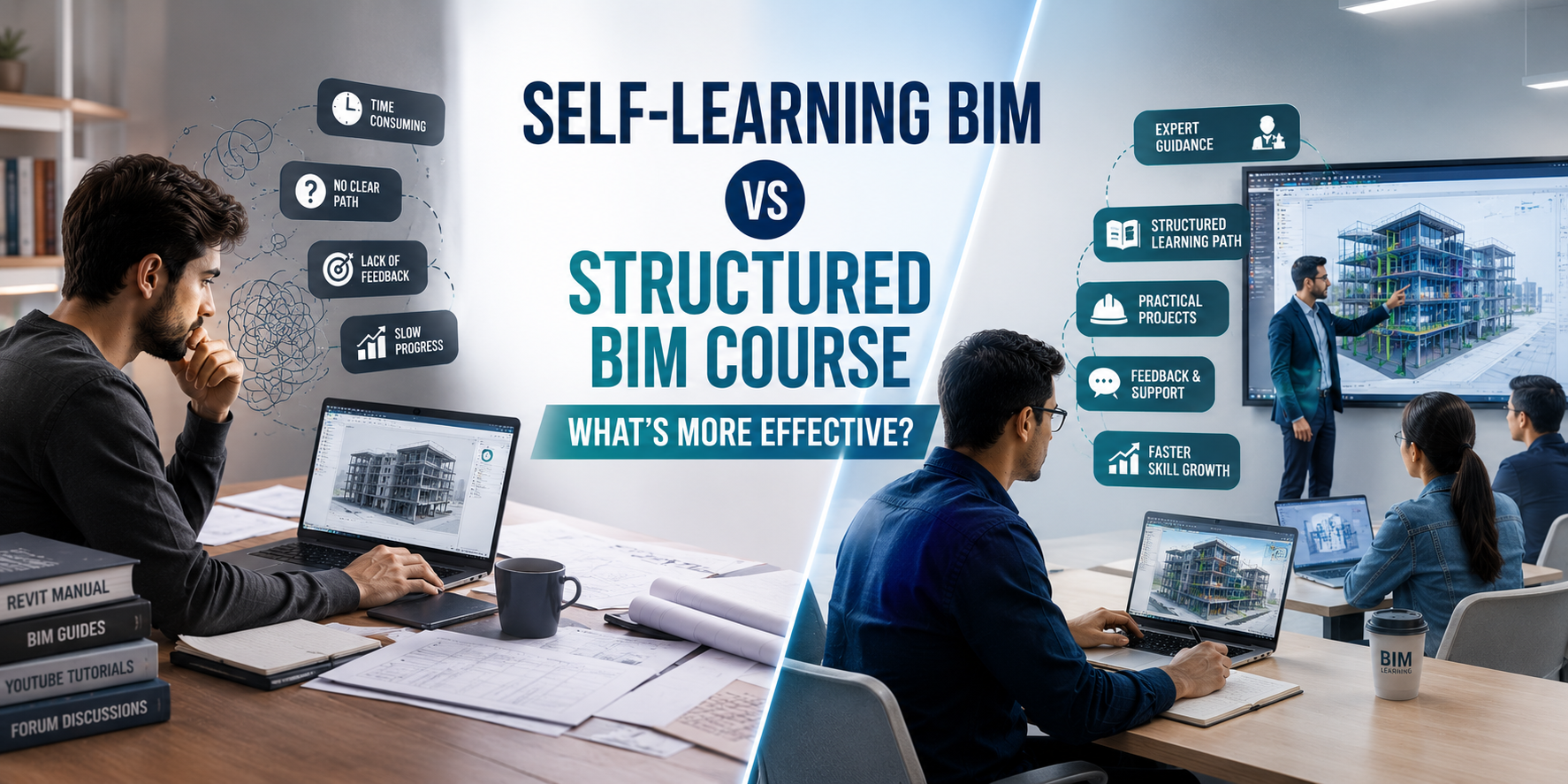
Learning what advanced BIM skills are in demand can take years to develop, and that's if you can develop them at all without the assistance of a coach. Specialised training programs are very beneficial for professionals seeking a structured and quick path to career progression.
Novatr's BIM Professional Program is designed to teach these sought-after workflow skills. The course is much more than just software commands. It is very focused on real-world project scenarios, and teaches learners how to coordinate multi-disciplinary models, how to apply international ISO 19650 data standards and how to use automated scripts. Students develop a strong technical confidence that is required by today's AEC firms by practicing with industry standard software, such as Navisworks, ACC and Dynamo on real project models.
.png)