.png)

What Is Augmented Reality in MEP Installation and How Does It Work on Site?
Augmented reality in MEP installation connects digital models with real-world construction
environments. Teams usually depend on drawings, but with AR tools, they can see MEP systems directly on site.
The following explains how AR helps in MEP installations on the site:
-
AR overlays digital MEP systems onto the actual construction space
-
Installers can view mechanical, electrical, and plumbing layouts in real scale
-
The system uses BIM models as the base data source
-
AR devices align virtual models with physical site coordinates
-
It helps visualize hidden systems like ducts, pipes, and conduits before installation
-
Teams can check installation paths without opening finished surfaces
In simple terms, AR turns digital construction data into something installers can see and follow directly. It helps teams better understand the layout during installation and eliminates guesswork.
How Do AR Tools Overlay Digital MEP Layouts for Installers in Real Time?
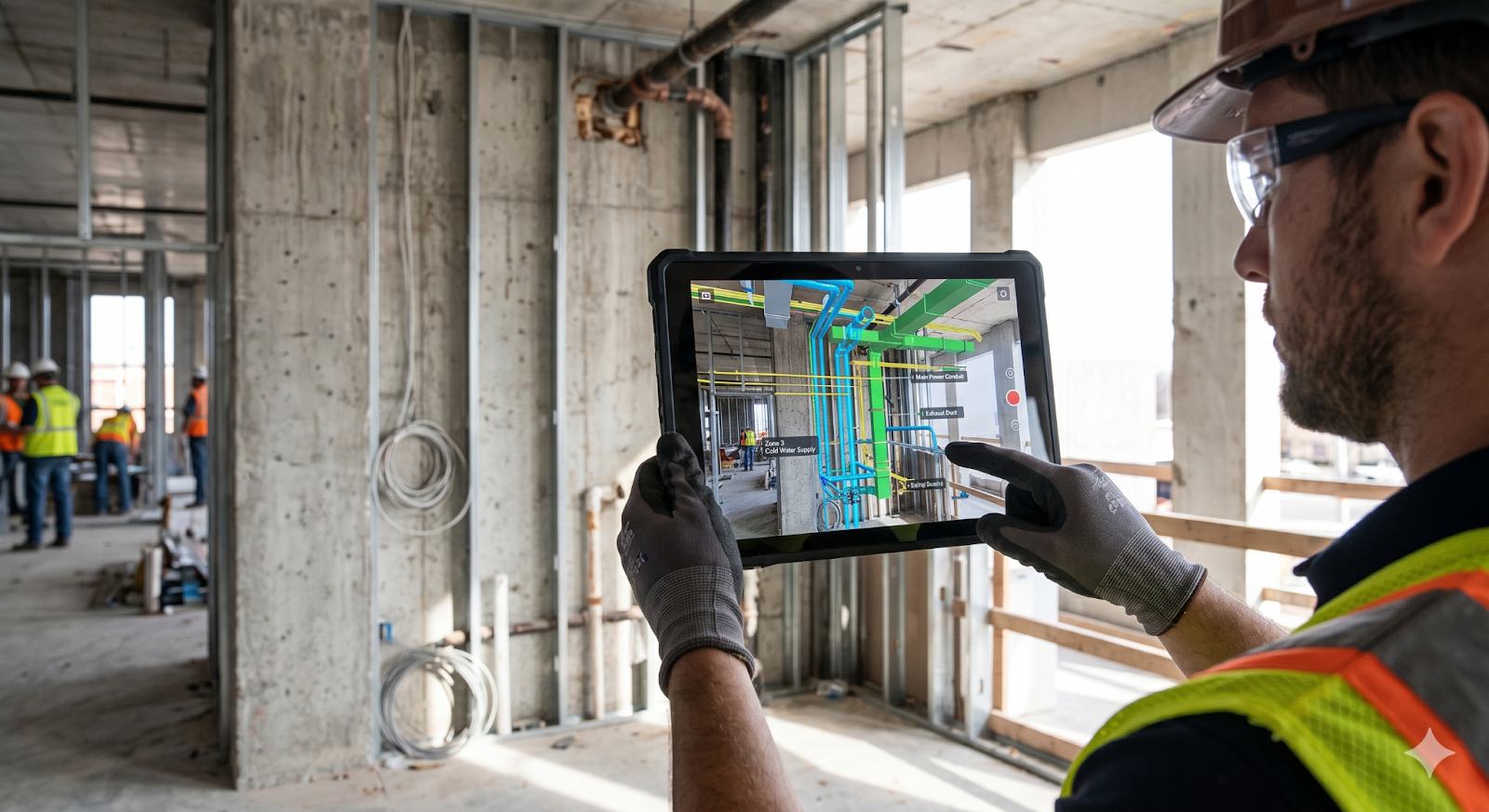
Real-time visualization is one of the things people actually find useful in AR construction. On site, installers don't have to keep checking drawings again and again, they can see both the layout and the space together.
Here's what usually happens on site when AR is used:
-
The device scans the space using its camera and sensors
-
It then matches what it sees with the BIM model
-
MEP systems start appearing on top of the real structure
-
Installers can walk around and check if things are lining up properly
-
If the model is updated, it reflects on the device without much delay
-
It also becomes easier to notice if something is off or clashing
Because of this, site work feels more straightforward, and there's less confusion during execution. Installers can see the system placement, so they don't have to guess, and the work moves faster.
Which AR Tools and Devices Are MEP Teams Using on Construction Sites in 2026 ?
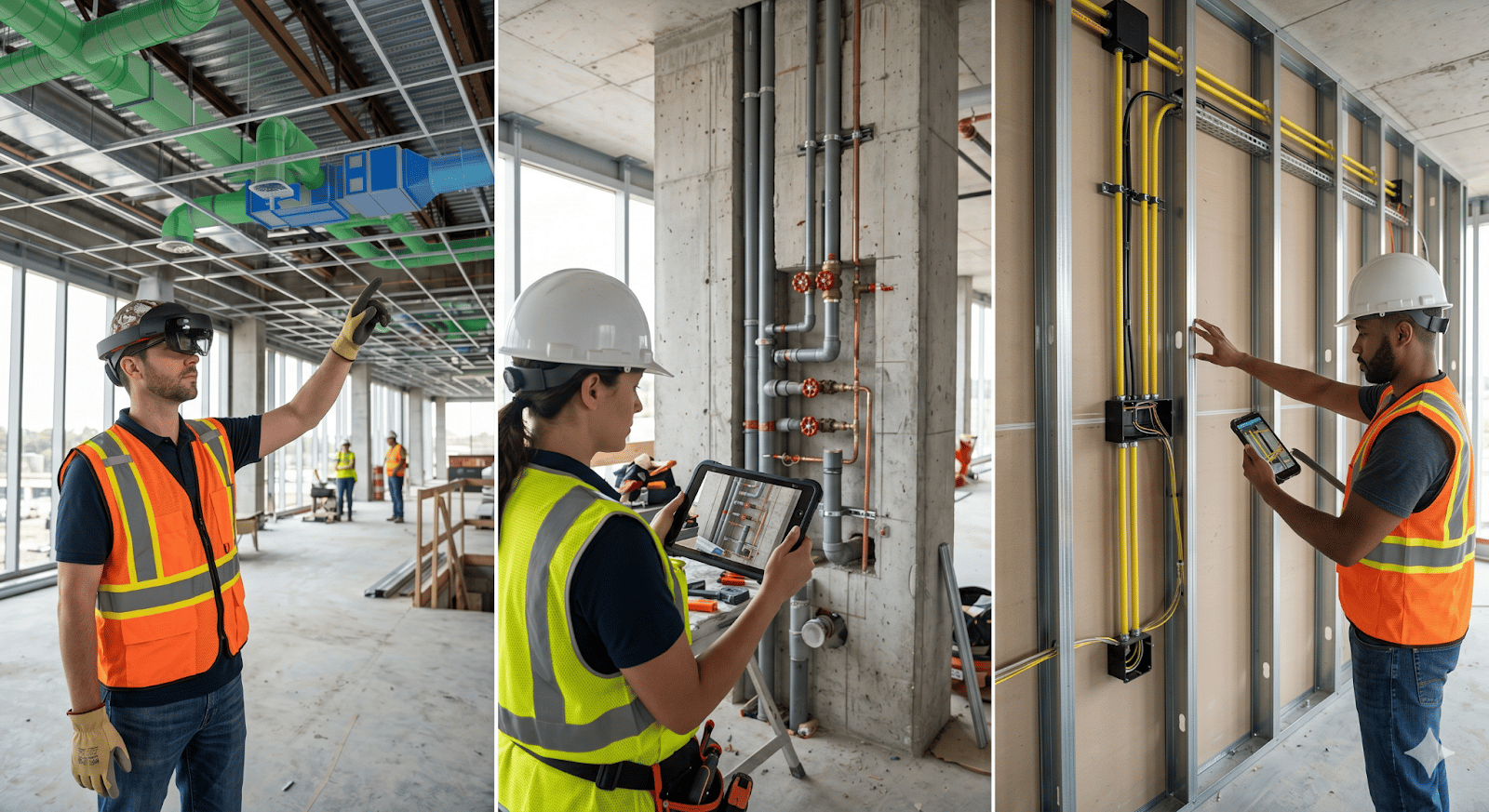
As digital construction keeps moving forward, different types of AR tools are now being used across MEP engineering projects. What teams choose usually depends on the project size and how much they can spend.
On most sites, you'll come across tools like these:
-
AR headsets like Microsoft HoloLens, mainly for hands-free use
-
Tablet-based AR apps that are easier to carry and more affordable
-
Smartphones used for quick checks and basic visualization
-
AR platforms linked with BIM models for better coordination
-
Cloud-based tools that keep updates shared across teams
-
Laser scanning combined with AR to improve alignment on site
Each of these is used a bit differently, but the idea is the same, to make MEP installation on-site easier to follow and manage. In many Indian projects, tablet-based AR tools are used more often because they're easier to handle on site and don't cost as much.
How Does AR Reduce MEP Installation Errors and Costly On-Site Rework?
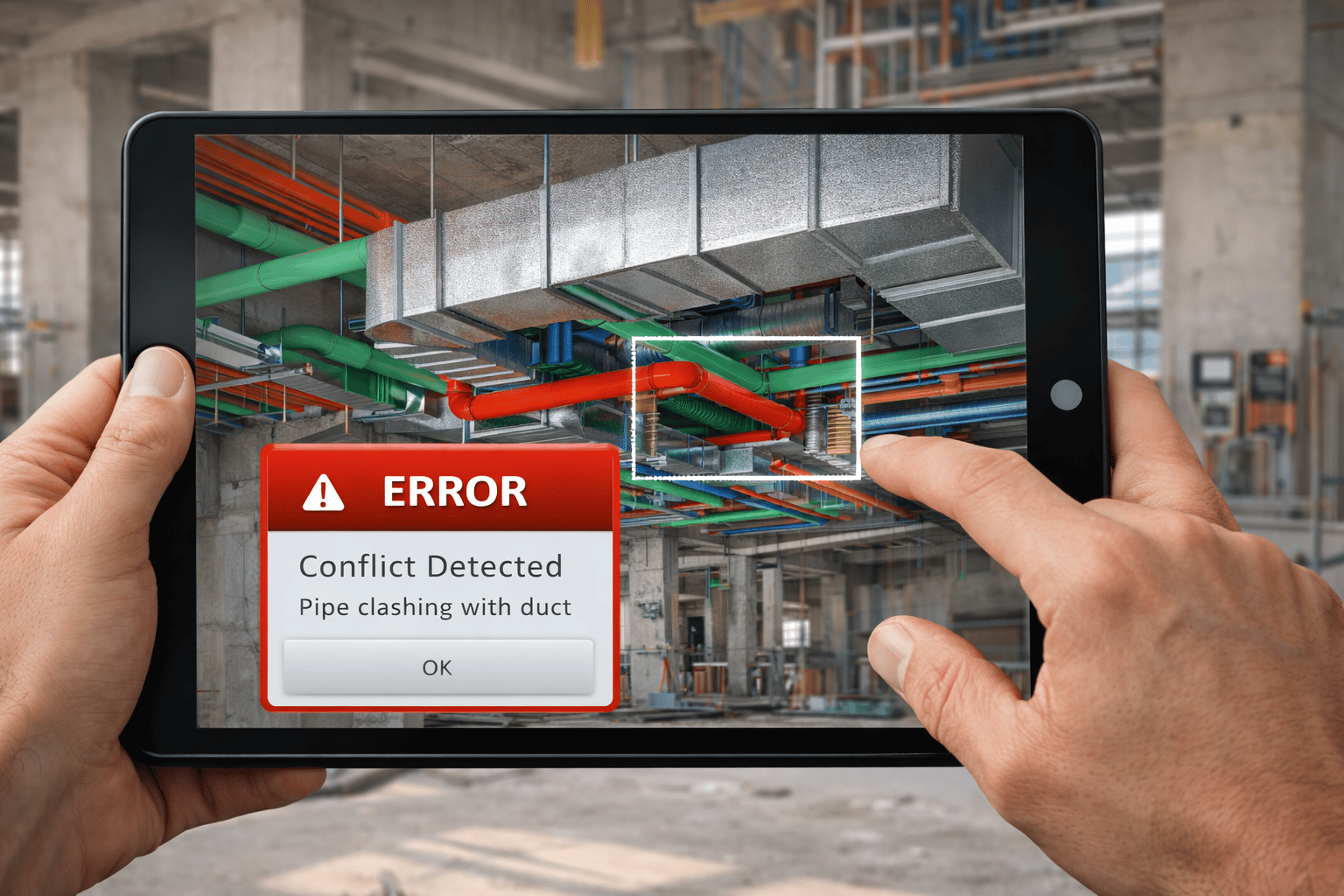
Errors in MEP installation normally occur due to the misinterpretation of drawings on site or any form of lack of coordination. AR helps reduce these issues by showing things more clearly during execution.
Here's how it helps on site:
-
Installers can check where systems are supposed to go before starting
-
Clashes can be noticed directly on site, not just in software
-
Mistakes show up earlier, so less rework later
-
Measurements and alignment become easier to manage
-
Teams can understand the installation sequence step by step
-
Design changes can be checked on the spot before going ahead
Rework doesn't just increase cost; it also slows everything down. With greater clarity during installation, AR helps avoid many of these problems.
How Do AR-Based MEP Workflows Integrate With BIM and Coordination Models?
AR works better when used with BIM workflows, as the two together make site execution and digital construction easier to manage.
-
BIM models act as the primary data source for AR overlays
-
Coordination models ensure all MEP systems are aligned before installation
-
AR brings these coordinated models directly onto the site
-
Updates in BIM reflect in AR tools, maintaining consistency
-
Teams can validate installation against coordinated designs
-
Site feedback can be captured and sent back to BIM teams
This integration ensures that what is planned digitally is executed accurately on-site. It also makes it easier for the design and execution teams to work together.
What Are the Biggest Barriers to Adopting AR for MEP Installation on Site?
Even though AR has its benefits, using it on construction sites still comes with a few challenges, especially in India.
Some common issues that occur using AR on site are:
-
High cost of AR devices and software
-
Many site teams are still not used to working with these tools
-
Teams usually need some training before they can use it properly
-
It depends a lot on how accurate the BIM model is
-
Network or internet issues can create problems on site
-
Some teams still prefer doing things the way they always have
That said, things are slowly starting to change. As smart construction becomes more common, more companies are starting to try AR as part of their digital construction approach.


.png)