
Understanding the Role of a BIM Automation Specialist
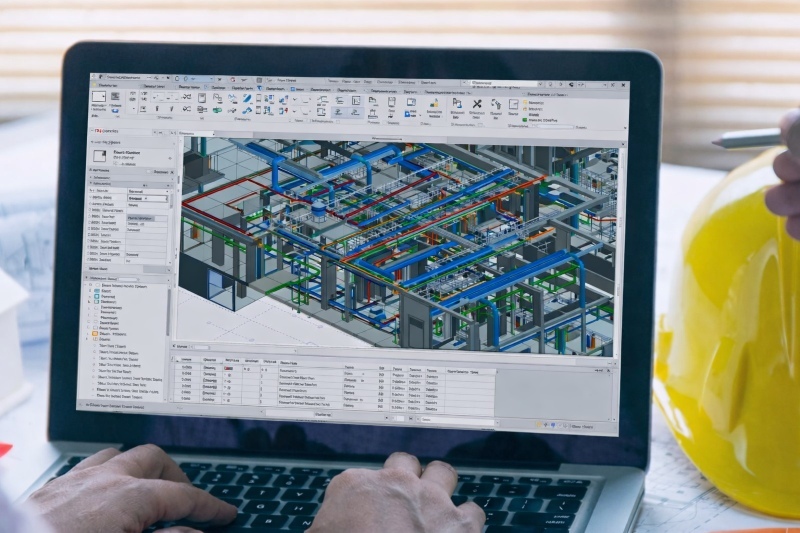
A BIM automation specialist focuses on improving project efficiency by reducing repetitive manual work and introducing structured workflows. To prepare for BIM automation interview questions, it is important to understand how this role contributes to real project environments.
The role involves identifying time-consuming tasks and replacing them with automated solutions. These tasks often include model updates, data management, and documentation. Understanding what is BIM automation helps explain how scripts and tools are used to streamline these processes.
The process of BIM automation typically begins with analyzing workflows and identifying inefficiencies. Solutions are then developed using scripting or visual programming tools and integrated into project workflows to improve speed and consistency.
Professionals in this role work closely with engineers, architects, and project managers. Their work supports better coordination, reduces errors, and ensures that project data remains reliable.
BIM Automation Specialist Job Description

The job description of BIM Automation Specialist reflects a balance between technical execution and workflow improvement. When preparing using a BIM automation job interview guide, it is important to connect responsibilities with real examples.
A BIM automation specialist is generally expected to:
- Develop automated workflows for repetitive BIM tasks
- Use various BIM automation tools to improve project efficiency
- Perform model validation using automated checks
- Manage and integrate data across multiple platforms
- Support teams in adopting automation workflows
- Improve documentation processes through automation
In many organizations, the role also includes identifying long-term improvements in workflows. This requires both technical expertise and an understanding of project requirements.
Qualification Prerequisites
A strong educational and technical foundation is essential for entering this field. These prerequisites often influence how candidates respond to BIM automation interview questions.
Candidates are typically expected to have:
- A degree in civil engineering, architecture, or a related field
- Basic understanding of BIM workflows and project coordination
- Training or certification in BIM tools or automation technologies
- Exposure to real or simulated BIM projects
- Familiarity with digital construction practices
Technical Skills
Technical expertise is an important part of this role. Candidates should be prepared to demonstrate:
- Proficiency in BIM tools such as Revit and Navisworks
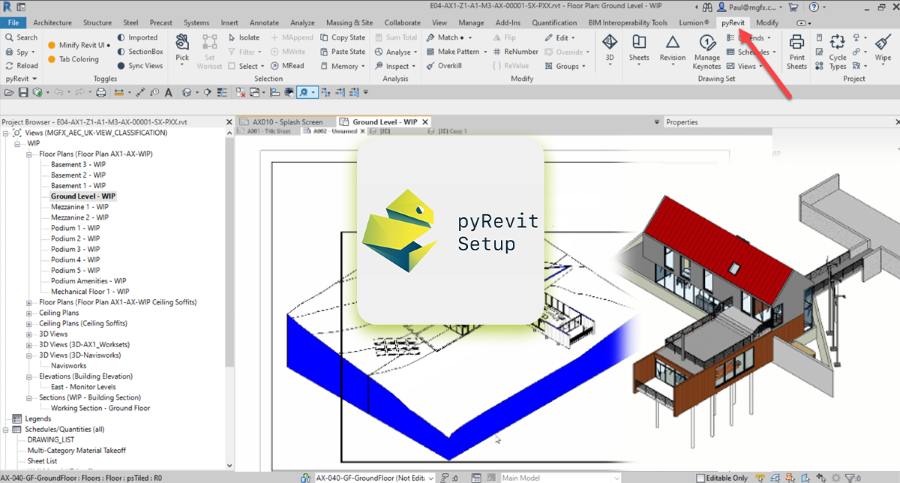
- Understanding of scripting concepts, especially Python
- Knowledge of the Revit API for workflow customization
- Experience with Dynamo for visual programming
- Clear understanding of the process of BIM automation
- Familiarity with multiple BIM automation tools and their integration
Soft Skills
Soft skills are equally important in ensuring that automation is implemented effectively within teams. These skills are often evaluated through situational questions.
Key soft skills include:
- Problem-solving ability to identify inefficiencies and improve workflows
- Communication skills to explain automation processes clearly
- Adaptability to keep up with evolving tools and workflows
- Attention to detail to maintain accuracy in automated processes
- Collaboration skills to work effectively with multidisciplinary teams
These skills help professionals ensure that automation aligns with project goals and team requirements.
Also Read: How To Become a BIM Automation Specialist?
BIM Automation Specialist Salary Trends in the US
Salary trends provide useful insight for candidates preparing for interviews. According to Glassdoor, the average salary for a BIM Specialist is around $84,000 per year, with most professionals earning between $64,000 and $110,000 annually, depending on experience and expertise.
Professionals with strong skills in scripting, APIs, and multiple BIM automation tools often earn higher salaries. Experience in automation workflows and real project exposure also contributes to better compensation.
As demand for automation grows, salary trends remain competitive across the industry.
10 Most-Asked BIM Automation Specialist Interview Questions in 2026

Appearing for an interview without preparation can make it difficult to explain your skills clearly. The following BIM automation interview questions are commonly asked, along with structured answers that reflect functional understanding.
1. Can you walk me through your qualifications and work experience?
Answer: I have a background in civil engineering along with training in BIM tools and automation workflows. I have worked on projects where I handled model coordination, data management, and automation tasks such as parameter updates and documentation generation. My experience includes improving workflow efficiency by reducing repetitive manual processes.
2. What is BIM automation?
Answer: What is BIM automation refers to the use of scripts and tools to automate repetitive BIM tasks such as model updates, validation, and documentation. It helps improve efficiency, reduce manual errors, and maintain consistency across project workflows.
3. Can you explain the process of BIM automation?
Answer: The process of BIM automation begins with identifying repetitive tasks within a workflow. Scripts or automation tools are then developed to handle these tasks, followed by testing and integration into the project to ensure improved efficiency and accuracy.
4. Which BIM automation tools have you used?
Answer: I have worked with tools such as Revit, Dynamo, and Navisworks. These BIM automation tools support tasks like modeling, coordination, and automation of repetitive processes, improving overall workflow efficiency.
5. How have you used Dynamo in your projects?
Answer: I have used Dynamo to automate tasks such as updating parameters across multiple elements and generating schedules. These use cases are often discussed in dynamo interview questions for BIM, as they demonstrate how visual programming simplifies workflows.
6. What is your experience with Python in BIM workflows?
Answer: I have used Python to automate data extraction, modify model parameters, and improve workflow efficiency. This is a key focus in Python BIM interview questions, where scripting is used to handle complex automation tasks.
7. How does the Revit API support automation?
Answer: The Revit API allows developers to create custom tools and automate complex workflows within Revit. Topics like these are commonly covered in revit api interview questions, focusing on how APIs extend functionality.
8. How do you ensure model accuracy using automation?
Answer: I use automated validation checks to identify clashes, missing data, and inconsistencies. These checks help maintain model quality and ensure compliance with project standards.
9. Describe a workflow you automated.
Answer: I automated schedule generation using Dynamo by extracting data from the model and organizing it into structured outputs. This reduced manual effort and improved consistency across project documentation.
10. What challenges have you faced in automation, and how did you solve them?
Answer: One challenge was inconsistent data across models, which affected automation results. I addressed this by standardizing parameters before applying automation, ensuring reliable outputs.