---
title: "Nemetschek vs Autodesk: Which BIM Ecosystem Should Engineers Choose?"
description: Compare Nemetschek vs Autodesk BIM ecosystems with tools, differences, real examples, upskilling paths, and guidance for engineers choosing the best platform.
image: https://blog.novatr.com/hubfs/Nemetschek%20vs%20Autodesk_Which%20BIM%20Ecosystem%20Should%20Engineers%20Choose.png
---
[Blogs](https://www.novatr.com/learning-hub)
- [Architecture & Construction](https://www.novatr.com/learning-hub?category=Architecture+%26+Construction)
- [BIM](https://www.novatr.com/learning-hub?category=BIM)
- [Computational Design](https://www.novatr.com/learning-hub?category=Computational+Design)
- [Company News](https://www.novatr.com/learning-hub?category=Company+News)
- [Expert Talks](https://www.novatr.com/learning-hub?category=Expert+Talks)
Explore Courses
[Just Launched  BIM Professional Program v.2026 Take your career to the next level by mastering the real-world application of BIM. Know More](https://www.novatr.com/courses/bim-professional-program)
[ Master Computational Design Course Break into an advanced career by learning to apply the power of computation to the art of design. Know More](https://www.novatr.com/courses/computational-design)
[Blogs](https://www.novatr.com/learning-hub)
Explore Blogs
- [Architecture & Construction](https://www.novatr.com/learning-hub?category=Architecture+%26+Construction)
- [BIM](https://www.novatr.com/learning-hub?category=BIM)
- [Computational Design](https://www.novatr.com/learning-hub?category=Computational+Design)
- [Company News](https://www.novatr.com/learning-hub?category=Company+News)
- [Expert Talks](https://www.novatr.com/learning-hub?category=Expert+Talks)
Courses
- [BIM Professional Program v.2026](https://www.novatr.com/courses/bim-professional-program)
- [Master Computational Design](https://www.novatr.com/courses/computational-design)
- [CIVIL/](https://www.novatr.com/learning-hub?category=BIM)
Featured Article
# Nemetschek vs Autodesk: Which BIM Ecosystem Should Engineers Choose?

Deependra Dobriyal
February 19, 2026
7 min read


**Nemetschek vs Autodesk** represents a key comparison for engineers deciding which BIM ecosystem best supports design, coordination, and delivery workflows. According to [recent industry research](https://www.thenbs.com/about-nbs/press-releases/a-digital-evolution-majority-using-bim?), approximately 73% of construction professionals now use Building Information Modeling (BIM) in daily practice, highlighting how deeply BIM platforms have integrated into project delivery. Choosing between these ecosystems impacts how teams collaborate, manage data, and meet client expectations.
This article explains what each ecosystem is, how they differ, where they excel, which tools engineers use most, and how professionals can upskill effectively to stay competitive as BIM becomes essential in engineering and construction workflows.
Unlock High-Paying Careers With BIM
Master BIM workflows, software and skills on real projects.
Apply Now
\*Limited seats available
## **What Is Nemetschek?**
[**Nemetschek**](https://nemetschek.com/) is a software group headquartered in Germany that provides a portfolio of BIM-related tools used mainly across Europe, expanding into the Middle East, Asia Pacific, and North America. Its products focus on design, documentation, analysis, and project collaboration phases of the building lifecycle.
Nemetschek’s portfolio supports **OpenBIM vs closed BIM** approaches, enabling interoperability and data exchange between tools from multiple vendors. This flexibility appeals to firms that work with consultants and contractors using a variety of software. Many architecture and engineering teams in Europe select Nemetschek tools because they align with open standards that facilitate multidisciplinary coordination and long-term asset management.
The term **Nemetschek Construction Software** often refers to this suite of interoperable tools that support collaborative digital workflows. These tools aim to connect different disciplines while enabling data continuity throughout the project lifecycle. Nemetschek is especially popular where teams emphasize flexibility and integration with third-party systems rather than sticking to a single proprietary vendor.
## **What Is Autodesk’s BIM Ecosystem?**
** 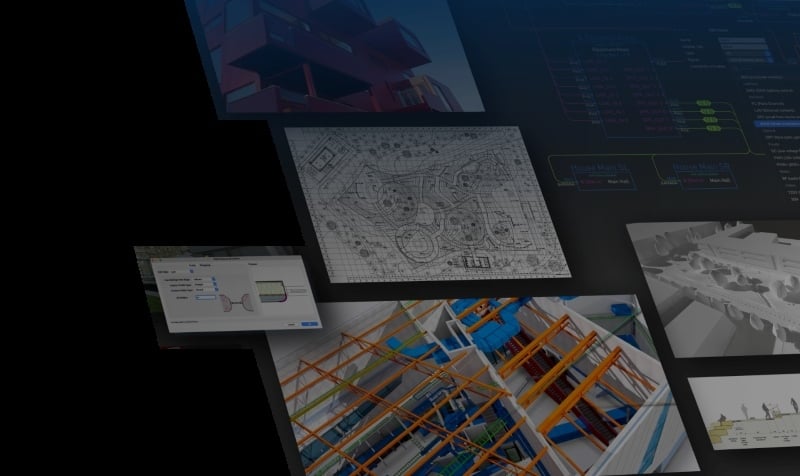**
Autodesk’s BIM ecosystem includes a collection of widely used tools that connect design, documentation, analysis, coordination, and delivery of construction projects. These tools have become highly accepted in North America and many global markets because they offer deep integration and well-established workflows.
Key software within Autodesk’s BIM ecosystem includes:
- [**Autodesk Revit**](https://www.novatr.com/blog/revit-history-and-evolution)**:** A core authoring environment for creating 3D building information models, producing plans, sections, and schedules.
- [**Autodesk Civil 3D**](https://www.novatr.com/blog/autocad-civil-3d-features-benefits-applications-online-courses)**:** Specialized design software for civil infrastructure, including roads, drainage, and utilities.
- [**Navisworks**](https://www.novatr.com/blog/navisworks-software)**:** A coordination and review platform that supports clash detection and model aggregation.
- [**Autodesk Construction Cloud (ACC)**](https://www.novatr.com/blog/autodesk-construction-cloud-acc-complete-guide)**:** A cloud-based environment that supports document management, communication, and shared project data.
- **Autodesk Robot Structural Analysis:** A structural analysis program that processes loads and structural behavior.
These tools are often used together in integrated workflows where models authored in one product can be coordinated in another, tracked, and reviewed for construction readiness. Autodesk tools are considered some of the [**Best BIM software for engineers**](https://www.novatr.com/blog/8-popular-bim-software) because of their wide adoption, extensive documentation, and connection to industry standards.
Autodesk’s ecosystem tends to work within a more connected, sometimes proprietary, data framework that can be advantageous for teams committed to a single vendor solution spanning design through delivery.
## **Nemetschek vs Autodesk: Key Differences**
When comparing **Nemetschek Software** and Autodesk platforms side by side, engineers can see where each ecosystem excels and how use cases differ.
The table below shows major tools from each ecosystem and typical usage in engineering workflows.
| **Nemetschek Software** | **Autodesk Software** | **Key Usage** |
| --- | --- | --- |
| Allplan | Autodesk Revit | 3D modeling and documentation |
| Vectorworks | Autodesk Civil 3D | Infrastructure design and modeling |
| SCIA Engineer | Autodesk Robot | Structural analysis and load calculations |
| Solibri Model Checker | Navisworks | Model validation and coordination |
| Bluebeam | Autodesk Construction Cloud | Document control and collaboration |
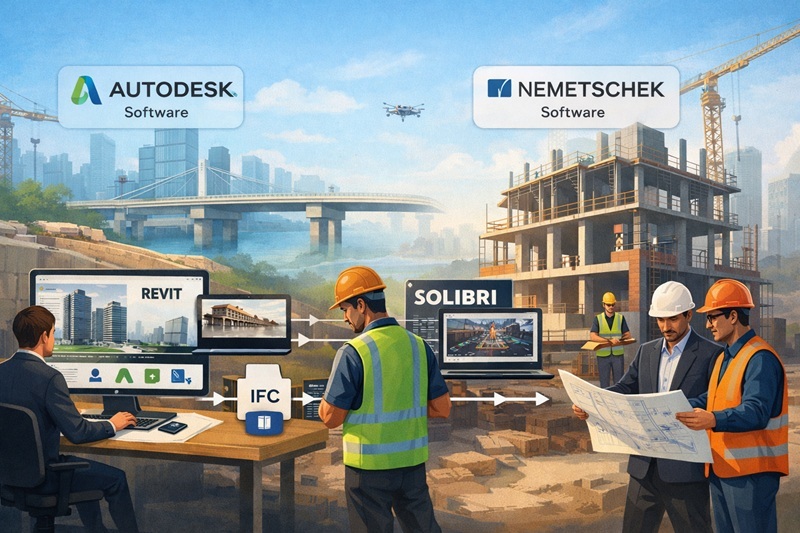
In practice, Nemetschek tends to emphasize open standards and flexibility, enabling export/import across platforms via formats such as IFC. Autodesk provides an ecosystem with tools designed to operate seamlessly with one another, which simplifies integrated workflows for many firms.
## **Which Software Suite Do Engineers Use?**
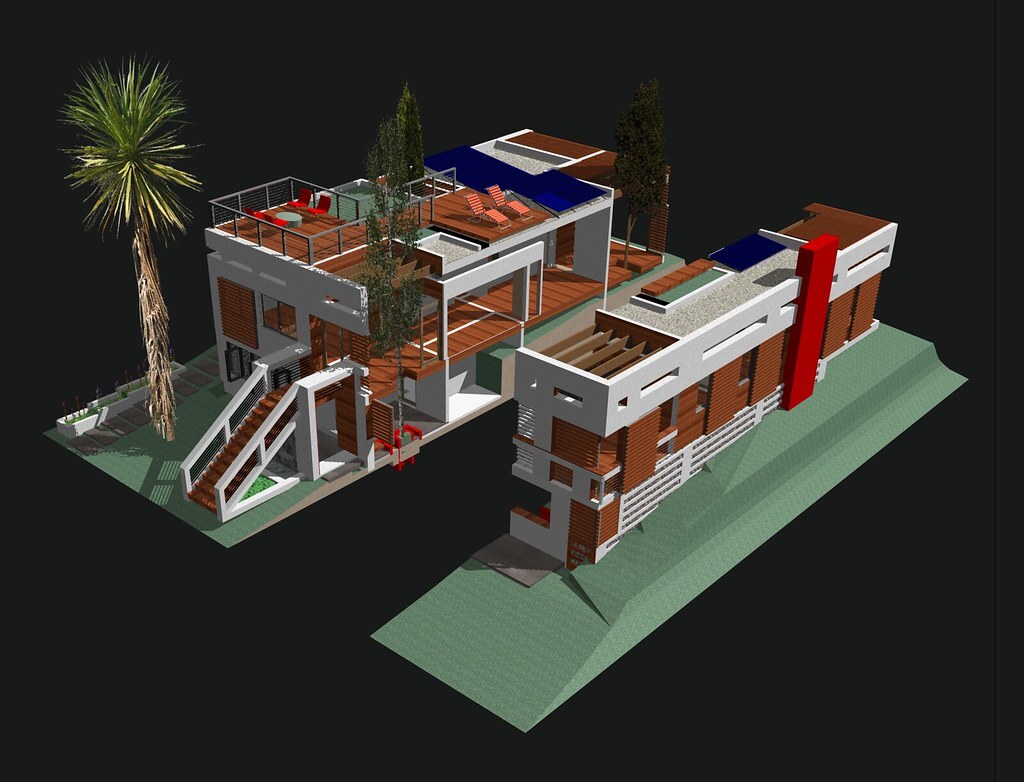
Engineers often choose software based on project requirements, regional norms, available training resources, and client specifications. In many North American and large multinational firms, Autodesk tools dominate because they have become de facto standards in design and construction documentation environments.
Professionals working in Europe and other regions may favor Nemetschek tools where interoperability, open exchange, and cross-disciplinary data sharing are essential. For example, architecture firms that coordinate frequently with structural and MEP consultants often benefit from open exchanges facilitated by Nemetschek’s ecosystem.
When considering **Autodesk alternatives for BIM**, Nemetschek stands out for teams that do not want to be tied to a closed data environment or that interact with international collaborators using different systems. Some engineers also use hybrid approaches, authoring models in one ecosystem and coordinating them in another depending on project needs.
Industry adoption shows that while many firms maintain strong loyalty to a single platform, growing project complexity and demands for integrated data delivery have encouraged broader software literacy across ecosystems.
In real project teams, engineers often become familiar with multiple tools so they can support coordination, model review, and delivery regardless of the ecosystem specified by a client or lead consultant.
## **How Civil & Structural Engineers Can Upskill?**

For civil and structural professionals aiming to stay relevant, developing hands-on skills with leading BIM tools and workflows is crucial. Engineers must understand how modeling, analysis, coordination, and documentation tools support project outcomes.
Key areas where professionals can grow include:
- **Modeling Basics:** Learn how to author accurate [3D building](https://www.novatr.com/blog/everything-about-3d-modelling-in-construction) and infrastructure models using tools such as **Autodesk Revit**, Civil 3D, or Allplan.
- **Coordination Skills:** Use review environments with **Solibri Model Checker** or Navisworks to detect clashes and ensure alignment between disciplines.
- **Interoperability Understanding:** Gain familiarity with open formats and how to manage data exchange across **OpenBIM vs closed BIM** workflows.
- **Documentation and Delivery:** Learn how to produce coordinated drawings, schedules, and data sets that meet client specifications and industry standards.
These core capabilities help engineers contribute to design reviews, construction coordination, and integrated project delivery.
One way engineers build these skills is through a structured learning programme like the **Novatr** training curriculum. Novatr’s courses include software that industry professionals use every day, such as **Autodesk Revit**, Navisworks, and coordination platforms. Participants practice with real-project examples, improving their understanding of modeling, clash detection, and coordinated delivery.
A [**BIM Course For Civil Engineers**](https://www.novatr.com/us/courses/bim-for-civil-engineers) that emphasizes real workflows prepares learners for professional expectations rather than theoretical tasks alone. Such courses blend conceptual understanding with practice, enabling engineers to demonstrate competence in software use, project coordination, and communication across teams.
Upskilling in this way also supports broader career flexibility, allowing professionals to adapt to different organizational environments and project scopes.
Master BIM and Get Hired Faster
Join a community of 8500+ Architects and Engineers.
Explore Now
\*Limited seats available
## **Conclusion**
Choosing between **Nemetschek vs Autodesk** requires engineers to consider project demands, team collaboration styles, regional norms, and long-term professional goals. Autodesk’s ecosystem, anchored by tools like **Autodesk Revit**, Civil 3D, and Navisworks, offers deep integration that many firms rely on for efficient project delivery. In contrast, **Nemetschek Software** promotes interoperability and flexibility that suit teams engaging with multi-vendor environments and cross-disciplinary data exchange.
Both ecosystems serve meaningful roles in modern engineering practice, and becoming familiar with each enhances professional versatility. Engineers who build core skills in modeling, coordination, and data management through structured paths are better prepared for evolving project expectations. Upskilling through structured learning such as the [**BIM professional Course for Civil Engineers**](https://www.novatr.com/us/courses/bim-for-civil-engineers) offered by [**Novatr**](https://www.novatr.com/us) helps professionals stay relevant as BIM becomes integral to design, construction, and lifecycle delivery.
Visit our [**resource page**](https://www.novatr.com/learning-hub) to explore guides and training paths that support your BIM learning journey.
Was this content helpful to you
Like Yes
Dislike No

TABLE OF CONTENTS
BIM Is The New Standard. Are You Certified?
Get Certified in BIM
SHARE ON YOUR SOCIALS
Link Copied Successfully
Related articles
[ CIVIL How Nemetschek Software Is Used Alongside Autodesk on Real Projects? 19 February 2026 4 min read](https://blog.novatr.com/blog/how-nemetschek-software-is-used-alongside-autodesk-on-real-projects) [ CIVIL What Civil Engineers Should Know about Clash Detection in BIM? 27 April 2026 6 min read](https://blog.novatr.com/blog/what-civil-engineers-should-know-about-clash-detection-in-bim) [ CIVIL How BIM Coordination Works in Real Projects? 27 April 2026 6 min read](https://blog.novatr.com/blog/how-bim-coordination-works-in-real-projects) [ CIVIL Allplan Vs Revit: What Civil, Structural and BIM Engineers Should Know? 19 February 2026 6 min read](https://blog.novatr.com/blog/allplan-vs-revit-what-civil-structural-and-bim-engineers-should-know)
Download Syllabus
## BIM Professional Program
Next Cohort
June 2026
Program Duration
7 Months
Premium Program benefits
8 Credentials from Autodesk, NSDC, Novatr
1 program. 10 career paths. Infinite Growth.
40+ ISO 19650 & RIBA real-world projects to practice
1-on-1 guidance. Access 400+ industry experts.
Access the biggest AEC-Tech community on the planet. 8500+ and counting
Curated for you by 100+ global BIM leaders.
Lifelong access to course content
Enter your details to download the program syllabus.
##### BIM Professional Program
June 2026, 7 Months
Your Name Invalid name.
Phone Number Enter a valid phone number
Email Please enter a valid email address.
Select years of experience\* Currently studying 0-1 years 1-2 years 2-4 years 4-8 years 8-10 years 10-12 years 12+ years Invalid selection.
Specialisation Select your background\* Architecture Civil Engineering Mechanical Engineering Electrical Engineering Invalid selection.
Are you professionally trained in interior design?
Yes
No
I agree to the [Terms of Use](https://www.novatr.com/terms-and-conditions) and [Privacy Policy](https://www.novatr.com/privacy-policy), and consent to be contacted by Email, Call, WhatsApp, or SMS.
Submit
Ready to skyrocket your career?
Begin your next chapter in AEC
with Novatr!
We are here to help you take the industry by storm with advanced, tech-first skills.
[Explore Courses](https://www.novatr.com/#courses)
Join our newsletter
Submit
Thank you for signing up.
We’ll send you a nice letter once per week. No spam.

Dare to Disrupt.
Join thousands of people who organise
work and life with Novatr.
Company
- [About Us](https://www.novatr.com/about)
- [BIM Professional Program v.2026](https://www.novatr.com/courses/bim-professional-program)
- [Masters Computational Design](https://www.novatr.com/courses/computational-design)
- [Become a Mentor](https://www.novatr.com/apply-as-mentor)
- [Hiring from Us](https://www.novatr.com/hire-from-us)
- [Careers at Novatr](https://www.novatr.com/career)
Resources
- [Blog](https://www.novatr.com/learning-hub)
- [Media Room](https://www.novatr.com/media-room-home-page)
- [Career Builder](https://www.novatr.com/career-navigator)
- [Events & Webinars](https://www.novatr.com/webinars)
- [FAQs & Support Center](https://www.novatr.com/contact-us)
- [Contact Us](https://www.novatr.com/contact-us)
- [Privacy Policy](https://www.novatr.com/privacy-policy)
- [Terms of Use](https://www.novatr.com/terms-and-conditions)
©2023 Oneistox Network Pvt. Ltd.
All Rights Reserved
```json
{
"@context" : "https://schema.org",
"@type" : "BlogPosting",
"author" : {
"@type" : "Person",
"name" : "Deependra Dobriyal",
"url" : "https://blog.novatr.com/blog/author/deependra-dobriyal"
},
"dateModified" : "2026-02-19T05:20:07.741Z",
"datePublished" : "2026-02-19T05:15:02.000Z",
"headline" : "Nemetschek vs Autodesk: Which BIM Ecosystem Should Engineers Choose?",
"image" : [ "https://blog.novatr.com/hubfs/Nemetschek%20vs%20Autodesk_Which%20BIM%20Ecosystem%20Should%20Engineers%20Choose.png" ],
"mainEntityOfPage" : {
"@id" : "https://blog.novatr.com/blog/nemetschek-vs-autodesk-which-bim-ecosystem-should-engineers-choose",
"@type" : "WebPage"
},
"publisher" : {
"@type" : "Organization",
"logo" : {
"@type" : "ImageObject",
"url" : "https://blog.novatr.com/hubfs/Novatr%20Prev%20OX-2.svg"
}
}
}
```