.jpg)
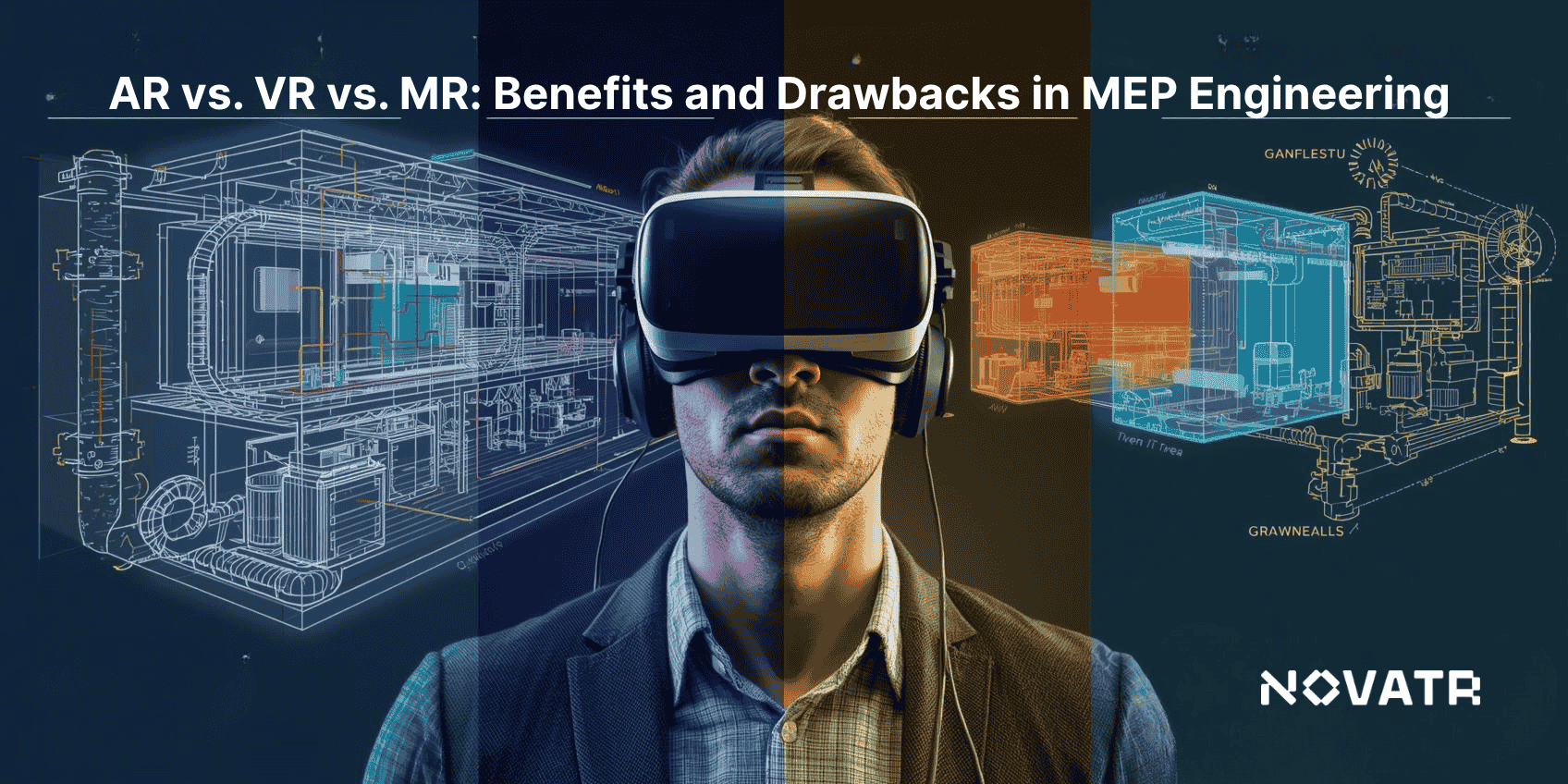

What Are AR, VR, And MR, And How Do They Differ?
AR, VR, and MR offer engineers new ways to interact with building projects. AR overlays digital elements onto real-world spaces, VR immerses users in a fully virtual environment, and MR blends real and virtual objects for interactive experiences. These technologies support immersive building solutions for clearer planning and visualization.
Here are the key differences between AR, VR, and MR in the table below:
|
Comparison Aspect |
AR |
VR |
MR |
|
Definition |
Augmented Reality overlays digital objects on real spaces for enhanced visualization. |
Virtual Reality creates a fully simulated environment for complete immersion. |
Mixed Reality combines real and virtual objects, allowing interaction between both. |
|
Interaction Level |
Limited interaction with digital elements within a real world context. |
Full interaction in a completely virtual environment. |
Interactive blending of real and virtual objects for dynamic manipulation. |
|
Equipment Needed |
Smartphones, tablets, AR glasses. |
VR headsets and controllers. |
Advanced MR headsets with sensors and spatial mapping. |
|
Application Focus |
Quick visualization, on-site guidance, minor edits. |
Detailed design review, simulations, and training scenarios. |
Complex project coordination and interactive design adjustments. |
|
User Experience |
Enhances reality without removing users from surroundings. |
Fully immersive, isolates from real world. |
Combines real-world presence with virtual interactivity. |
|
Collaboration Potential |
Moderate, often individual or small team use. |
High in virtual environments for design reviews. |
Very high, supporting real-time shared adjustments in physical space. |
How Is Augmented Reality (AR) Applied In MEP Engineering Projects?
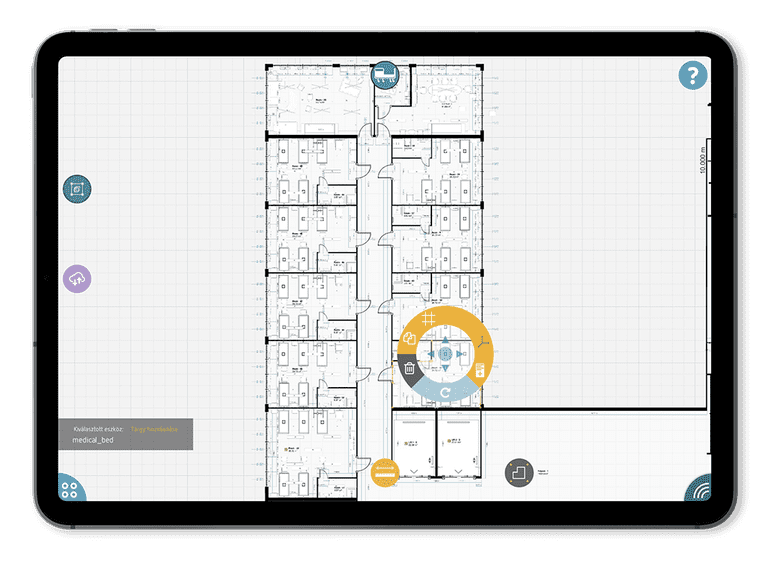
AR allows engineers to overlay digital systems onto real environments, improving visualization and coordination. By integrating virtual models with on-site conditions, teams can verify designs, detect potential clashes, and enhance accuracy. This approach reflects current construction technology trends, providing practical insights while reducing errors during installation.
Practical applications of AR in MEP projects:
-
Visual Placement Verification: AR helps engineers confirm the exact location of pipes, ducts, and wiring on-site before installation.
-
Real-Time Layout Checks: Virtual models can be compared against actual building structures, leveraging digital construction technologies to spot discrepancies early.
-
Guided Maintenance: AR tools direct technicians to hidden components, offering step-by-step instructions for servicing or inspections.
-
Team Collaboration: Stakeholders review AR overlays together, coordinating design adjustments with support from MEP software.
-
Simulation-Based Training: Engineers can practice handling complex systems safely, using AR to replicate real-world conditions without affecting active operations.
Also Read: Major Projects Built on BIM MEP in India
How Is Virtual Reality (VR) Transforming MEP Design And Coordination?
Virtual Reality allows engineers to immerse themselves in detailed digital representations of MEP systems, enabling precise spatial analysis and clash detection before installation. This technology enhances collaboration among teams and supports real-time adjustments on designs, demonstrating clearly how virtual reality improves MEP design workflows for more efficient project planning.
Key ways VR enhances MEP design and coordination:
-
Immersive System Visualization: Engineers can walk through virtual models of MEP layouts to evaluate spatial arrangements and detect conflicts.
-
Design Simulation: VR allows testing of multiple design scenarios in a controlled environment, incorporating the impact of immersive technologies on building design.
-
Coordination Across Teams: Stakeholders review virtual spaces together, identifying potential integration issues before installation.
-
Interactive BIM Models: VR supports BIM for MEP engineers, enabling manipulation of 3D models to optimize routing and equipment placement.
-
Training and Scenario Planning: Teams use VR to practice assembly, maintenance, and troubleshooting in realistic simulations without affecting live operations.
How Does Mixed Reality (MR) Enhance MEP Workflows And Project Visualization?
Mixed Reality allows engineers to experience MEP systems in a combined digital and physical environment. It improves understanding of complex layouts, supports precise planning, and helps teams anticipate challenges. By overlaying models onto real-world spaces, MR encourages more informed decisions and smoother coordination throughout the project lifecycle.
MR enhances MEP workflows and project visualization in the following ways:
-
Interactive Spatial Planning: Engineers can manipulate 3D models within the actual site to verify clearances and optimize system placement.
-
Real-Time Collaboration: Teams can work together on MR models, identifying clashes and coordinating changes instantly.
-
Integration With Digital Twins: MR allows visualization of real-time system performance using digital twin and mixed reality integration in MEP, improving operational planning.
-
Error Reduction During Installation: Virtual overlays guide technicians on-site, ensuring precise assembly and reducing mistakes.
-
Design Validation and Review: MR enables stakeholders to explore and approve system layouts before construction, enhancing efficiency and accuracy.
Also Read: Career Opportunities for MEP Engineers in the Middle East
Pros and Cons of AR, VR, and MR for MEP Engineers
AR, VR, and MR improve visualization, coordination, and project planning for MEP engineers. They support error reduction, better collaboration, and more efficient workflows. These technologies are also used for training MEP engineers with AR and VR simulations, giving practical experience in realistic scenarios while minimizing risks on live projects.
Pros and Cons of Augmented Reality (AR)
|
Pros |
Cons |
|
Real-time visualization of MEP systems on-site |
Limited immersion; only overlays digital elements |
|
Quick adjustments to designs without physical changes |
Device compatibility required for effective use |
|
Enhances coordination among teams |
May require frequent software updates |
Pros and Cons of Virtual Reality (VR)
|
Pros |
Cons |
|
Fully immersive walkthroughs for design review |
Disconnects user from physical environment |
|
Helps identify clashes before construction |
High cost of VR equipment |
|
Facilitates virtual collaboration among stakeholders |
Requires training to use effectively |
Pros and Cons of Mixed Reality (MR)
|
Pros |
Cons |
|
Combines virtual and real objects for interactive planning |
Needs advanced hardware for full functionality |
|
Enables real-time collaboration and adjustments |
Setup can be complex and time-consuming |
|
Supports on-site design validation and review |
Limited software availability compared to AR/VR |