---
title: Top Platforms and Resources to Learn Navisworks Effectively 2026
description: Find trusted platforms offering Navisworks certification and deep dives into Navisworks features, including YouTube, courses, and support communities.
image: https://blog.novatr.com/hubfs/Best%20YouTube%20Channels%2c%20Courses%20%26%20Communities%20to%20Learn%20Navisworks.png
---
[Blogs](https://www.novatr.com/learning-hub)
- [Architecture & Construction](https://www.novatr.com/learning-hub?category=Architecture+%26+Construction)
- [BIM](https://www.novatr.com/learning-hub?category=BIM)
- [Computational Design](https://www.novatr.com/learning-hub?category=Computational+Design)
- [Company News](https://www.novatr.com/learning-hub?category=Company+News)
- [Expert Talks](https://www.novatr.com/learning-hub?category=Expert+Talks)
Explore Courses
[Just Launched  BIM Professional Program v.2026 Take your career to the next level by mastering the real-world application of BIM. Know More](https://www.novatr.com/courses/bim-professional-program)
[ Master Computational Design Course Break into an advanced career by learning to apply the power of computation to the art of design. Know More](https://www.novatr.com/courses/computational-design)
[Blogs](https://www.novatr.com/learning-hub)
Explore Blogs
- [Architecture & Construction](https://www.novatr.com/learning-hub?category=Architecture+%26+Construction)
- [BIM](https://www.novatr.com/learning-hub?category=BIM)
- [Computational Design](https://www.novatr.com/learning-hub?category=Computational+Design)
- [Company News](https://www.novatr.com/learning-hub?category=Company+News)
- [Expert Talks](https://www.novatr.com/learning-hub?category=Expert+Talks)
Courses
- [BIM Professional Program v.2026](https://www.novatr.com/courses/bim-professional-program)
- [Master Computational Design](https://www.novatr.com/courses/computational-design)
- [Archi/](https://www.novatr.com/learning-hub?category=BIM)
Featured Article
# Best YouTube Channels, Courses & Communities to Learn Navisworks

Neha Singh
February 25, 2026
5 min read
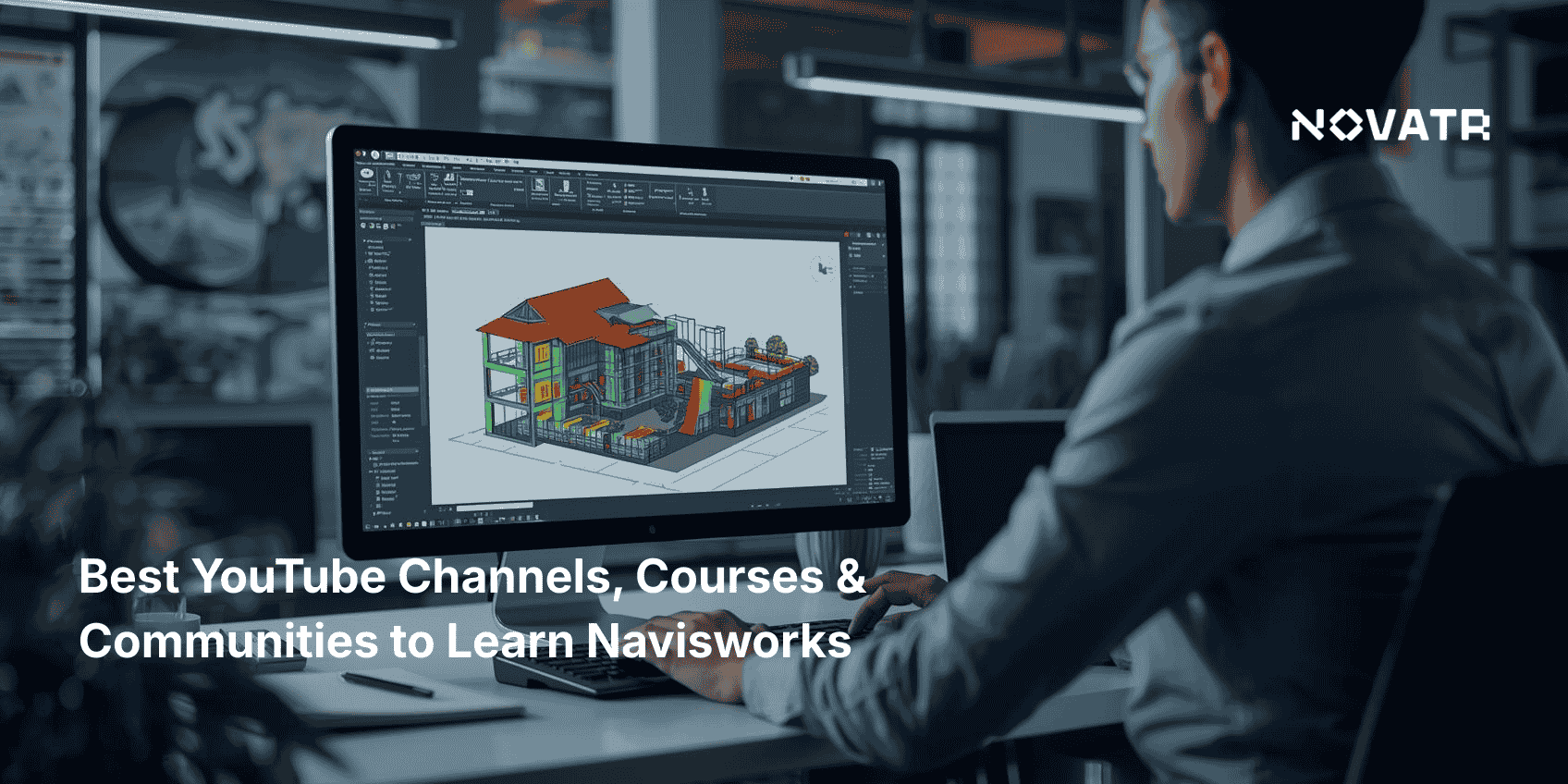

[Navisworks software](https://www.novatr.com/blog/navisworks-software) is a powerful tool used in construction and BIM to combine models, detect clashes, and streamline coordination across disciplines. Learning how to use it the right way can improve accuracy, planning, and teamwork. Whether you're just getting started or looking to build advanced skills, it’s important to choose the right learning path.
This article explores a variety of resources, including Navisworks courses for structured learning, Navisworks YouTube channels for visual guidance, and features in Navisworks Manage that support more complex project tasks.
Unlock High-Paying Careers With BIM
Master BIM workflows, software and skills on real projects.
Apply Now
\*Limited seats available
## **Which YouTube Channels Are Best for Learning Navisworks in 2026?**
Start your Navisworks training with reliable and specialized channels that stand out by focusing on unique aspects of the software.
- ### **Jerry Bartels**
Jerry’s Navisworks tutorials are known for showing how to work directly inside complex models, helping users improve navigation and issue tracking. His content is especially useful for understanding how to generate and review a Navisworks clash detection report in real-world project environments.
- ### **Jeff Bartels**
Jeff brings a strong infrastructure focus to Navisworks learning, connecting it with Civil 3D and GIS tools. His channel is valuable for those interested in cross-software use and detailed model reviews, including Navisworks coordination plugin applications.
- ### **BIM for Construction**
This channel focuses on practical site-level usage, showing how Navisworks supports planning, sequencing, and logistics. It’s ideal for professionals using Navisworks for construction to connect models with on-site execution.
- ### **Learn With Rich**
Rich offers complete beginner-to-advanced playlists, covering every essential feature in a structured format. His approach suits learners who want to build skills step by step with reliable, version-specific training.
## **What Are the Top Online Courses for Navisworks?**

If you're looking to build reliable Navisworks skills for real-world use, these trusted courses offer structured training for learners at different levels, whether you're starting or advancing.
- ### [**Novatr BIM Professional Course**](https://www.novatr.com/courses/building-information-modelling)
Novatr’s course covers model coordination, real-world project workflows, and **4D simulation in Navisworks**. It includes live mentorship and certification. This is a paid, cohort-based course designed for serious learners.
- ### **Autodesk Navisworks – From Zero to BIM Coordination (Udemy)**
Offered as a paid course, this hands-on program teaches model aggregation, clash handling, and **3D model Navisworks** navigation. Learners get access to industry files and practical scheduling workflows.
- ### **Navisworks Manage Training – Beginner to Advanced (Udemy)**
This is a paid course designed for those aiming to use Navisworks on real projects. It includes guided exercises in clash testing, quantification, and animation, helping learners build job-ready coordination skills.
- ### **Navisworks Essential Training (LinkedIn Learning)**
This course offers a streamlined learning path for professionals who prefer concise, well-organized instruction. It stands out for its focus on real-world applications, helping users confidently navigate and analyze models in professional settings.
- ### **Class Central – Free University Courses**
These free university-auditable courses introduce key concepts in BIM, simulation, and **Navisworks for architects.** Learners can access course content at no cost, with optional certification available.
## **Which Online Communities and Forums Support Navisworks Learners?**

Joining the right forums can help you gain practical support, stay updated, and apply Navisworks more effectively in real projects.
- **Autodesk Navisworks Forum**
This is the official community where professionals ask technical questions, share updates, and explore detailed solutions. It's especially helpful for understanding Navisworks benefits in large coordination projects.
- **AUGI Navisworks General Forum**
As part of the AUGI platform, this forum offers user-led discussions that focus on tips, integration issues, and practical workflows. It supports a range of topics, including setup, licensing, and advanced usage.
- **r/BIM on Reddit**
This forum includes frequent posts about Navisworks simulate workflows, clash testing, and visualization. It is active with professionals who provide real-time help and recommendations.
- **LinkedIn Navisworks Professionals Group**
This group focuses on industry use cases, project insights, and software applications, making it valuable for understanding how to apply Navisworks workflows effectively across different roles and projects.
- **CADTutor Forum – Navisworks Section**
Known for detailed user guides and quick answers, this forum is helpful when resolving model issues and feature-specific questions. It also includes advice on lesser-used tools like Navisworks Freedom.
## **How to Choose the Right Learning Path Based on Your Skill Level?**

Selecting the right Navisworks learning path depends on your experience and goals. Consider these key factors to guide your decision:
- **Assess Your Current Knowledge:** Identify what you already know and what areas need improvement to focus your learning effectively.
- **Match Learning to Your Role:** Choose courses relevant to your job, such as Navisworks for engineers for design and construction professionals.
- **Focus on Key Features:** Prioritize training on tools you use frequently, like Navisworks rendering features or Navisworks BIM 360 integration.
- **Set Clear Learning Goals:** Decide if you need a broad overview or detailed skills based on your objectives.
- **Combine Theory and Practice:** Select programs that offer both explanations and hands-on exercises for practical understanding.
Master BIM and Get Hired Faster
Join a community of 8500+ Architects and Engineers.
Explore Now
\*Limited seats available
## Conclusion
Learning Navisworks with a clear goal in mind makes it easier to build lasting skills and apply them to real projects. Whether you're working through Navisworks basics or starting to explore Navisworks integration, the right learning resources can guide you through both simple and complex tasks. Choosing focused material helps improve your ability to manage workflows and coordinate across teams with greater accuracy and confidence.
As your knowledge grows, applying it to project-based tasks such as reviewing a Navisworks 3D model becomes more valuable. Practical learning ensures that the skills you develop are relevant and can support daily responsibilities in design or construction roles. If you’re looking to strengthen your practical skills, the [BIM Course For Architects](https://www.novatr.com/us/courses/building-information-modelling) for architects by [Novatr](https://www.novatr.com/us) offers structured, real-world learning to help you grow. Visit our [resource page](https://www.novatr.com/learning-hub) to get started and see how focused learning can help you grow in your career.
## **FAQs**
### **1. What are the best YouTube channels to learn Navisworks for beginners?**
Some of the best channels are Jerry Bartels and Jeff Bartels, Learn With Rich and BIM for Construction. Jerry and Jeff emphasize real-world workflows, clash detection and the compatibility with other tools such as Civil 3D. The videos that are available on Rich and BIM for Construction are step-by-step videos that are appropriate for a beginner, and they establish the basics.
### **2. Are there any online courses that teach Navisworks step-by-step?**
Novatr offers a structured BIM course with full Navisworks training and real-world project tasks. The Udemy coaching programs are instructive and easy to follow with step-by-step procedures for the coursework in model setting up, clash detection, and 4D simulation. LinkedIn Learning has shorter courses that cover important tools and functions.
### **3. Where can I find active communities or forums to ask Navisworks-related questions?**
Professional advice and program support can be obtained with the help of the Autodesk Navisworks Forum. Solutions and shared experiences are shared rampantly at Reddit r/BIM by professionals. LinkedIn groups and AUGI are also considered good sources to pick up problems and support each other in learning Navisworks.
Was this content helpful to you
Like Yes
Dislike No

TABLE OF CONTENTS
BIM Is The New Standard. Are You Certified?
Get Certified in BIM
SHARE ON YOUR SOCIALS
Link Copied Successfully
Related articles
[ CIVIL Solibri Vs Autodesk Navisworks: What BIM Coordinators and Engineers Should Know? 20 February 2026 7 min read](https://blog.novatr.com/blog/solibri-vs-autodesk-navisworks-what-bim-coordinators-and-engineers-should-know) [ Key Features of Navisworks You Should Be Using in 2026 24 February 2026 5 min read](https://blog.novatr.com/blog/key-features-of-navisworks-you-should-be-using) [ What Are the Most Common Navisworks Queries & How to Fix Them? 24 February 2026 6 min read](https://blog.novatr.com/blog/most-common-navisworks-queries-and-fixes) [ What Jobs Can You Get After Mastering Navisworks Software? 30 March 2026 5 min read](https://blog.novatr.com/blog/jobs-after-mastering-navisworks)
Download Syllabus
## BIM Professional Program
Next Cohort
June 2026
Program Duration
7 Months
Premium Program benefits
8 Credentials from Autodesk, NSDC, Novatr
1 program. 10 career paths. Infinite Growth.
40+ ISO 19650 & RIBA real-world projects to practice
1-on-1 guidance. Access 400+ industry experts.
Access the biggest AEC-Tech community on the planet. 8500+ and counting
Curated for you by 100+ global BIM leaders.
Lifelong access to course content
Enter your details to download the program syllabus.
##### BIM Professional Program
June 2026, 7 Months
Your Name Invalid name.
Phone Number Enter a valid phone number
Email Please enter a valid email address.
Select years of experience\* Currently studying 0-1 years 1-2 years 2-4 years 4-8 years 8-10 years 10-12 years 12+ years Invalid selection.
Specialisation Select your background\* Architecture Civil Engineering Mechanical Engineering Electrical Engineering Invalid selection.
Are you professionally trained in interior design?
Yes
No
I agree to the [Terms of Use](https://www.novatr.com/terms-and-conditions) and [Privacy Policy](https://www.novatr.com/privacy-policy), and consent to be contacted by Email, Call, WhatsApp, or SMS.
Submit
Ready to skyrocket your career?
Begin your next chapter in AEC
with Novatr!
We are here to help you take the industry by storm with advanced, tech-first skills.
[Explore Courses](https://www.novatr.com/#courses)
Join our newsletter
Submit
Thank you for signing up.
We’ll send you a nice letter once per week. No spam.

Dare to Disrupt.
Join thousands of people who organise
work and life with Novatr.
Company
- [About Us](https://www.novatr.com/about)
- [BIM Professional Program v.2026](https://www.novatr.com/courses/bim-professional-program)
- [Masters Computational Design](https://www.novatr.com/courses/computational-design)
- [Become a Mentor](https://www.novatr.com/apply-as-mentor)
- [Hiring from Us](https://www.novatr.com/hire-from-us)
- [Careers at Novatr](https://www.novatr.com/career)
Resources
- [Blog](https://www.novatr.com/learning-hub)
- [Media Room](https://www.novatr.com/media-room-home-page)
- [Career Builder](https://www.novatr.com/career-navigator)
- [Events & Webinars](https://www.novatr.com/webinars)
- [FAQs & Support Center](https://www.novatr.com/contact-us)
- [Contact Us](https://www.novatr.com/contact-us)
- [Privacy Policy](https://www.novatr.com/privacy-policy)
- [Terms of Use](https://www.novatr.com/terms-and-conditions)
©2023 Oneistox Network Pvt. Ltd.
All Rights Reserved
```json
{
"@context" : "https://schema.org",
"@type" : "BlogPosting",
"author" : {
"@type" : "Person",
"name" : "Neha Singh",
"url" : "https://blog.novatr.com/blog/author/neha-singh"
},
"dateModified" : "2026-02-25T15:13:14.465Z",
"datePublished" : "2026-02-25T14:47:31.000Z",
"headline" : "Top Platforms and Resources to Learn Navisworks Effectively {{year}}",
"image" : [ "https://blog.novatr.com/hubfs/Best%20YouTube%20Channels%2c%20Courses%20&%20Communities%20to%20Learn%20Navisworks.png" ],
"mainEntityOfPage" : {
"@id" : "https://blog.novatr.com/blog/resources-to-learn-navisworks-effectively",
"@type" : "WebPage"
},
"publisher" : {
"@type" : "Organization",
"logo" : {
"@type" : "ImageObject",
"url" : "https://blog.novatr.com/hubfs/Novatr%20Prev%20OX-2.svg"
}
}
}
```