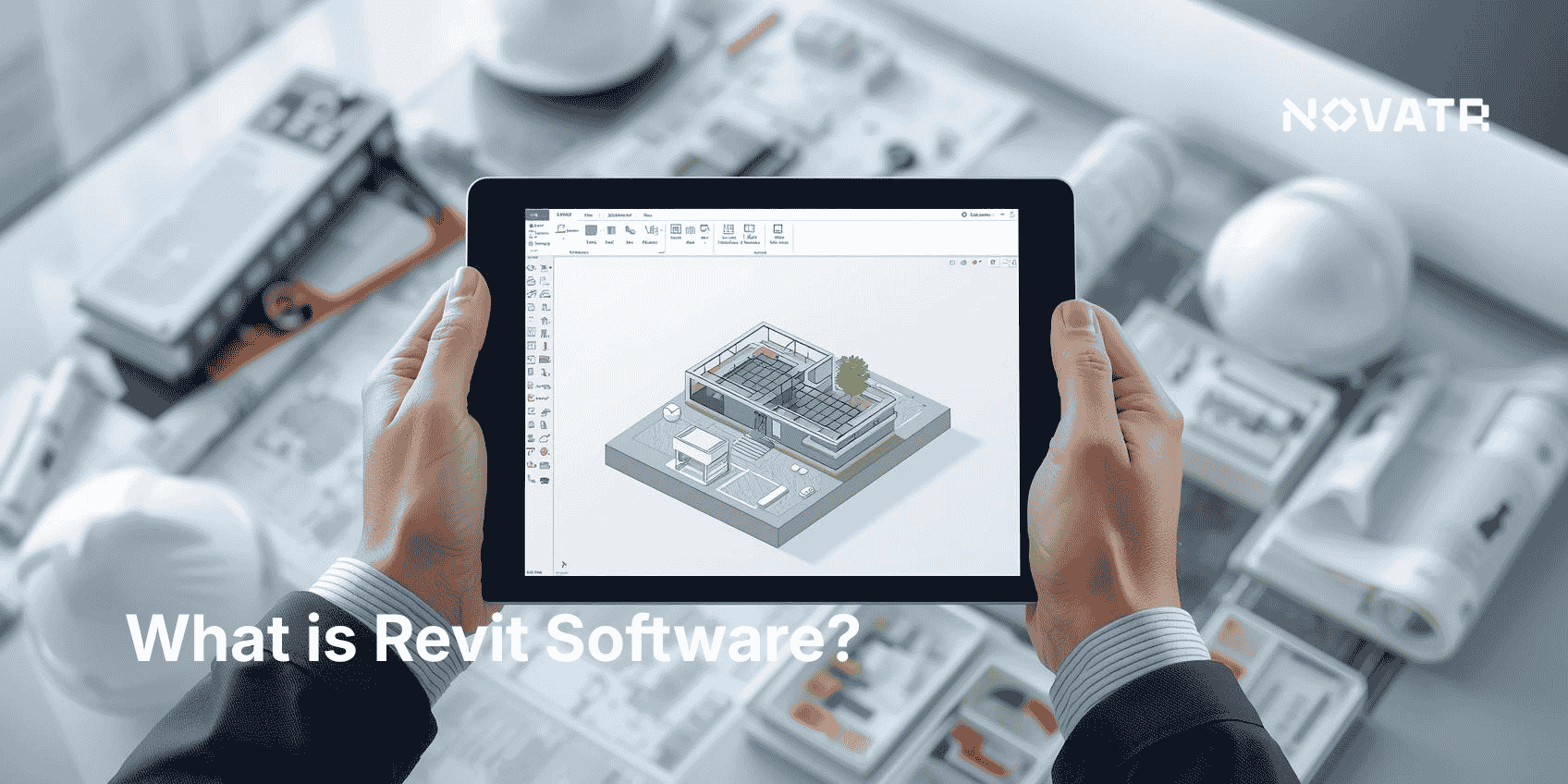

What should you look for in a BIM course as a beginner?
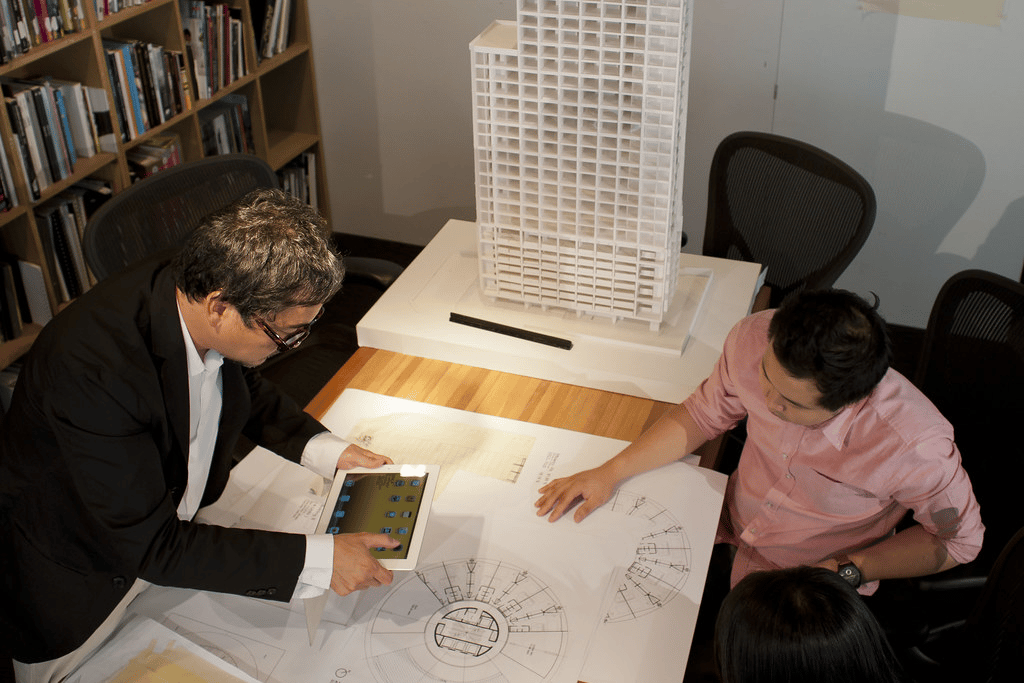
Beginners should evaluate course scope, deliverables, instructor support, and opportunities for applied practice. Look for courses that provide:
-
A clear progression from basics to intermediate BIM knowledge and BIM training in core BIM tools.
-
Modules teaching Revit for architects, combined with real-life case studies.
-
Practice opportunities in learning by doing in BIM, project-based BIM education, or simulation-based BIM training.
-
Instructors experienced in the architecture or construction fields who can bridge theory and real-world workflows.
-
Access to software licenses, templates, and guided assignments for hands-on application.
Start by confirming the availability of BIM courses featuring experiential BIM learning and practical implementation of BIM tools. In a strong course, course listings or syllabi will promise “interactive BIM modules” or “real-world applications of BIM.” Look for those terms. The aim is to ensure you're not just absorbing theory but actively constructing models, coordinating disciplines, and refining BIM design workflows. Beginners benefit when each section opens with a short explanation and closes with a recap and mini-task to reinforce learning.
Why is hands-on learning important in BIM education?
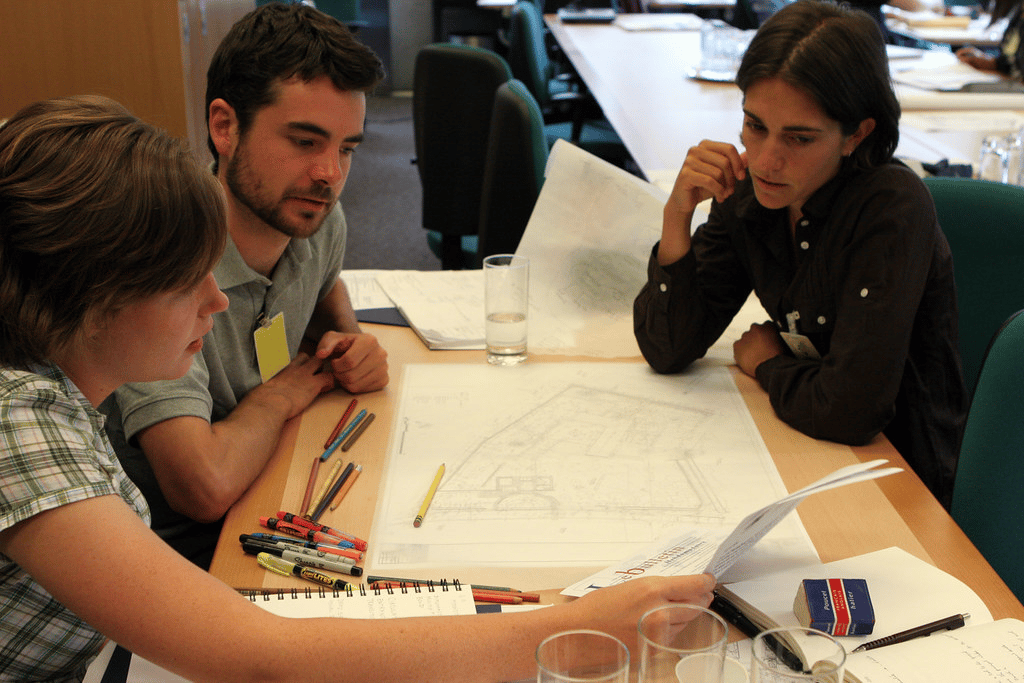
Hands-on learning helps students translate rules and standards into reproducible model outputs:
-
It transforms bim knowledge into practiced bim skills, essential for real design environments.
-
Through learning by doing in BIM, learners internalize how tools like Revit manage geometry, data, and documentation.
-
Simulations and project exercises reveal the interactions of disciplines architecture, structure, MEP, in real-world applications of BIM.
-
Experiential training deepens retention; real tasks embed patterns more durably than lectures.
-
It enables learners to debug models, respond to coordination clashes, manage versioning, and produce construction deliverables.
Hands-on instruction shifts theory into action, strengthening bim skills and providing confidence that theoretical knowledge alone cannot offer.
Do BIM courses include real-world projects or only theory?
Many well-designed BIM courses include actual project work and not just lecture slides, especially those labeled as project-based BIM education or offering simulation-based BIM training. Here’s how course types differ:
|
Course Type |
Description |
|
Theory-only |
Lecture-based; explains BIM concepts, but lacks modelling exercises |
|
Hybrid (Theory + Practice) |
Combines conceptual lessons with guided exercises and mini-projects |
|
Project-focused |
Involves end-to-end modelling of a real or realistic building design |
|
Simulation-based |
Introduces dynamic scenarios (e.g., coordination, revisions, clash tests) |
Top-tier BIM courses for beginners typically fall into the hybrid or project-focused categories. They integrate practical skills in BIM through case studies, e.g., designing a residential floor, coordinating architecture and structure, or creating annotated documentation. This ensures you're working on scenarios that mirror real practice.
How do practical exercises enhance BIM skill development?

Practical exercises convert individual functions into workflows and teach troubleshooting in live contexts. Key mechanisms include:
-
Apply concepts immediately – You learn a function (e.g., wall family creation), then build it yourself.
-
Encounter real challenges – Tools don’t always behave ideally; troubleshooting builds competence.
-
Reinforce workflows – Repetitive tasks (modeling, revisions, coordination) strengthen process understanding.
-
Cultivate problem-solving – Coordinating floors, systems, and annotations hones critical thinking.
-
Replicate industry scenarios – Simulation tasks may mimic RFI changes or scheduling conflicts.
Example: In a module teaching Revit for architects, a student receives a 3D shell, adds walls, doors, windows, assigns phases, and coordinates with MEP fixtures. This learning by doing in BIM instills BIM design workflows, not just abstract usage. The hands-on task becomes a mini-case study in real-world application.
Instructors in strong courses use incremental, scaffolded tasks that build on each other. Start with simple layout modeling, then layer in annotation, schedules, and clash detection. Practical implementation of BIM tools occurs naturally through these sequenced exercises, not as optional add-ons. Each module ends with a reflection: What did you build? What conflicts arose? What did you learn?
Which BIM courses or platforms offer the most hands-on experience?
Look for platforms that explicitly market experiential BIM learning, simulation-based BIM training, or project-based BIM education. Some examples include:
-
Novatr – The BIM Course for Architects by Novatr offers structured, industry-relevant BIM training with guided mentorship and flexible scheduling. Ideal for career-focused BIM upskilling architects. Their project-based modules ensure architects stay updated on evolving industry standards.
-
Autodesk’s own learning platform offers guided Revit projects with downloadable files and step-by-step instructions; modules often mirror real commercial building design.
-
LinkedIn Learning and Udemy provide courses labeled as “Revit architecture practical projects,” combining live screencasts with downloadable exercise files. Many include capstone projects.
-
Coursera, through university partners, offers BIM for architects specializations with team project simulations using real datasets.
-
Professional BIM training providers (e.g., local training centers or online schools) often advertise interactive BIM modules, practical implementation of BIM tools, and real-world applications of BIM. These usually involve guided workshops where learners model common building types from scratch.
Choose based on your needs: an official, tool-centered approach; a flexible, video-based style; or immersive team-project environments. Regardless, ensure the course includes downloadable files and manual tasks to practice BIM tools in an applied context rather than passive viewing.
.png)
.png)
.png)